Before using VJ-1624X/1624WX/1924WX OPERATION MANUAL
70 3.3 Filling ink
3.3.4 Installing the optional High Capacity Ink Pack Adapter (VJ-
1624X only)
Use the optional High-capacity ink pack adapter to use the 1000ml Ink packs on VJ-1624X.
High-capacity ink pack adapters are not compatible with VJ-1624WX/1924WX.
Follow the procedure below to install High-capacity ink pack adapter.
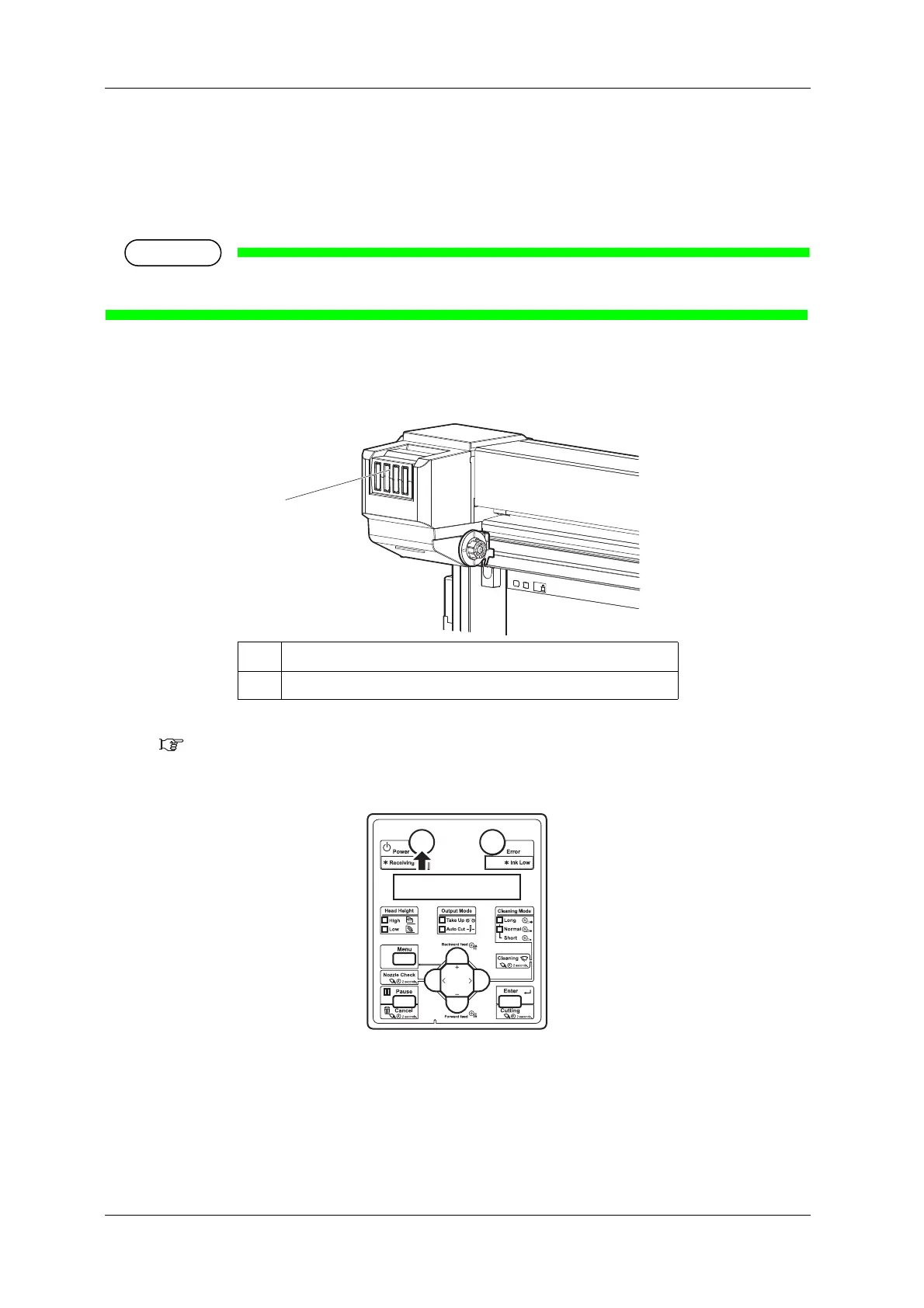
1. Check the angle of Ink cartridge slot to see if the insertion angle of Ink cartridge is horizontal.
• If the insertion angle of Ink cartridge is not horizontal, change the angle.
3.3.3 Changing the angle of Ink cartridge slot
2. Turn the printer ON.
• The printer starts the initializing operation.
• After the initial operation is compete, "Start Ink Charge->ENTER" is displayed on Operation
panel.
No. Name
1 Ink cartridge slot















 To Next Page