Before using VJ-1624X/1624WX/1924WX OPERATION MANUAL
40 3.1 Power cord set connection
3.1 Power cord set connection
This section explains power cord set connection.
• Be sure to use the specified power cord set.
Using a power cord set other than the specified can cause an electric shock or fire.
• Use the power cord set compliant with the safety standards, power-supply voltage,
and plug shape of the country where the printer is used.
• Use a power cord set which is equipped with a protective earth, and securely
connect it to the outlet.
• Do not use a damaged power cord set.
It could lead to an electric shock or fire.
• Pay attention to the following points when handling the power cord set.
• Do not tamper with the power cord set.
• Do not put heavy objects on the power cord set.
• Do not bend, twist or pull the power cord set by force.
• Do not route the power cord set near heating appliances.
Contact your local MUTOH dealer if the power cord set is damaged.
Follow the procedure below to install the power cord set.
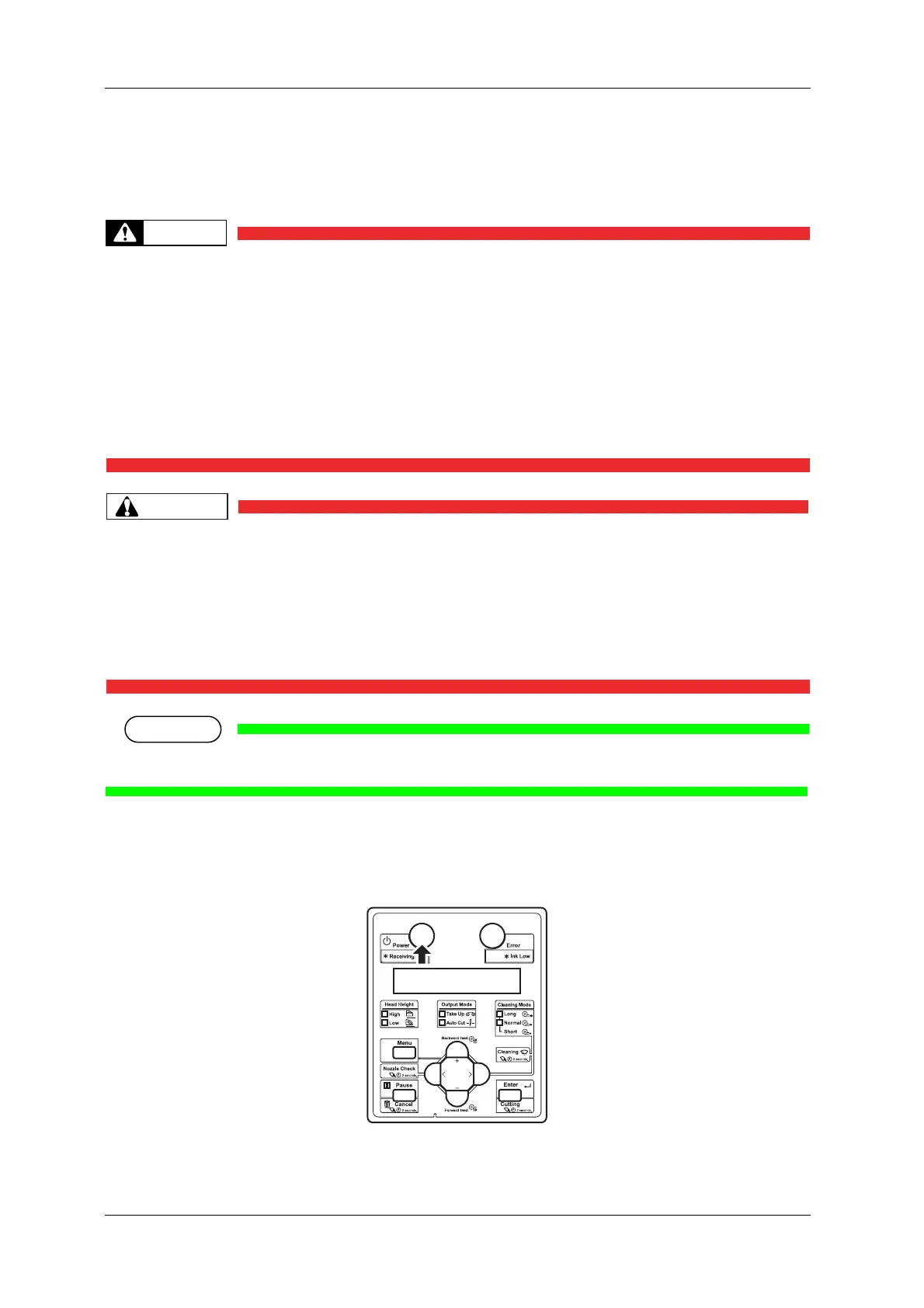
1. Make sure that the printer is turned OFF.















 To Next Page