4 Handling the printer VJ-1624X/1624WX/1924WX OPERATION MANUAL
196 4.4 Operating from Operation panel
4.4.6 Pausing printing
It is possible to pause to print during printing.
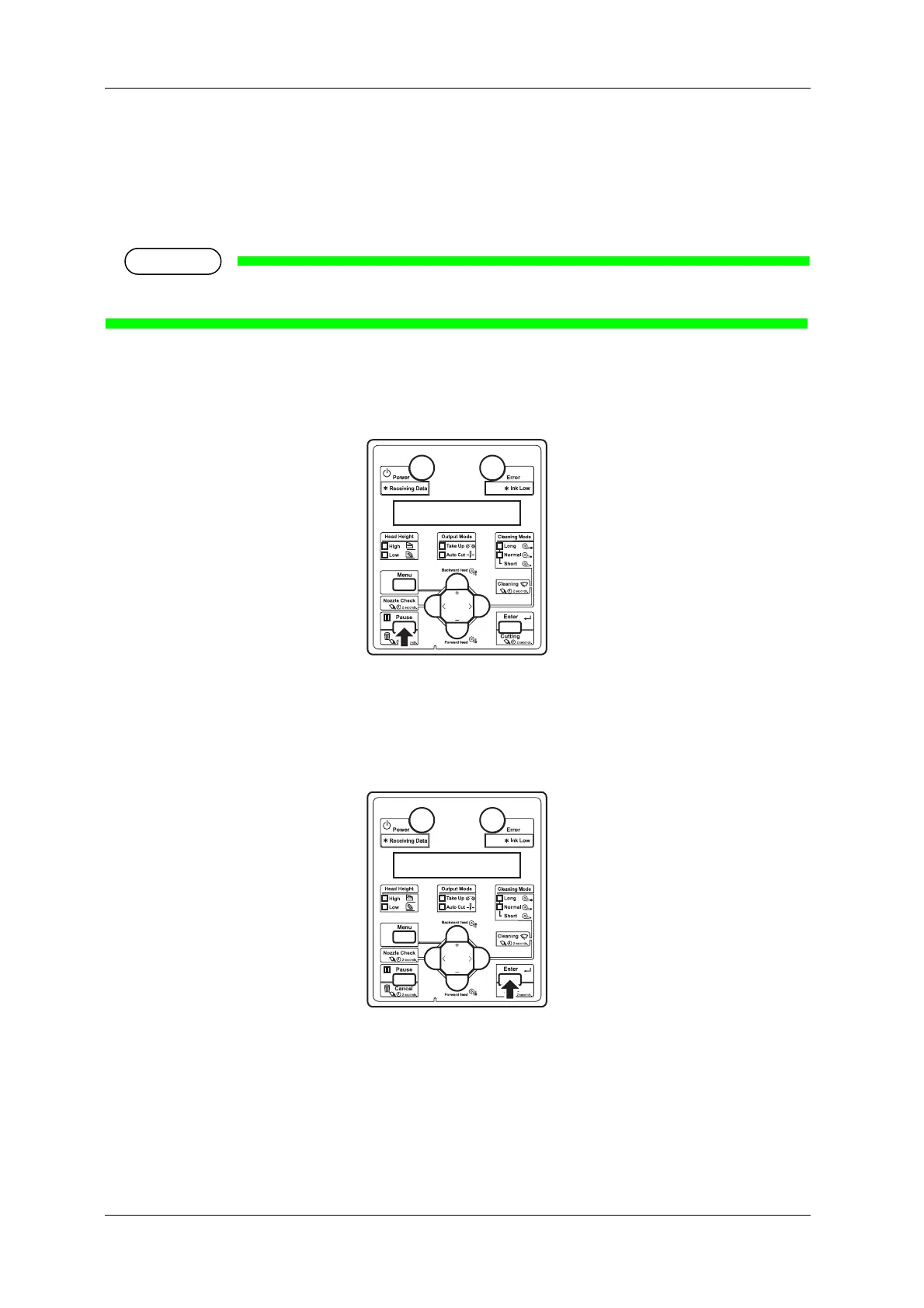
Follow the procedure below to pause or restart printing.
If the printing is paused, the print quality will not be guaranteed.
1. Check that the printer is in operating.
2. Press the [Pause] key on Operation panel.
• The printer pauses printing.
• "PrintRestart -> ENTER" is displayed on the operation panel.
3. To restart printing, press the [Enter] key on Operation panel.
• The printer restarts printing.















 To Next Page