Before using VJ-1624X/1624WX/1924WX OPERATION MANUAL
44 3.2 Turning the power ON/OFF
3.2 Turning the power ON/OFF
This section explains how to turn the printer ON/OFF.
3.2.1 Turning the power ON
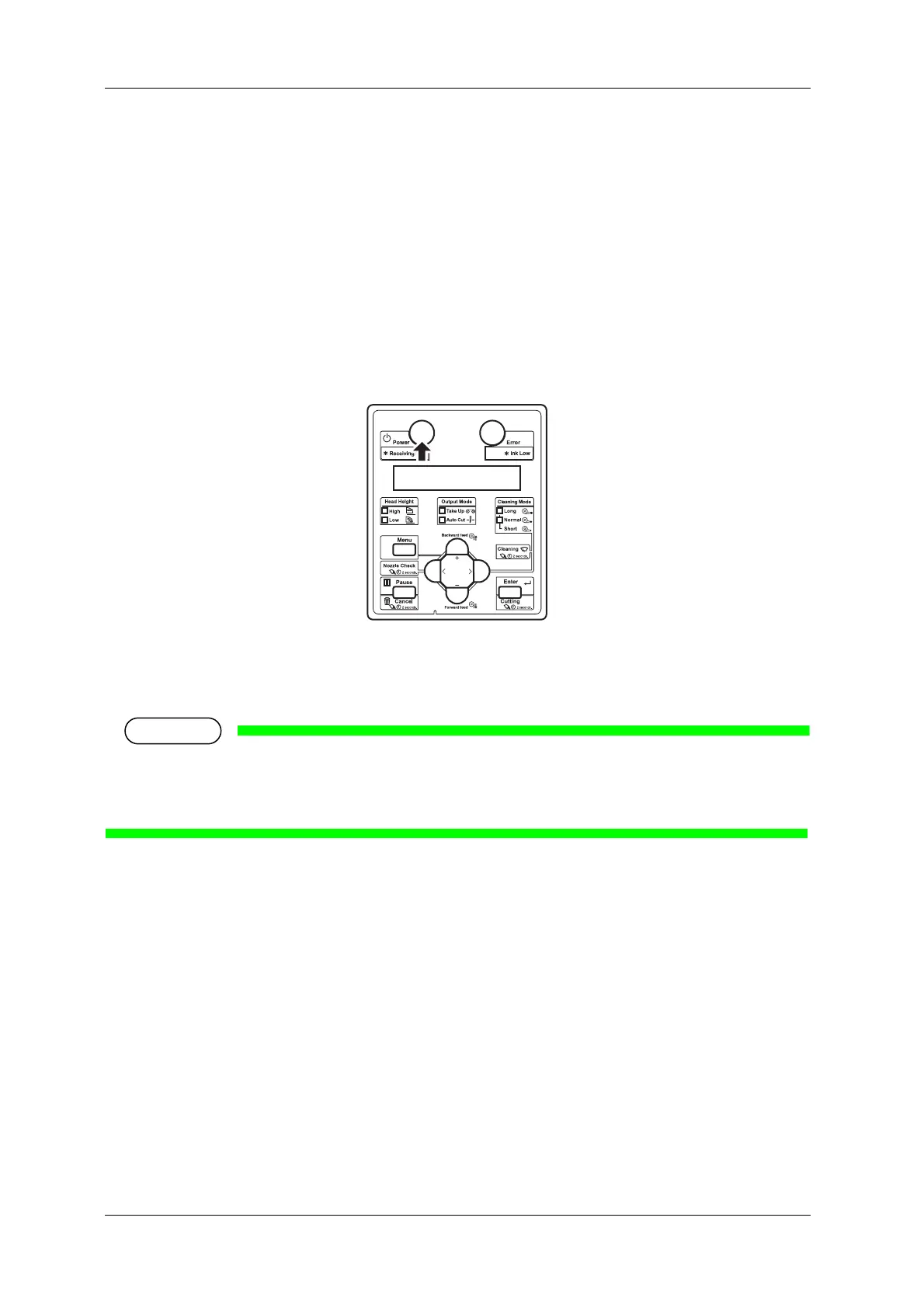
Follow the procedure below to turn the power ON.
1. Press the [Power] key on Operation panel to turn ON the printer.
• The Power lamp on Operation panel lights up in blue.
• The printer starts the initial operation.
• When the initial operation is complete, the printer enters Normal.
If there is a problem during the initial operation, a message is displayed on Operation panel and the
printer may stop operating.
If operation stops, refer to 7 Troubleshooting and deal with the problem.















 To Next Page