VJ-1624X/1624WX/1924WX OPERATION MANUAL 4 Handling the printer
4.4 Operating from Operation panel 197
4.4.7 Starting printing during warming up (VJ-1624X only)
You can start printing while the printer is warming up, even though the heater temperature has not
reached the set temperature.
• Even when you start printing during warming up, warming up continues until the remperature
reaches the set temperature.
• If you start printing during warming up, print quality will not be guaranteed.
1. Confirm that the printer is warming up.
• "Warming Up" is displayed on Operation panel.
2. Print data will be sent.
• "Warming Up" and "Skip ->E" is displayed on Operation panel.
• While "Warming Up" is displayed, do not touch Platen and Media guide.
You could burn yourself.
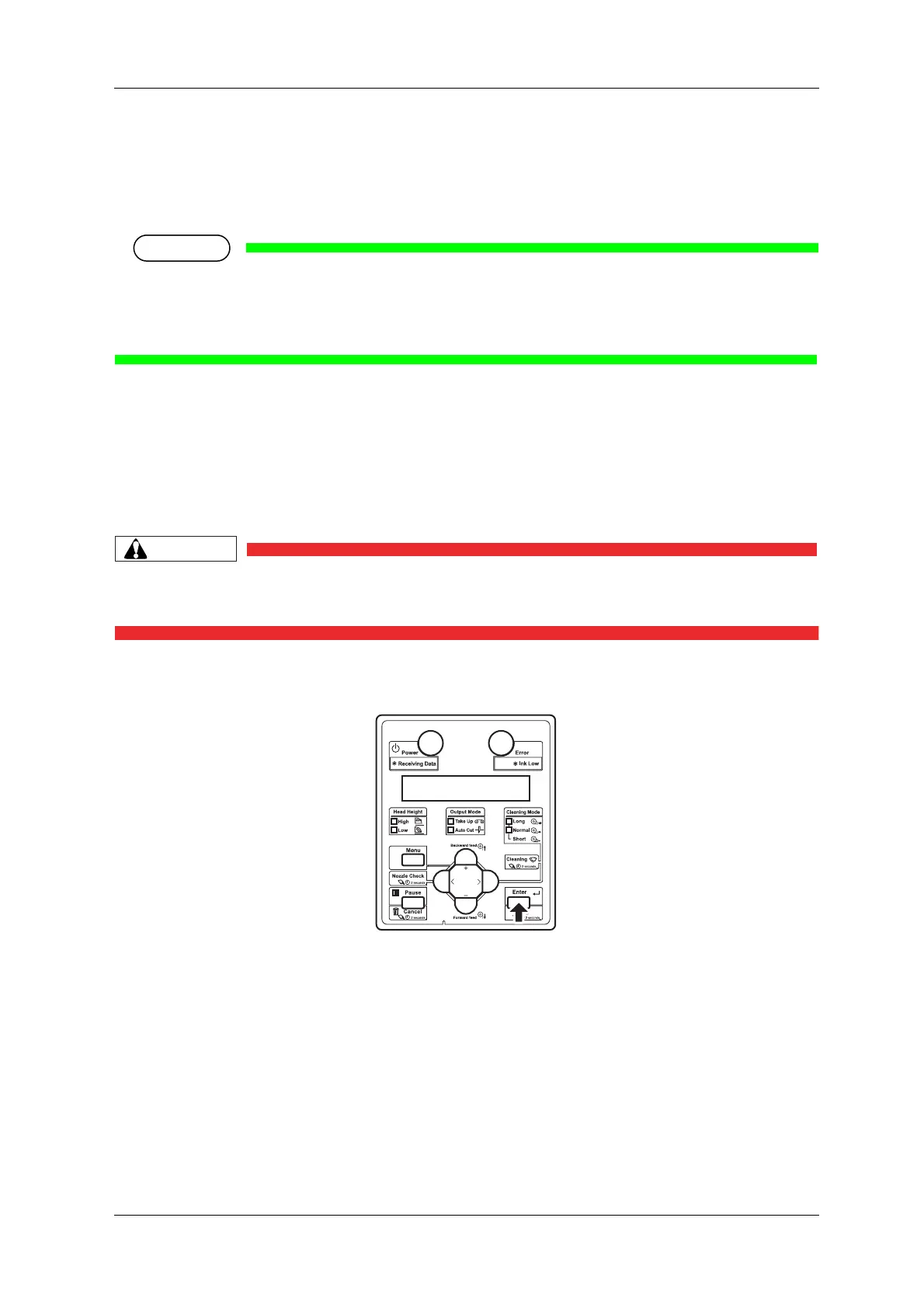
3. To start printing during warming up, press the [Enter] key on Operation panel.
• The printer starts printing.






 To Next Page