VJ-1624X/1624WX/1924WX OPERATION MANUAL 6 Maintenance
6.1 Replacing consumable components 285
6.1.4 Replacing Cutter
This section describes when and how to replace Cutter.
(1) Replacement time
Replace Cutter when the following situation occurs.
a. When the media is not cut smoothly
b. When the cut surface is feathered, etc
(2) Type
Our genuine Cutter that is compatible with the printer is as follows.
(3) Replacing steps
Follow the procedure below to replace Cutter.
The illustrations used in this section are those of VJ-1624X.
1. Check the followings while the printer is turned ON
• Printing or other operations are not in progress.
• Operation panel display is Normal.
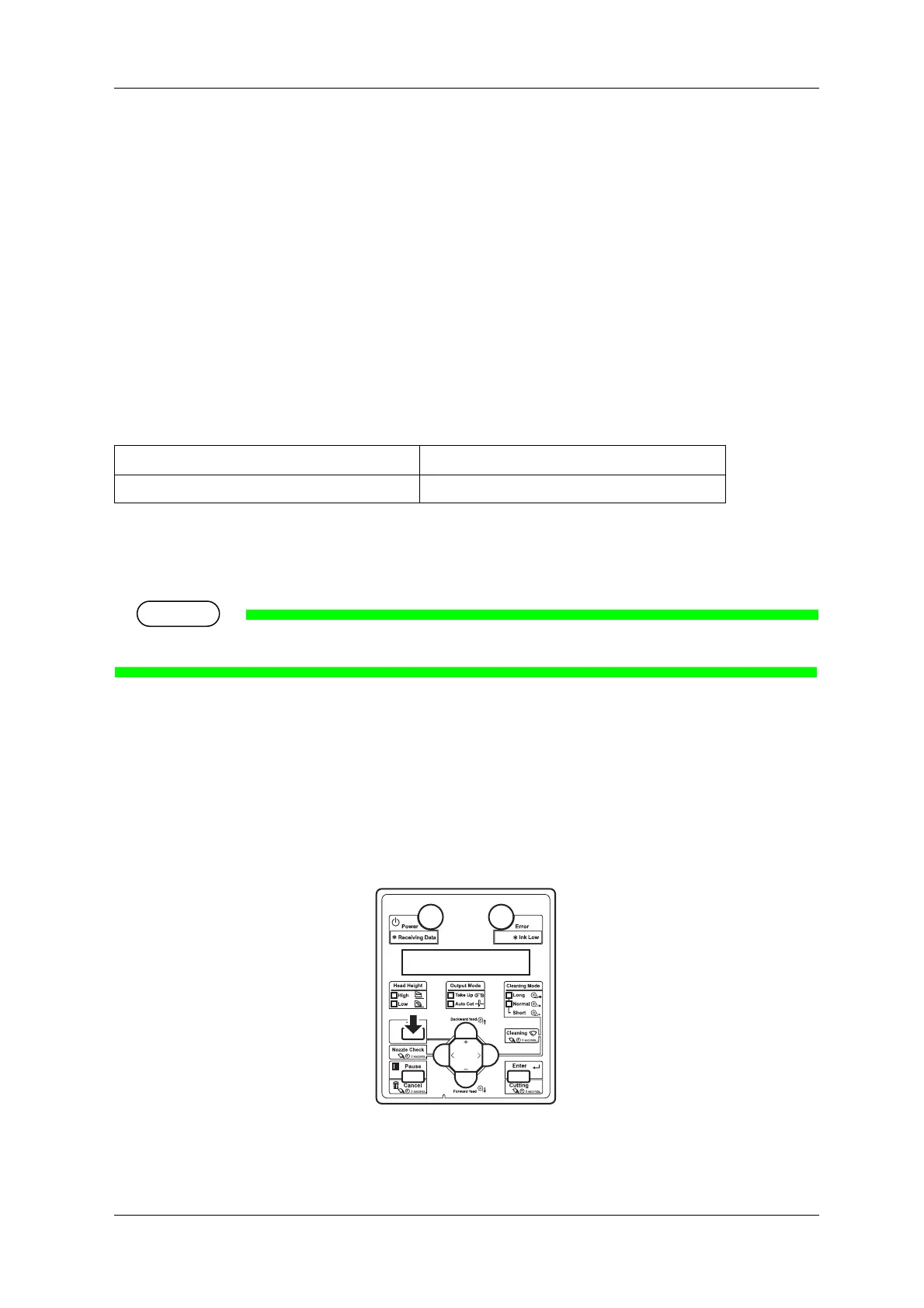
2. Display the CR Maintenance menu on Operation panel.
a. Press the [Menu] key on Operation panel.
• "Menu1: Setup>" is displayed on Operation panel.
• Operation panel shifts to the Setup menu display.
Description Model No.
Cutter replacement blade VJ-CB















 To Next Page