Before using VJ-1624X/1624WX/1924WX OPERATION MANUAL
60 3.3 Filling ink
3.3.2 When using 440ml Ink cartridges (VJ-1624X only)
440ml Ink cartridges are not compatible with VJ-1624WX/1924WX.
Follow the procedure below to install Ink cartridges.
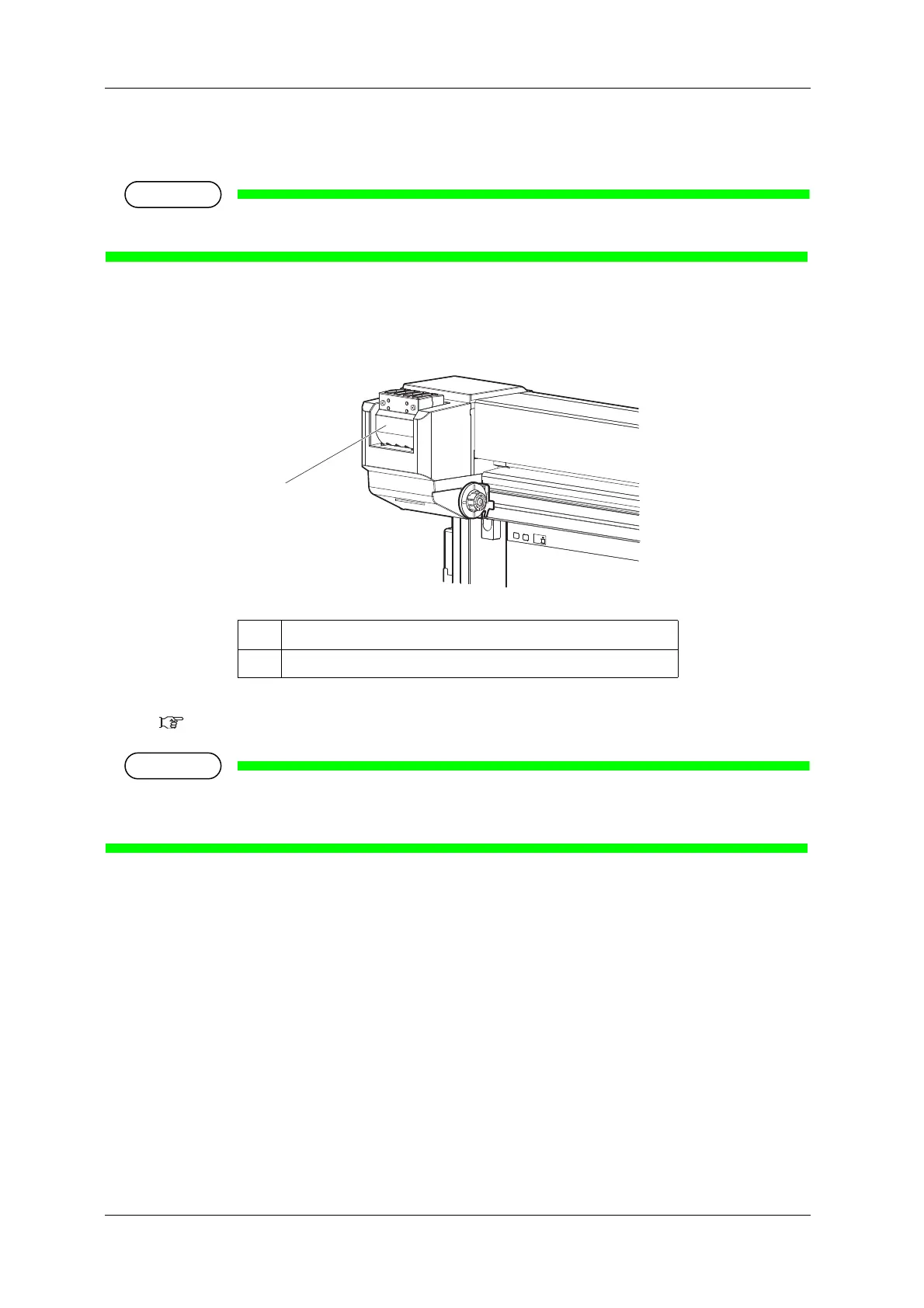
1. Check the angle of Ink cartridge slot to see if the insertion angle of Ink cartridge is vertical.
• If the insertion angle of Ink cartridge is not vertical, change the angle.
3.3.3 Changing the angle of Ink cartridge slot
Make sure that the insertion angle of the 440ml cartridge is vertical. If the cartridge is inserted
obliquely, the cartridge may fall over.
No. Name
1 Ink cartridge slot















 To Next Page