VJ-1624X/1624WX/1924WX OPERATION MANUAL Before using
3.3 Filling ink 49
3.3.1 When using 220ml Ink cartridges
Follow the procedure below to install the 220ml Ink cartridges.
The procedures differ between VJ-1624X and VJ-1624WX/1924WX. Check your printer model
name and follow the correct procedure.
The 220ml cartridges can be inserted horizontally or vertically.
This section describes the case of horizontal insertion angle only. Refer to "3.3.2 When using 440ml Ink cartridges (VJ-
1624X only)" for the case of vertical insertion.
3.3.2 When using 440ml Ink cartridges (VJ-1624X only)
3.3.1.1 For VJ-1624X
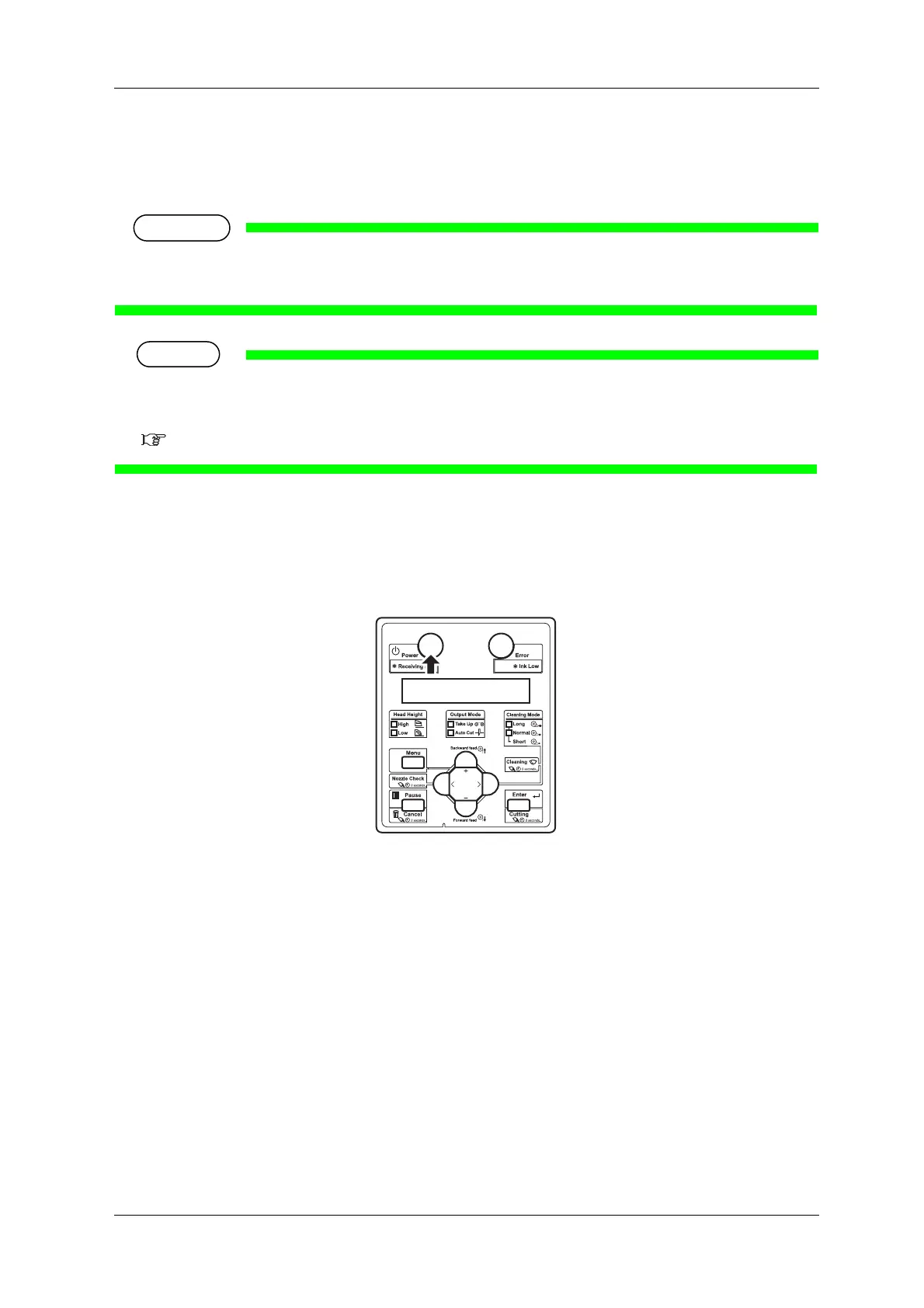
1. Turn the printer ON.
• The printer starts the initializing operation.
• After the initial operation is compete, "Start Ink Charge->ENTER" is displayed on Operation
panel.















 To Next Page