5 Panel setup menu VJ-1624X/1624WX/1924WX OPERATION MANUAL
252 5.1 Setup menu
5.1.26 Header Dump menu
This function is to specify whether to print the following information (dump data) of print data.
• Data Header
• Number of Dot in Data (Printed only when the header dump setting is "On".)
• Printer Serial Number
• Firmware Version
• Data size
• Data receiving time
• The dump data will be used as a reference material to receive technical supports.
• When a print is executed in connection with computer, the setting of RIP software will be printed
in the "Data Header".
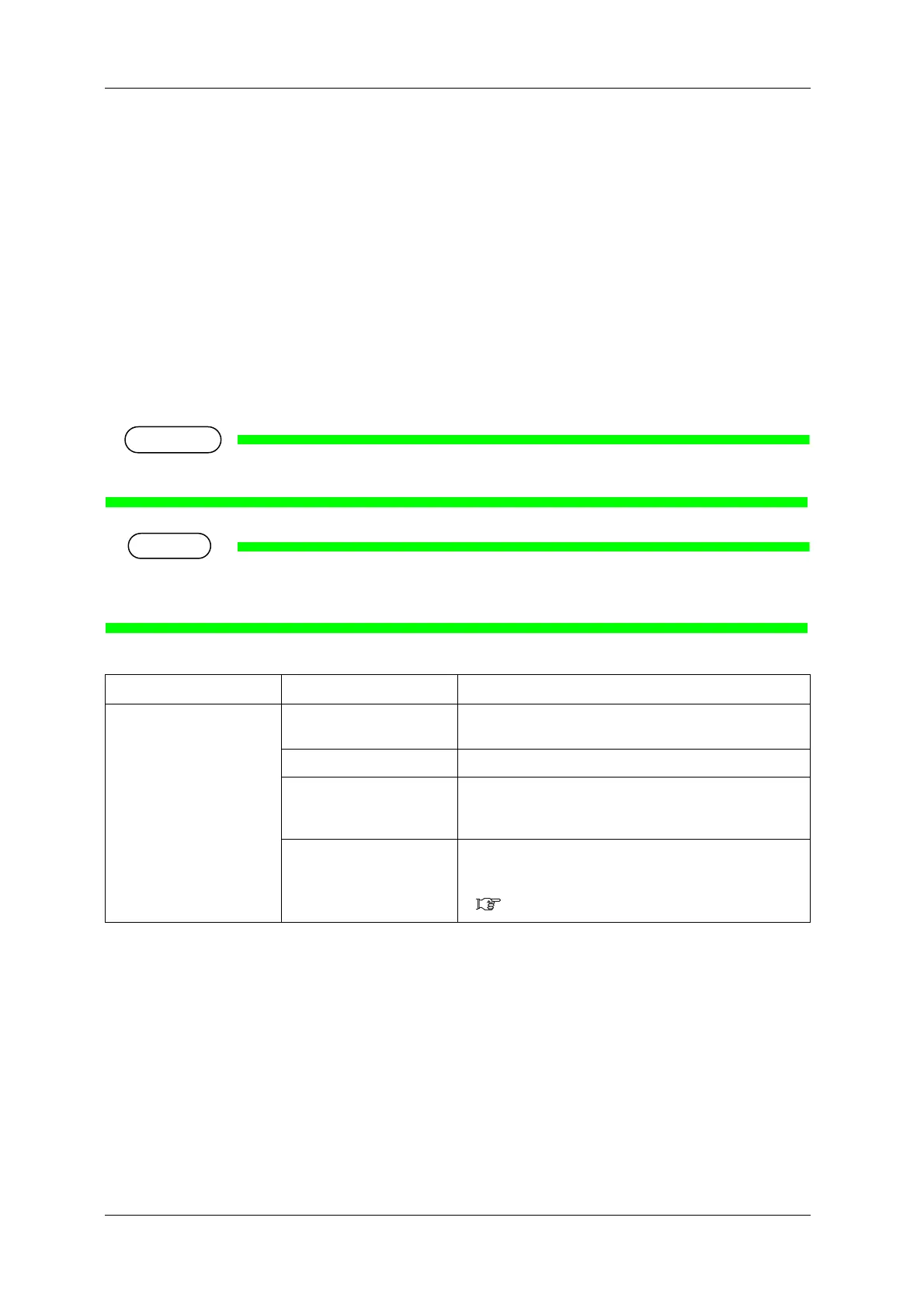
Setup Item Set Value Description
Header Dump <Off> • Only a print data will be printed.
• Damp data will not be printed.
On After printing of print data, the dump data will be printed.
Dump • Only a dump data will be printed, but the "Number of Dot
in Data" will not be printed.
• Print data will not be printed.
— • [Enter] key: saves the setting and shifts to the next menu.
• [Cancel] Key: Save the set value, and return to the previous
menu.
5.1 Setup menu















 To Next Page