VJ-1624X/1624WX/1924WX OPERATION MANUAL Before using
3.3 Filling ink 71
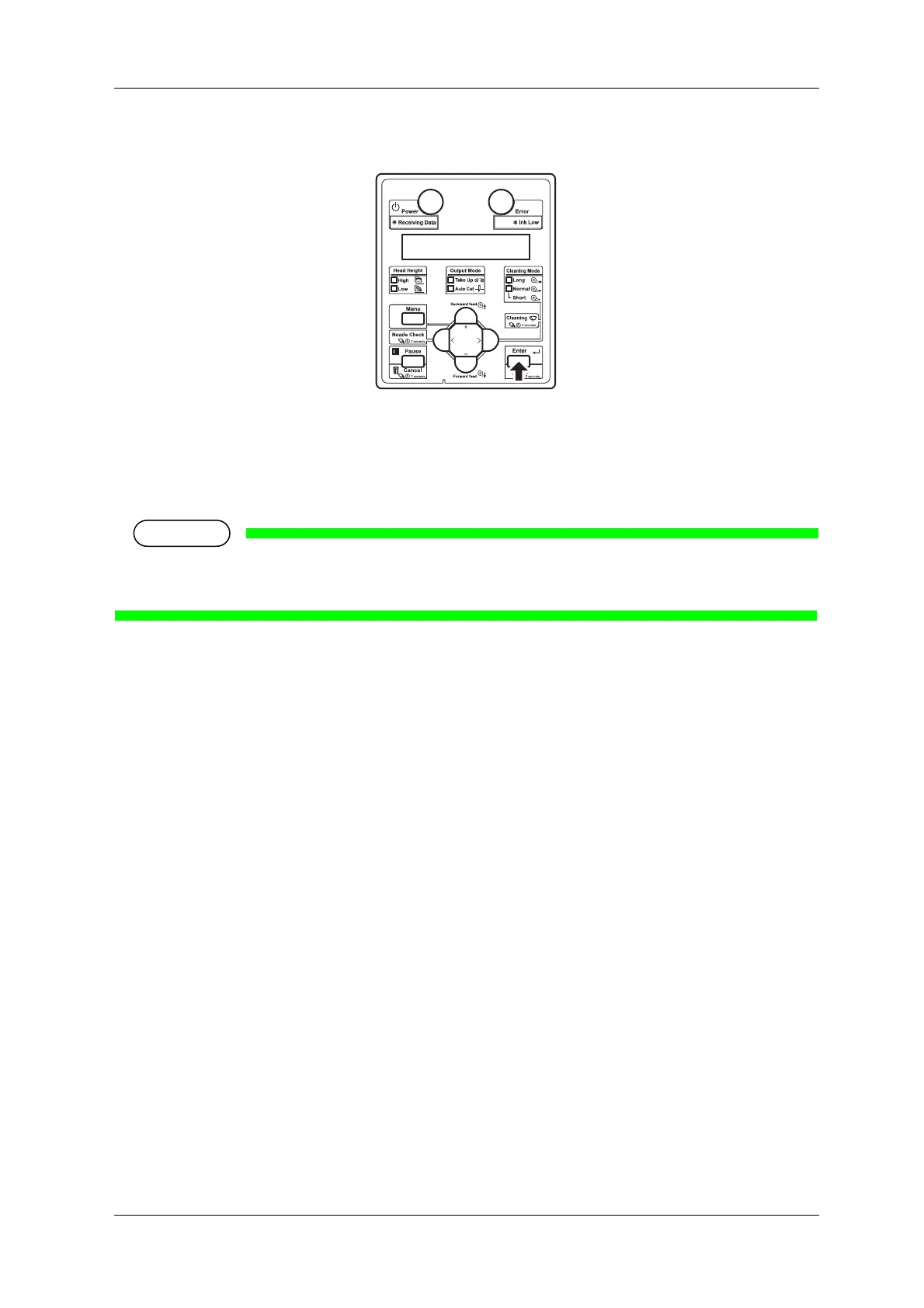
3. Press the [Enter] key on Operation panel.
• "Insert CleaningCart." is displayed on Operation panel.
4. Take out Cleaning fluid pack from the bag.
5. Install Cleaning fluid pack and IC chip card to High-capacity ink pack adapter.
To install or remove High-capacity ink pack adapter to/from Cleaning fluid pack and IC chip card,
refer to the operation manual included with High-capacity ink pack adapter.















 To Next Page