VJ-1624X/1624WX/1924WX OPERATION MANUAL 6 Maintenance
6.1 Replacing consumable components 287
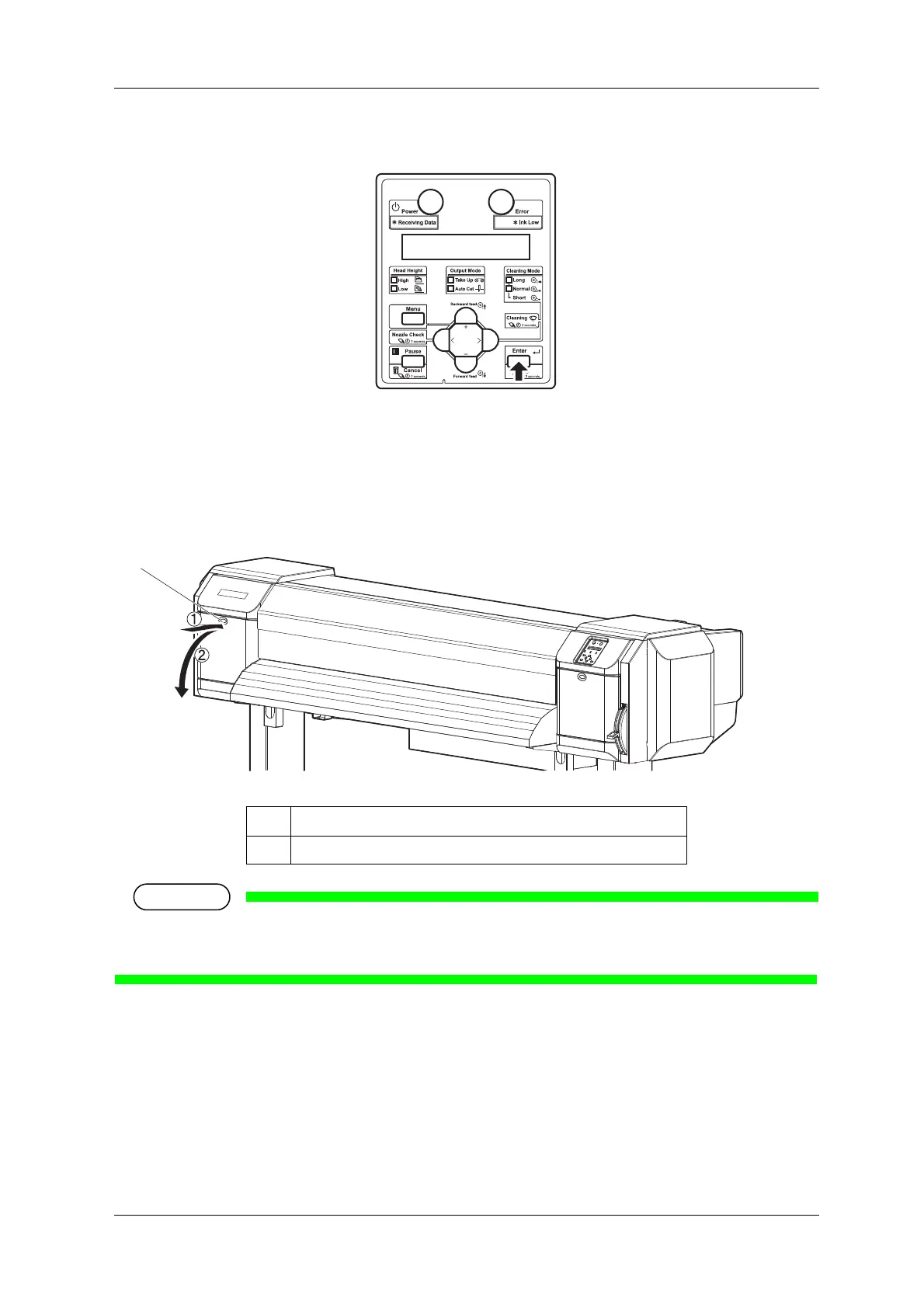
3. Press the [Enter] key on Operation panel.
• Maintenance starts.
• Print head moves to the left of the printer (cutter replacement position).
• "CR Mainte.: End" is displayed on Operation panel.
4. Open Maintenance cover on the left of the printer.
Replace Cutter in a short time.
Leaving Print head at the cutter replacement position may result in clogging of Print head.
No. Name
1 Maintenance cover















 To Next Page