VJ-1624X/1624WX/1924WX OPERATION MANUAL 7 Troubleshooting
7.1 Malfunctions and failures 331
(3) Printing is blurred
(4) White or black lines appear on printed media
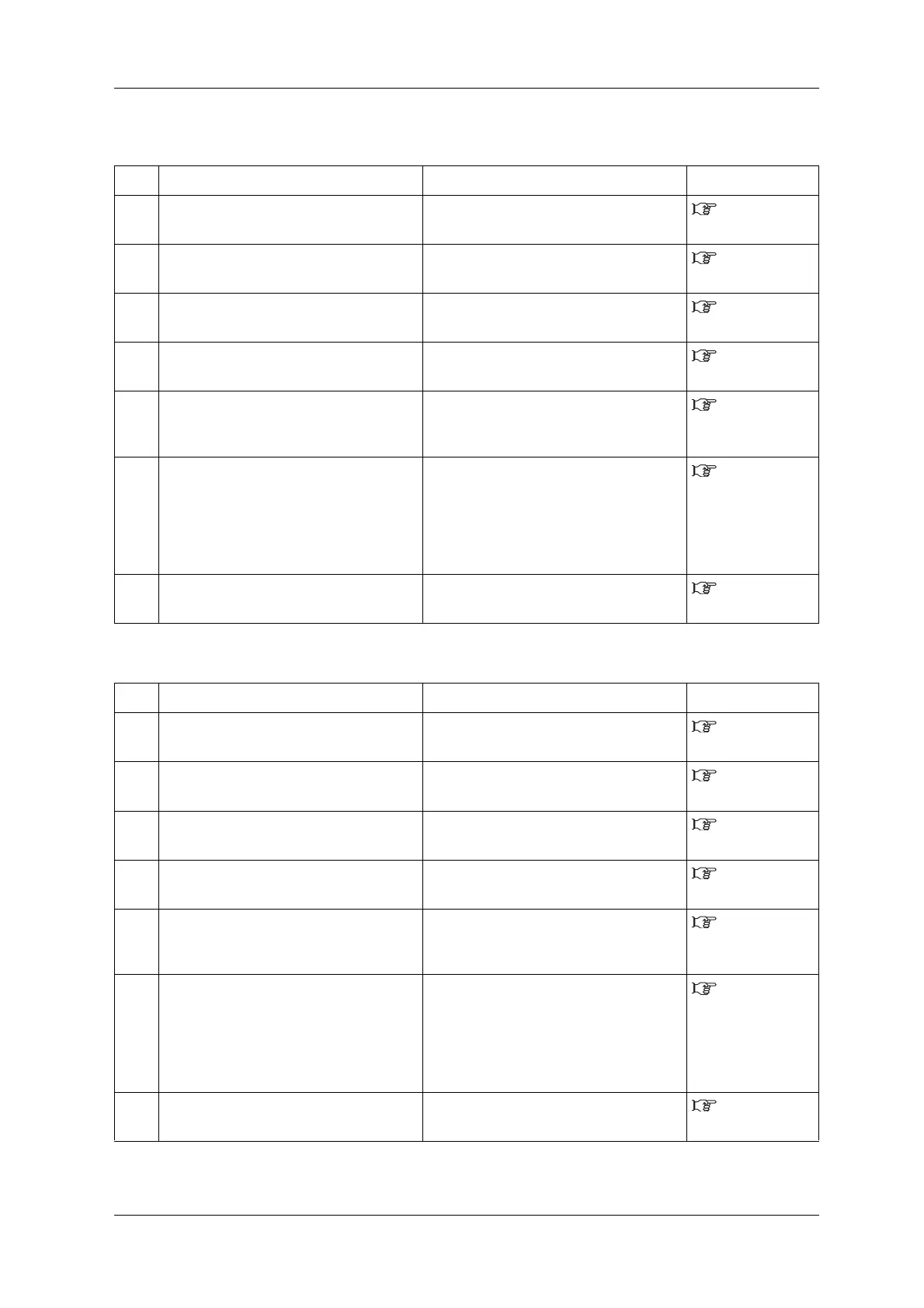
No. Possible cause Remedy Reference
1 Are you using the recommended media? Use the recommended media.
4.2.1 Media
type
2 Are you using the thick or thin media? Use the recommended media.
4.2.1 Media
type
3 Is the media printed on the printing surface? Confirm the printing surface of the media and
set it correctly.
3.4 Loading
media
4 Did you perform Micro adjust print? Perform Adjust print.
3.6 Print
quality adjustment
5 Did you perform Media feed compensation? Perform Media feed compensation.
4.2.6 Media
feed
compensation
6 Is the temperature setting of each heater
appropriate?
(VJ-1624X only)
Set the temperature appropriately.
5.1.1.1.4 Pre-
heater menu (VJ-
1624X only) to
5.1.1.1.6 Dryer
menu (VJ-1624X
only)
7 Is the head height set to "High" or "Mid"? Return the head height to "Low".
4.2.5 Head
height adjustment
No. Possible cause Remedy Reference
1 Are you using the recommended media? Use the recommended media.
4.2.1 Media
type
2 Is the roll media loaded correctly? Load the roll media correctly.
3.4.1 Loading
roll media
3 Are Nozzles in good condition? Perform Head cleaning.
6.2.3 Head
cleaning
4 Did you perform Micro adjust print? Perform Adjust print.
3.6 Print
quality adjustment
5 Did you perform Media feed compensation? Perform Media feed compensation.
4.2.6 Media
feed
compensation
6 Is the temperature setting of each heater
appropriate?
(VJ-1624X only)
Set the temperature appropriately.
5.1.1.1.4 Pre-
heater menu (VJ-
1624X only) to
5.1.1.1.6 Dryer
menu (VJ-1624X
only)
7 Is the head height set to "High" or "Mid"? Return the head height to "Low".
4.2.5 Head
height adjustment















 To Next Page