31
Digitax SF Instruction Manual
Tuning
7
7. Tuning
3. Tuning Parameters
3. Tuning Parameters
Function
Increasing this parameter value will reduce the position error during command
input�
Increasing the parameter value provides faster command response; however, too large a
value may result in noise�
Parameter
116.0
Default: 200 [rad/s]
Setting range: 80–5,000
Remark
Set a value larger than the value of Control Gain 1 (115�0)�
To reduce position
errors after the command becomes zero, increase the
value of
Control Gain 1 (115�0)�
The tuning parameters such as the Control gain 1 will be changed to the group of the
preset value depending on changing the following parameters�
• Control gain set(113�0)
• Inertia conditions(113�1)
• Control level(114�0)
Tuning Tip
Use this parameter when the load inertia or the load uctuation is large�
The responsiveness will be improved and the movement will be smoother�
Noise Solutions
① Use Torque command lter: Notch lter
(such as 160�1)�
② Lower Torque command lter: Low-pass lter constant (162�0)�
③ Lower Integral gain (119�0)�
When no improvement has been seen if these ① , ② , and ③ method had been performed,
please decrease the 116�0 value�
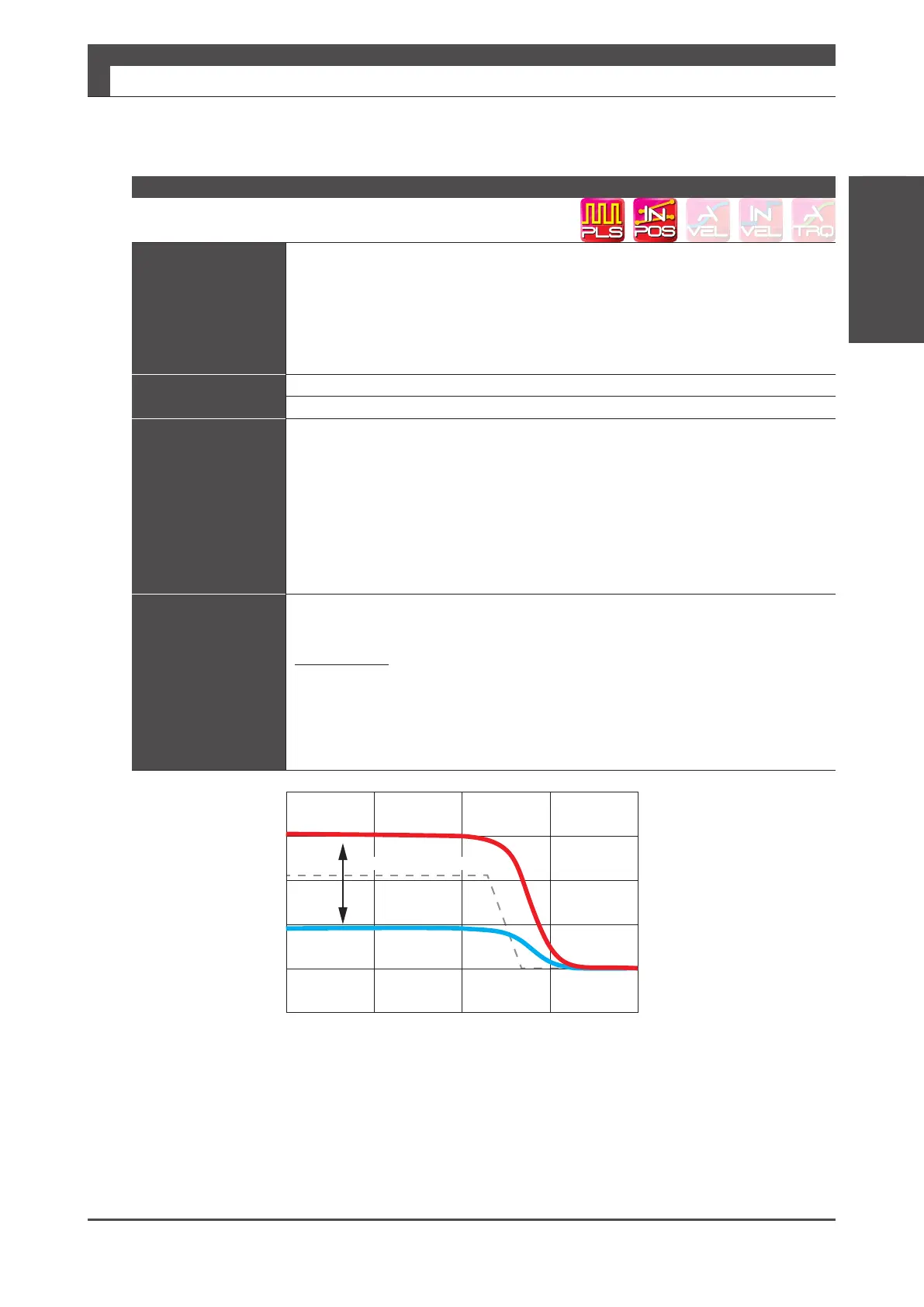
Differences in Position error
Convergence
Position Control Mode: Control Gain 2
Velocity command value
Position
error
High
Low



 To Next Page
 Loading...

