38
Digitax SF Instruction Manual
7. Tuning
3. Tuning Parameters
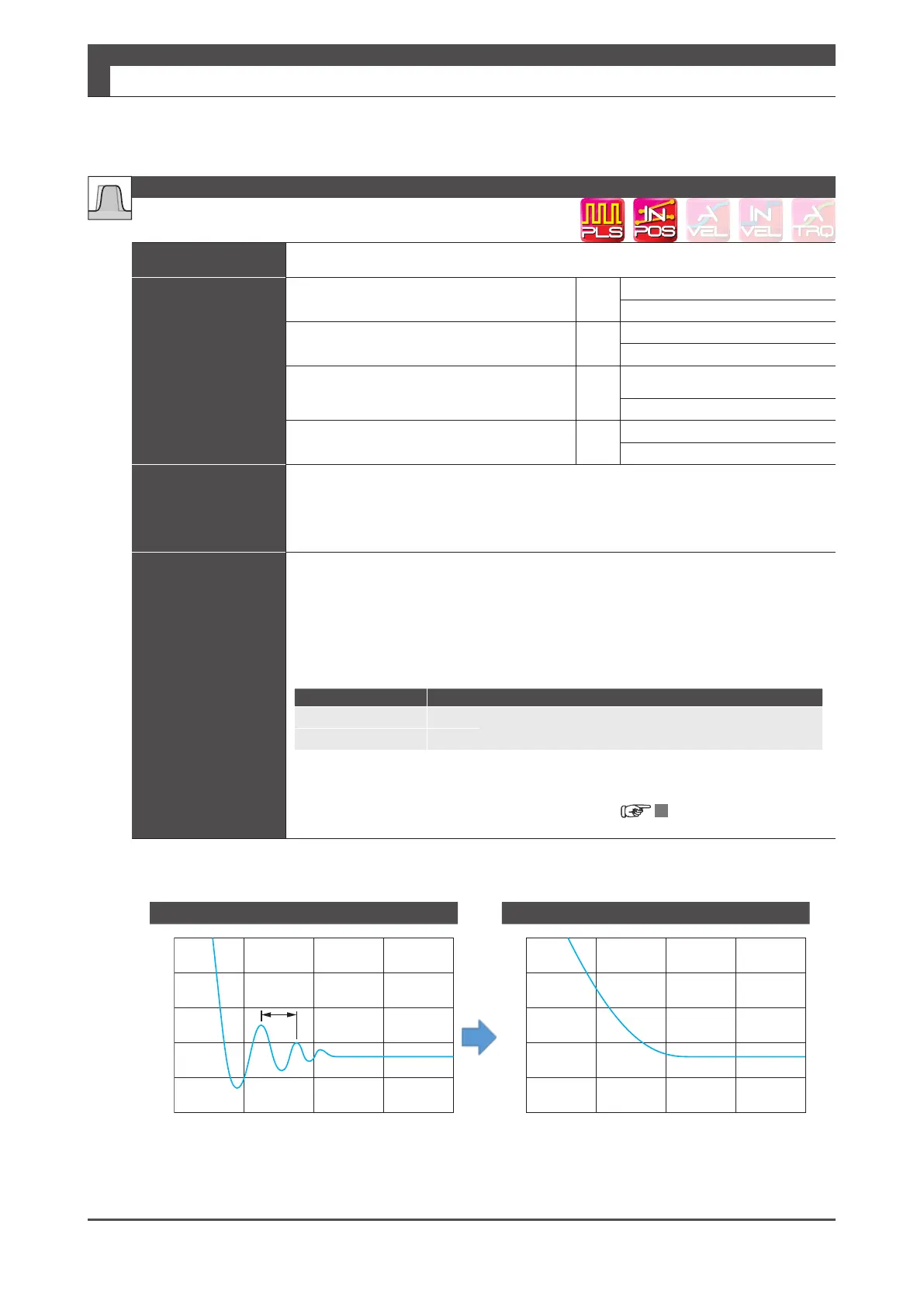
Function The smoothing lters smooth the position command and suppress vibrations�
Parameter
Position command lter 1: Type Select
66�0
Default:
0
Setting range:
0–3
Position command lter 4: Switch Select
66�1
Default:
1
Setting range:
0–1
Position command lter 1:
Smoothing 1 -Moving average counter
80�0
Default:
25 (
less than
750 W)
20 (
over
1 kW )
Setting range:
1–6,250
Position command lter 4:
Smoothing 2 -Moving average counter
81�0
Default:
10
Setting range:
1–1,250
Remark
Before setting any of the parameters, wait for at least 3 secs after the motor stops and
then set it while the command pulse is not being input�
Changing the parameter setting during pulse input or with presence of residual pulse
could cause shift in position� The larger setting will result in longer command time delay�
Tuning Tip
・
Set Position command lter 1: Type (66�0) and Position command lter 4: Switch (66�1)
to “1”�
(*)
・
Measure the vibration frequency on the torque command waveform or position error ,
and set Position command lter 1 (and 4): Smoothing 1 (and 2) -Moving average count
(80�0 (and 81�0) to the value derived from the vibration frequency�
Calculation formula:
Motor Output Capacity Moving Average Count Derived from Vibration Frequency
50 W to 750 W 6,250
×(vibration frequency[s]) = parameter value
1 kW to 2 kW 5,000
In the example below, when the vibration frequency is 39 ms, the average count = 6,250
x 0�039 = 242; the delay time will be 39 ms�
5 Setting List of Parameters
Example: 50 W to 750 W
Before After
39ms
Eect of Smoothing Filter
Position Command Smoothing Filters 1 and 2
Position
error






 To Next Page