6 Select preset d-O.
Ifthe new value for preset
white
balance will be used
immediately, select preset
d-O
by pressing the
WB
button
and
rotating the sub-command dial until
d-O
is
displayed in the
control panel.
~
Direct Measurement
Mode
If
no operations are
performed
while
the
displays are flashing,
direct
measurement
mode
will end in
the
time
selected for Custom Setting
c2
(Auto
meter-off
delay, 0 273).
Pal
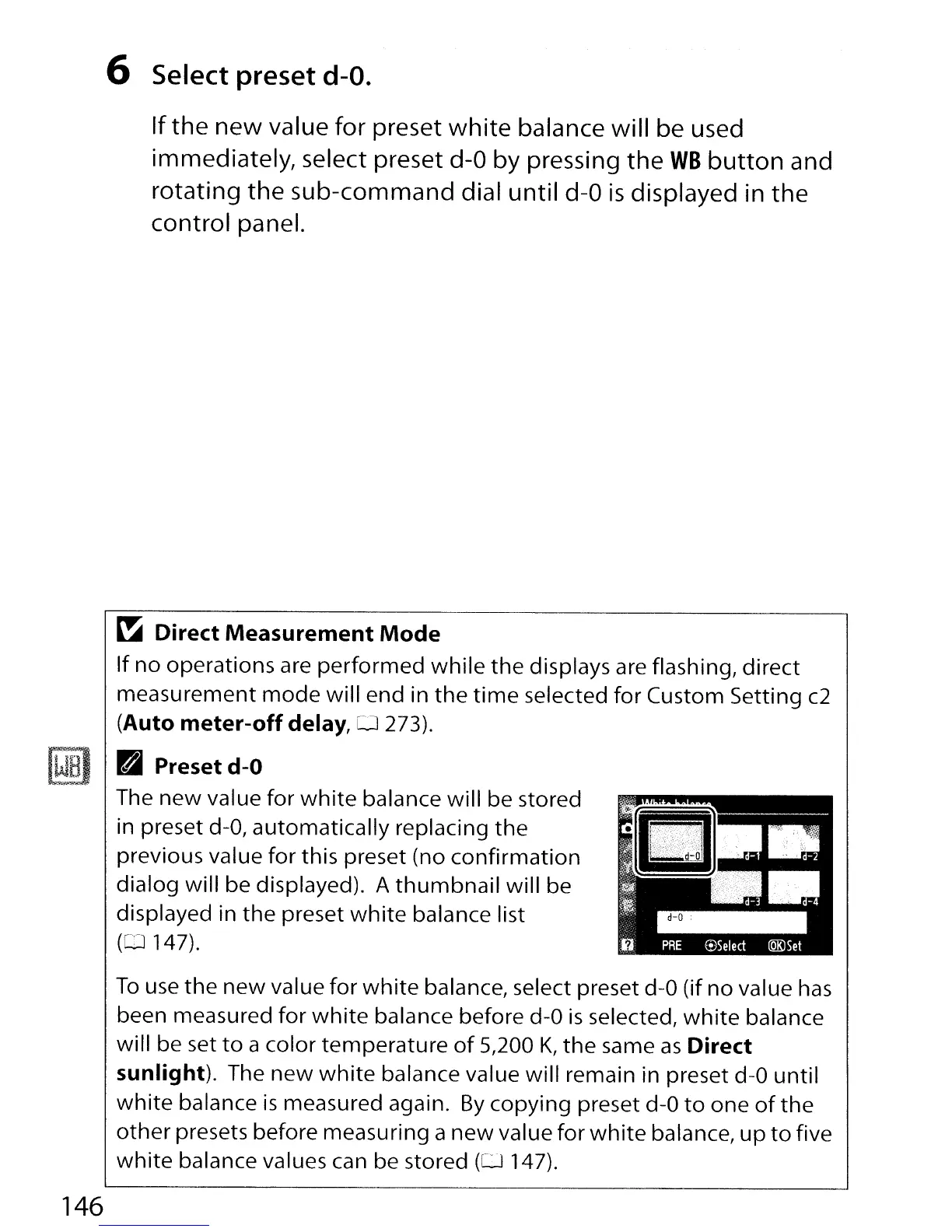
Preset
d-O
The
new
value for
white
balance will be stored
in preset
d-O,
automatically replacing
the
previous value
for
this preset (no
confirmation
dialog will be displayed). A
thumbnail
will be
displayed in
the
preset
white
balance list
(CD
147).
To
use
the
new
value for
white
balance, select preset
d-O
(if no value
has
been measured
for
white
balance before
d-O
is
selected,
white
balance
will be set
to
a color temperature
of
5,200
K,
the
same
as
Direct
sunlight).
The
new
white
balance value will remain in preset
d-O
until
white
balance
is
measured again.
By
copying preset
d-O
to
one
of
the
other
presets before measuring a
new
value for
white
balance,
up
to
five
white
balance values can be stored
(0
147).
146



 To Next Page