Creating Retouched Copies
To
create a retouched copy:
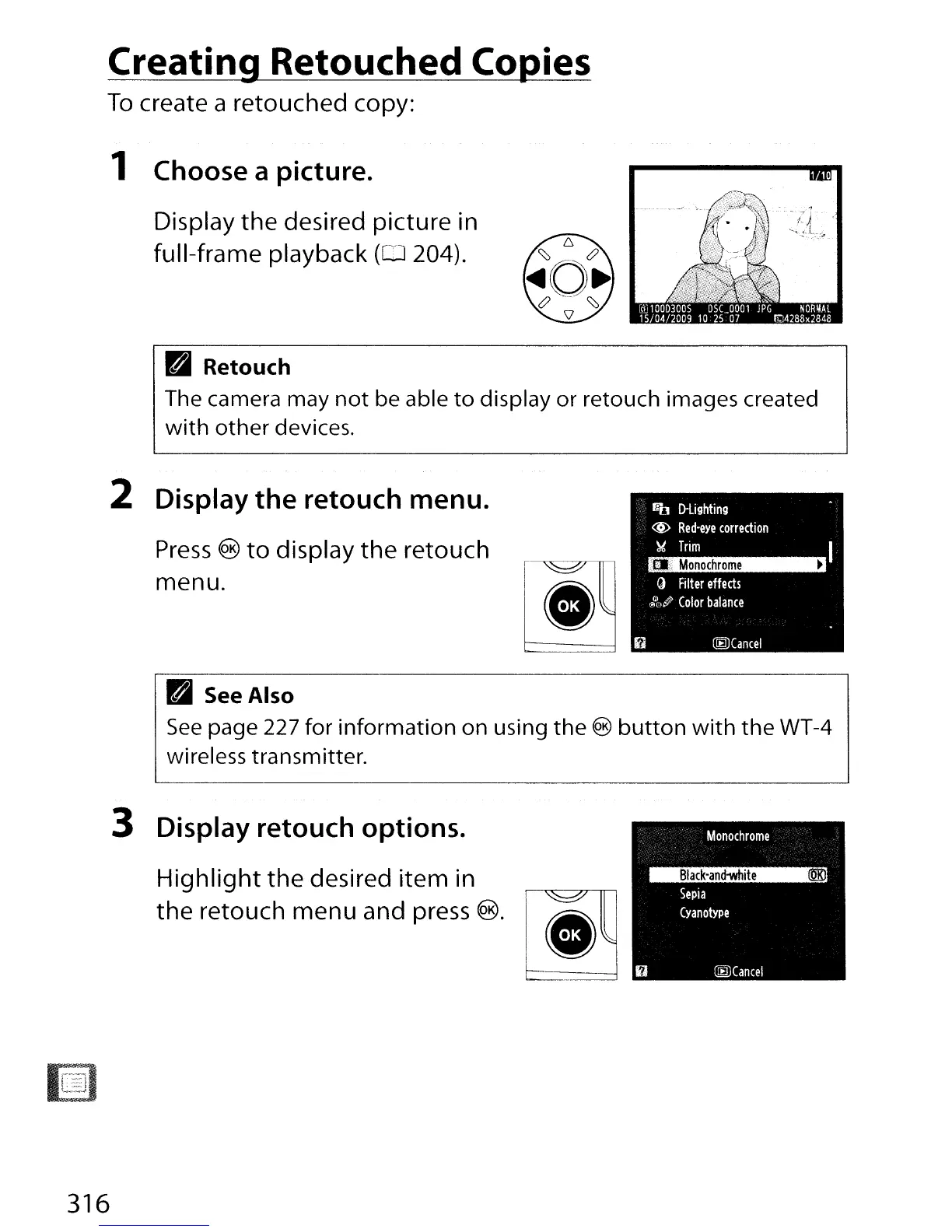
1 Choose a picture.
Display the desired picture in
full-frame playback
(0
204).
Pal
Retouch
The camera may
not
be able
to
display or retouch images created
with
other
devices.
2 Display the retouch menu.
Press
®
to
display the retouch
menu.
fro
D-Ughting
@
Red-eye
correction
~
Trim
fa
Monochrome
•
C)
Filter
effects
@'1,#
Color
balance
~Cancel
Pal
See Also
See
page 227 for information on using
the
®
button
with
the
WT-4
wireless transmitter.
3 Display retouch options.
Highlight
the desired item in
the retouch menu and press
®.
316



 To Next Page