EasyManua.ls Logo

Nikon D300S - Page 343

Nikon D300S
501 pages
Print Icon
To Next Page IconTo Next Page
To Previous Page IconTo Previous Page
Loading...
4 Select retouch options.
For more
information,
see
the
section for
the
selected item.
To
return
to
full-frame playback
without
creating a retouched
copy, press
~.
B
Monitor
off
Delay
The
monitor
will
turn
off
automatically
if
no
operations are
performed
for
20
s.
The delay can be adjusted
with
Custom Setting
c4
(Monitor
off
delay).
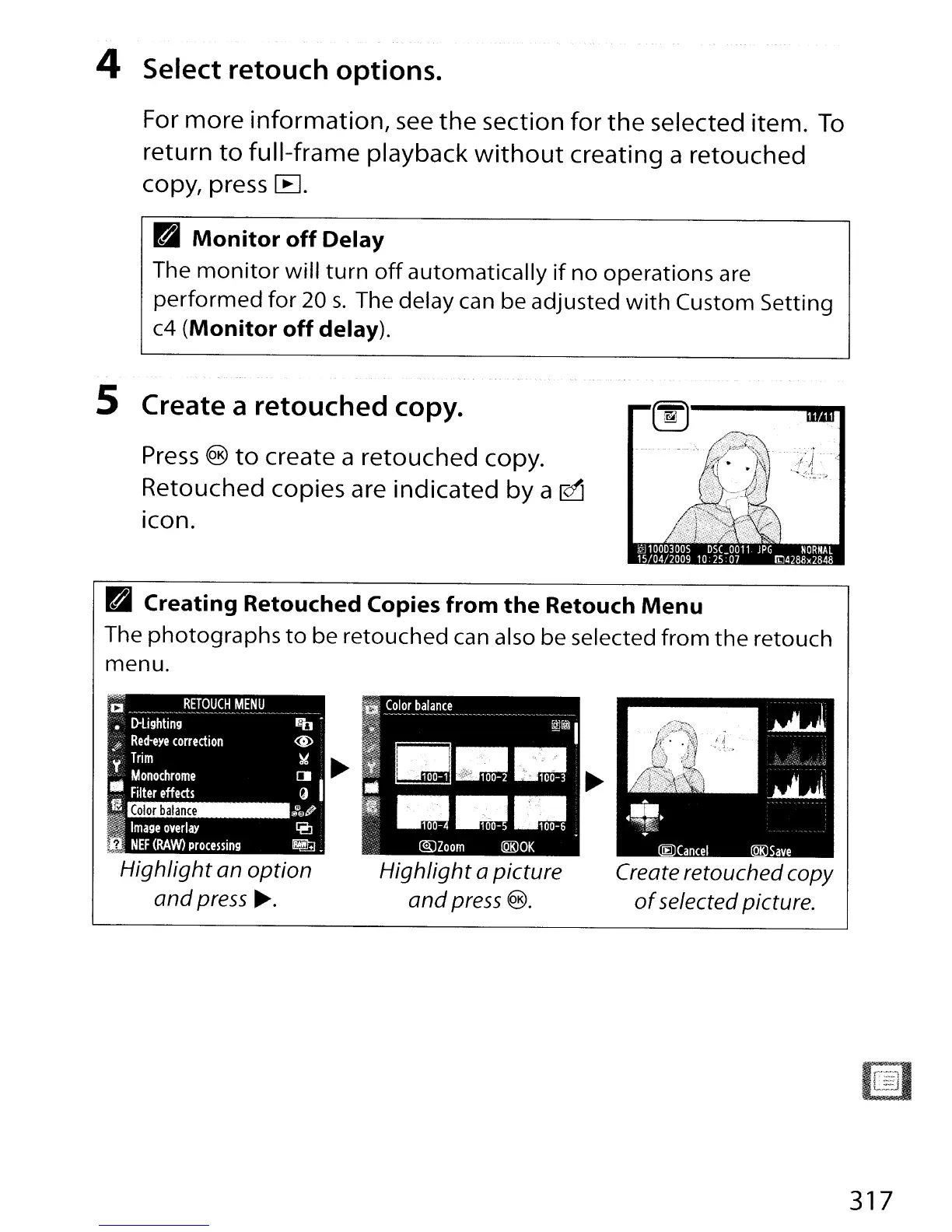
5 Create a retouched copy.
Press
®
to
create a retouched copy.
Retouched copies are indicated
by
a
~
Icon.
B Creating Retouched Copies from
the
Retouch
Menu
The
photographs
to
be retouched can also be selected
from
the
retouch
menu.
Highlight
an
option
and
press~.
Highlight
a picture
and
press
®.
Create retouched copy
of
selected picture.
317

Table of Contents