EasyManua.ls Logo

Nikon D300S - Page 56

Nikon D300S
501 pages
Print Icon
To Next Page IconTo Next Page
To Previous Page IconTo Previous Page
Loading...
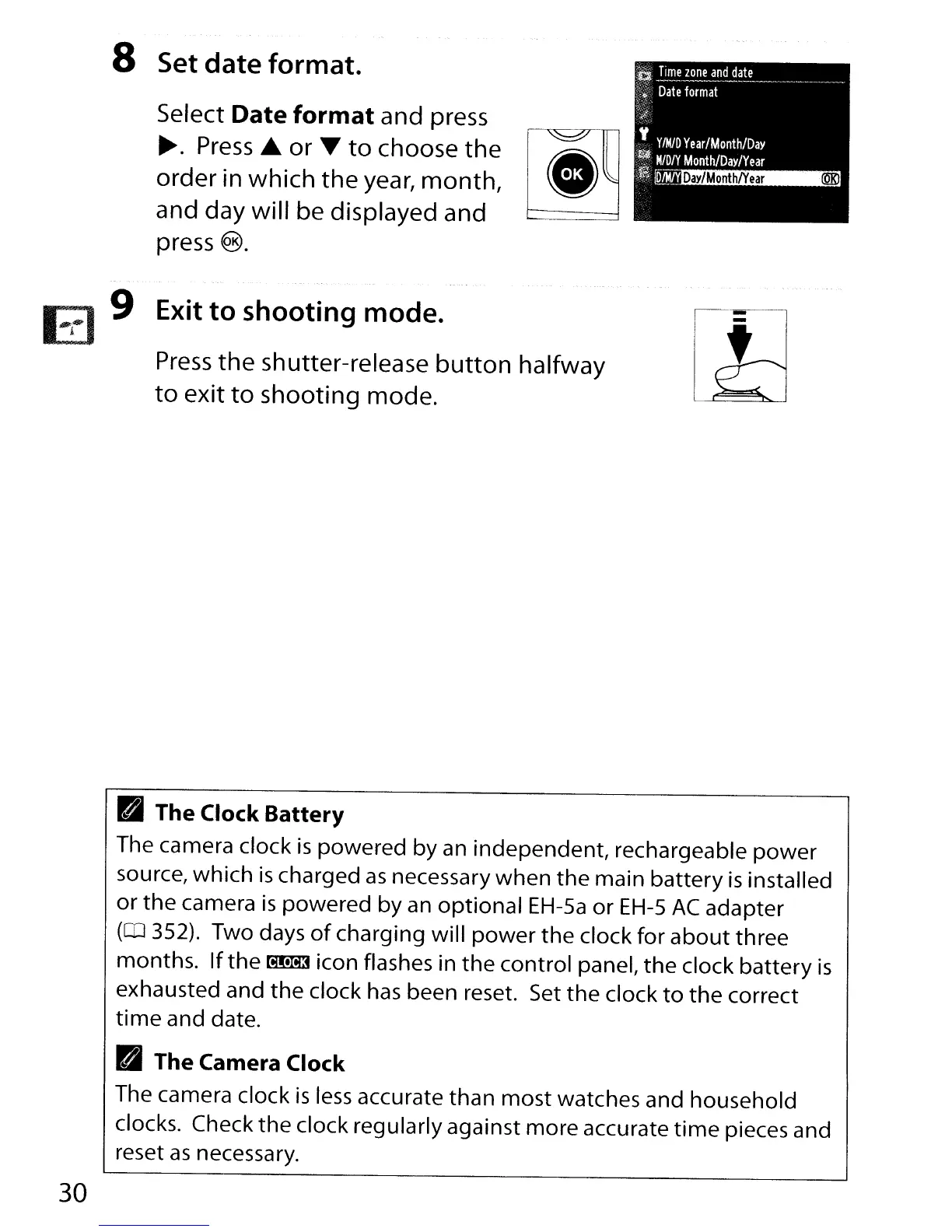
8 Set date format.
Select Date
format
and press
~.
Press.to. or T
to
choose
the
[~
order in which the
year,
month,
and day will be displayed and
press
®.
Ea
9 Exit
to
shooting mode.
Press
the
shutter-release
button
halfway
to
exit
to
shooting mode.
R The Clock Battery
The camera clock
is
powered by an independent, rechargeable
power
source, which
is
charged
as
necessary
when
the
main battery
is
installed
or
the
camera
is
powered by
an
optional
EH-5a
or
EH-S
AC
adapter
(QJ
352). Two days
of
charging will
power
the
clock for
about
three
months.
If
the
~
icon flashes in
the
control panel,
the
clock battery
is
exhausted and
the
clock
has
been reset. Set
the
clock
to
the
correct
time
and date.
R The Camera Clock
The camera clock
is
less
accurate than most watches and household
clocks. Check
the
clock regularly against more accurate
time
pieces and
reset
as
necessary.
30

Table of Contents

Other manuals for Nikon D300S

Related product manuals