NoniusSoft, Software e Consultoria para
Telecomunicações, S.A.
Rua Actor Ferreira da Silva, 100
4200-298 Porto • Portugal
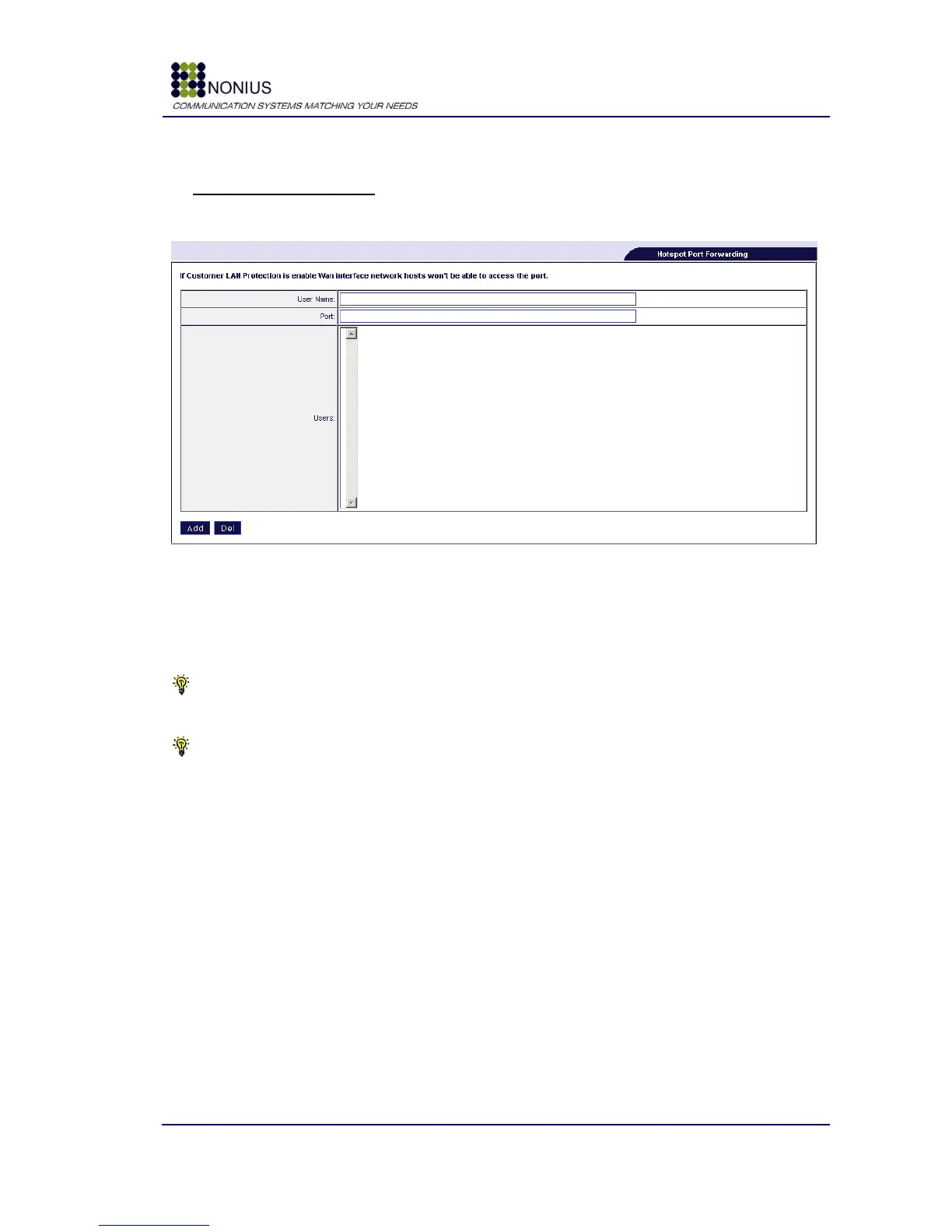
Hotspot Port Forwarding
Use this form to perform port forwarding for equipments connected to the captive portal interface.
Figure 25 - Hotspot Port forwarding
Username: Insert the client‟s username or MAC address.
Port: Define the communications‟ port.
Tip #1: Please instruct your clients they MUST configure their applications to use the defined
port.
Tip #2: it is not possible to have the same TCP/UDP port forwarded to different user names.



 To Next Page