NoniusSoft, Software e Consultoria para
Telecomunicações, S.A.
Rua Actor Ferreira da Silva, 100
4200-298 Porto • Portugal
All services: if enabled, there will be no restriction to any hotspot service, and all the following
options will be automatically enabled.
Web: if enabled, the hotspot users will be granted HTTP/HTTPS services (TCP ports 80 and 443).
E-mail: if enabled, the hotspot users will be granted access to the e-mail service.
VoIP: if enabled, the hotspot users will be granted access to the e-mail service (SIP).
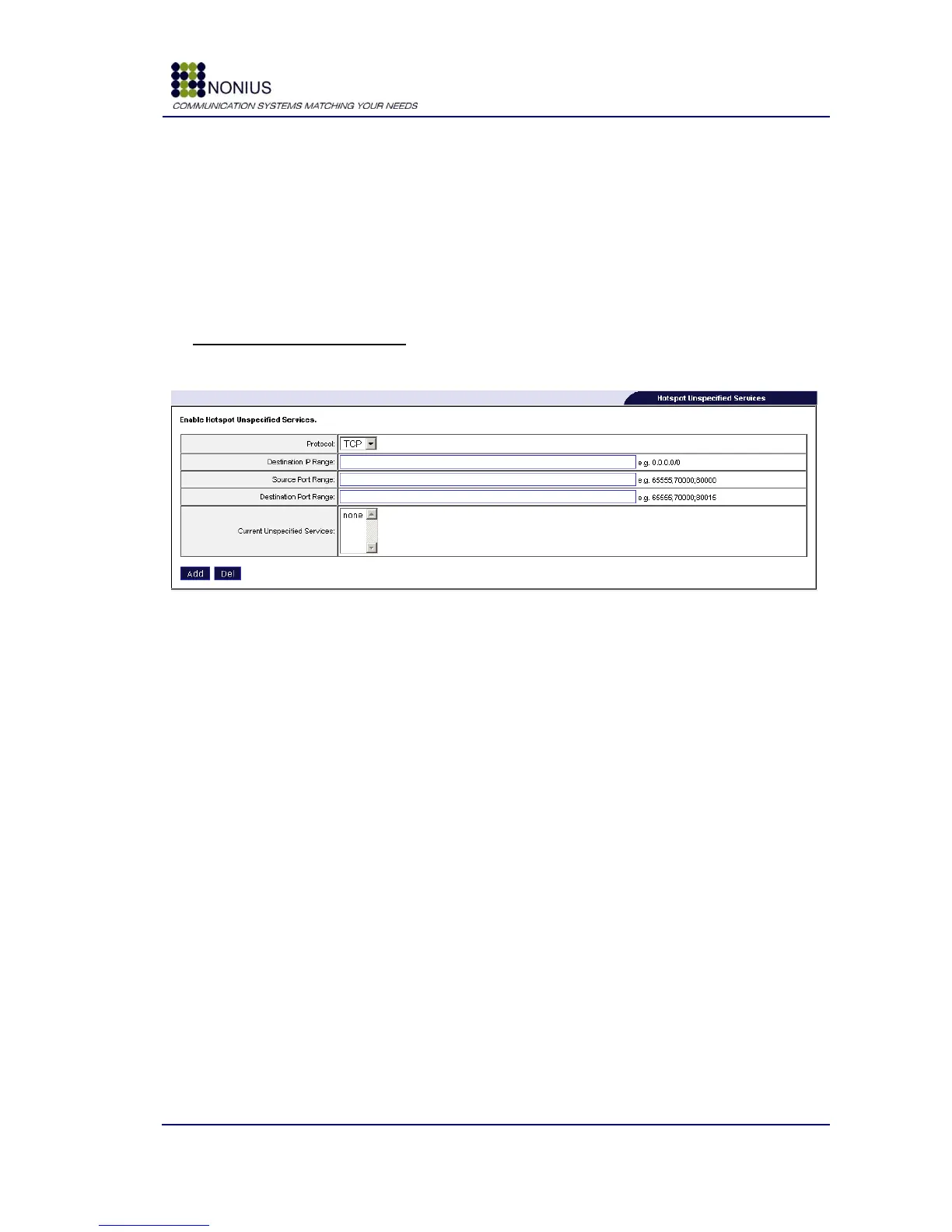
Hotspot Unspecified Services
Use this form to enable hotspot services not included in the previous‟ form list.
Figure 27 – Hotspot Unspecified Services
Protocol: specify the desired protocol (TCP, UDP, other);
Destination IP Range: insert the range of destination IP addresses;
Source Port Range: insert the expected TCP or UDP source port;
Destination Port Range: insert the expected TCP or UDP destination port;
Current Unspecified Services: list of currently enabled services.



 To Next Page