Secondary Radius Server: Secondary Radius server IP address.
Radius Secret Key: Symmetrical key for message exchange between captive portal and RADIUS
server.
Radius NAS-Identifier: Radius AAA Network Access Server identifier.
Dynamic Address Lease Time: Lease time for a DHCP release of an unused IP address.
Logoff Idle Timeout: Time, in seconds, after which the captive portal must consider a session as
inactive and, therefore, automatically logoff the user. This time is overridden by the time defined in
the service profiles, if the values are different.
Secure Login Web Portal: If this option is enabled WGS5000 will use Nonius certificates. Please
note that an error message may appear to clients saying that the certificate belongs to an unknown
entity. This message should be ignored.
Layer 3 Redirection: Enables the Layer3 feature. When the IP address is provided to clients by
an equipment different than the WGS5000 and when there is routing between the client‟s network
and the WGS5000‟s LAN interface, the Layer3 feature must be enabled.
Gateway IP address: This field is only visible if the Layer 3 Redirection checkbox is enabled.
Insert the IP address of the layer 3 gateway that is connected to the LAN interface of the
WGS5000.
Gateway MAC address: This field is only visible if the Layer 3 Redirection checkbox is enabled.
Insert the MAC address of the layer 3 gateway that is connected to the LAN interface of the
WGS5000.
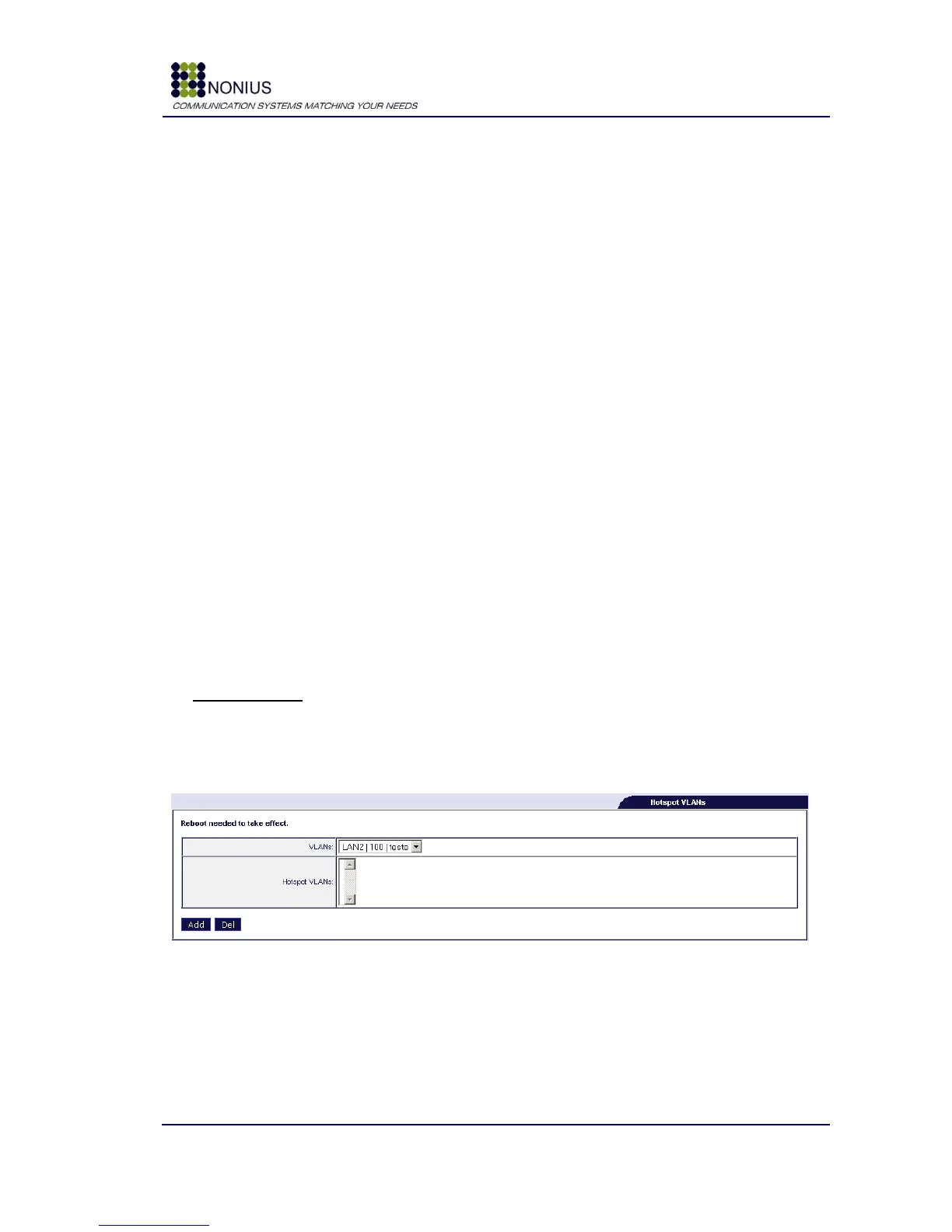
Hotspot VLANs
If you defined a Trunk Port in the Physical Interfaces submenu [4.4.1] and created VLANs in the
VLAN/Bridge submenu [4.5.4] you can now define on which VLANs will the Captive Portal run, i.e.,
which VLANs are controlled by the Captive Portal.
Figure 35 - Hotspot VLANs
VLAN: select the desired VLAN;
Hotspot VLANs: list of VLANs controlled by the Captive Portal.



 To Next Page