PART 2: CX-Server PLC Tools
CHAPTER 12 – PLC Backup Tool OMRON
CX-Server PLC Tools_Page 164
Checking Restore Data
When the configuration information in the backup file is displayed in the Restore to PLC Dialog Box, you can
start the Support Software for specific Units to check the data before restoring it to the Unit. This function is
supported for the following Units.
♦ Applicable Units and Support Software
Unit Data Support Software Comments
CPU Unit Program Parameters CX-Programmer The routing tables are
not displayed.
Controller Link Unit, SYSMAC
LINK Unit, Ethernet Unit, or
EtherNet/IP Unit
Unit parameters View Parameters Dialog Box (Select
displaying Special I/O Units and CPU
Bus Units.) (See note.)
The routing tables are
not displayed.
Serial Communications
Unit/Board
• Unit parameters
• Protocol macros
View Parameters Dialog Box (See
note.)
(Select displaying Special I/O Units and
CPU Bus Units.) CX-Protocol
---
FL-net Unit Unit parameters CX-FLnet ---
Other Special I/O Units Unit parameters View Parameters Dialog Box (See
note.)
(Select displaying Special I/O Units and
CPU Bus Units.)
Note: Parameters can only be checked. They cannot be edited or transferred.
Procedure
1, 2, 3…
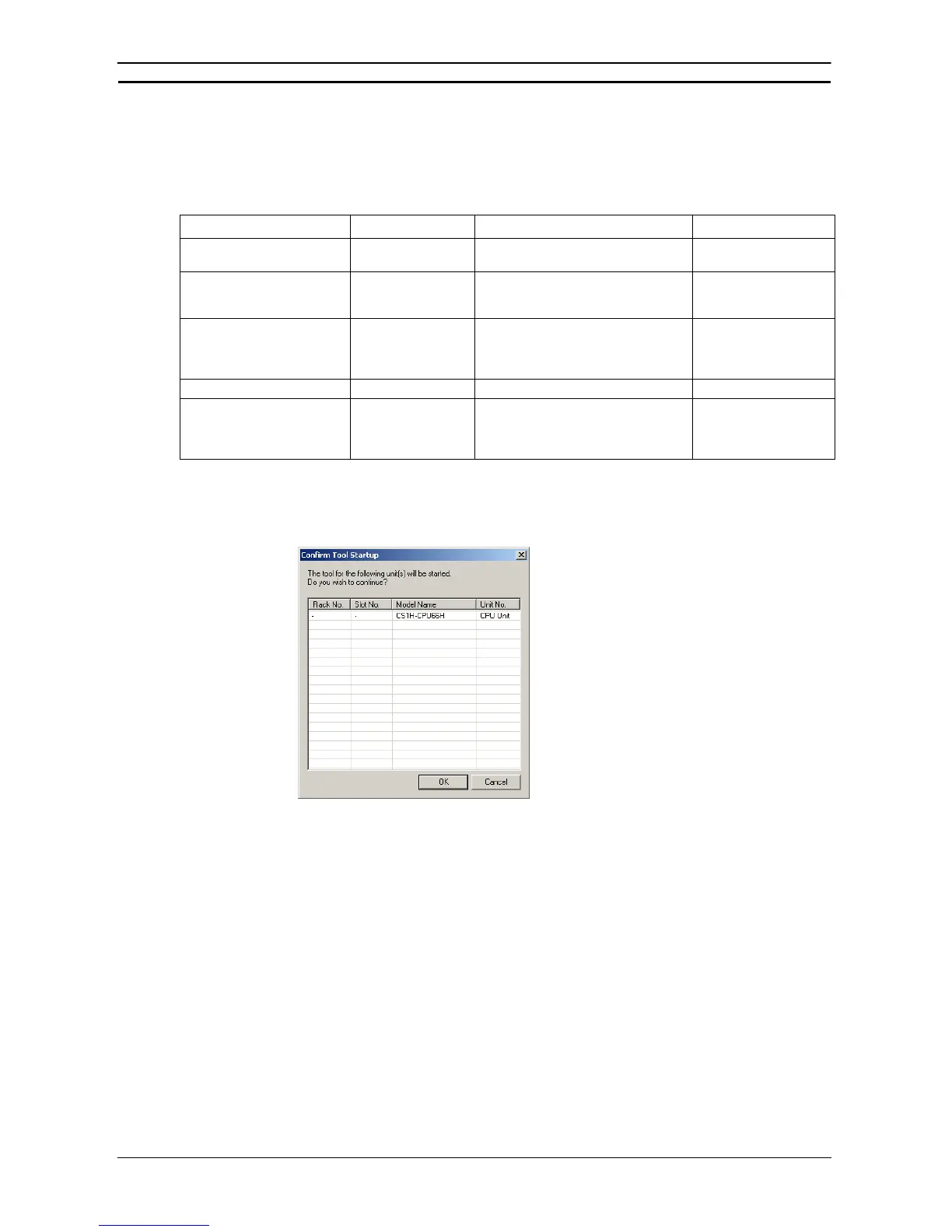
1. If you select the target Unit and click the Start a tool Button, the following Confirm Tool
Startup Dialog Box will be displayed.
2. Click the OK Button. The View Parameters Dialog Box or Start a Tool Dialog Box will be
displayed, depending on the target Unit that was selected. If the Start a Tool Dialog Box
was displayed, a list of Support Software will be displayed. Select the Support Software to
start and click the OK Button.








 To Next Page