4 Scan Tool User Guide
Component Descriptions
1: General Information
Side Views
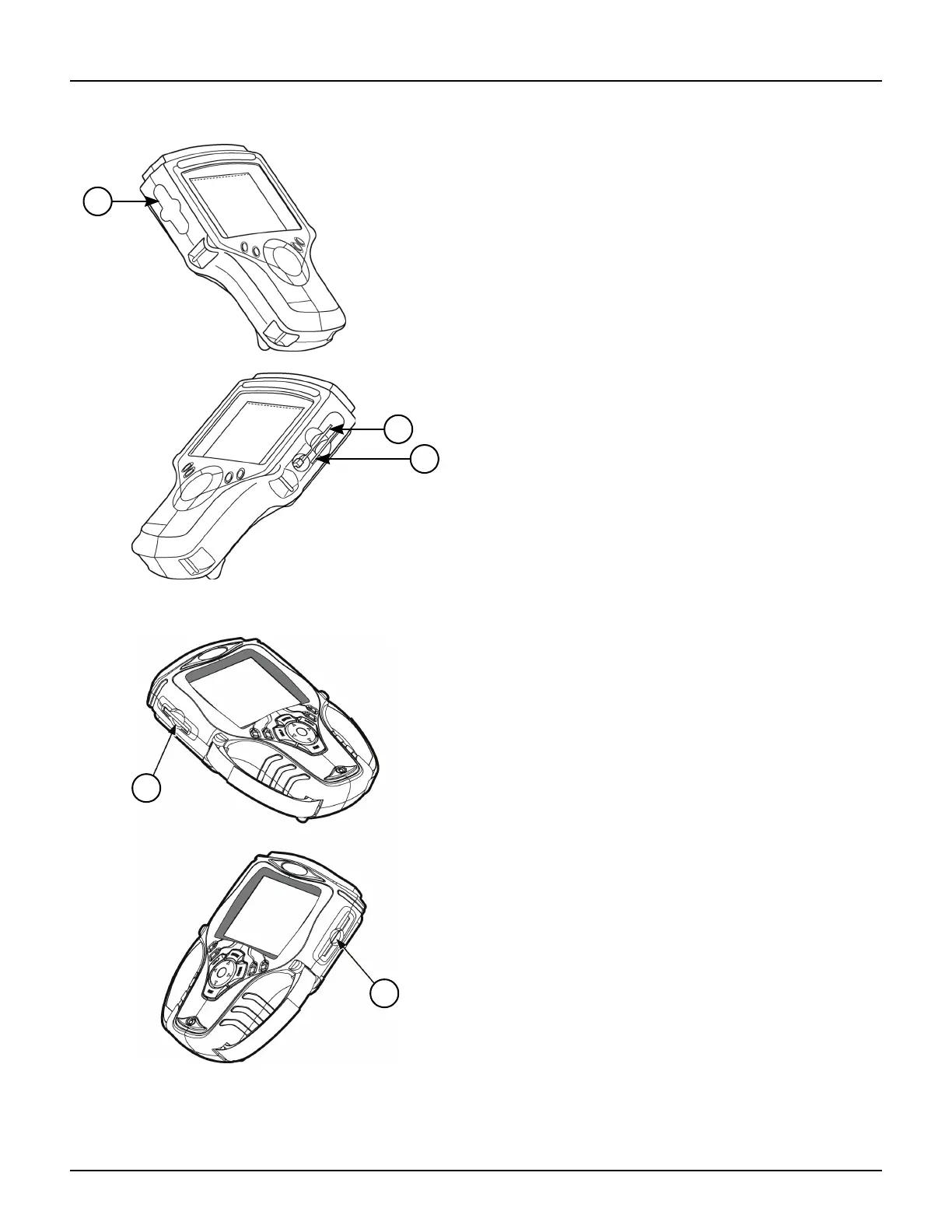
Figure 1.8: Classic Scan Tool Side Views
Figure 1.9: Scan Tool Side Views
1 Memory Card Slot with Cover — holds the System
Memory Card (DO NOT REMOVE MEMORY CARD
UNLESS PERFORMING UPDATES TO CARD).
2 PC Card Slot — holds an interface card for devices
such as a modem, Ethernet network, and wireless
communications.
3 Smart Card Slot — holds a Smart Card used to
authorize (unlock) software applications in the
scan tool.



 To Next Page