62 Scan Tool User Guide
Brake Bleed Procedure (ABS)
10: Pathfinder Troubleshooting
Brake Bleed Procedure (ABS)
The Brake Bleed Procedure option lets you view
instructions for bleeding a vehicle’s brakes.
1 Follow the steps in Basic Procedure on page 55 to
display the Pathfinder Troubleshooting screen (see
Figure 10.1
).
2 Select Brake Bleed Procedure and press the
ENTER key to display the Brake Bleed Procedure
screen.
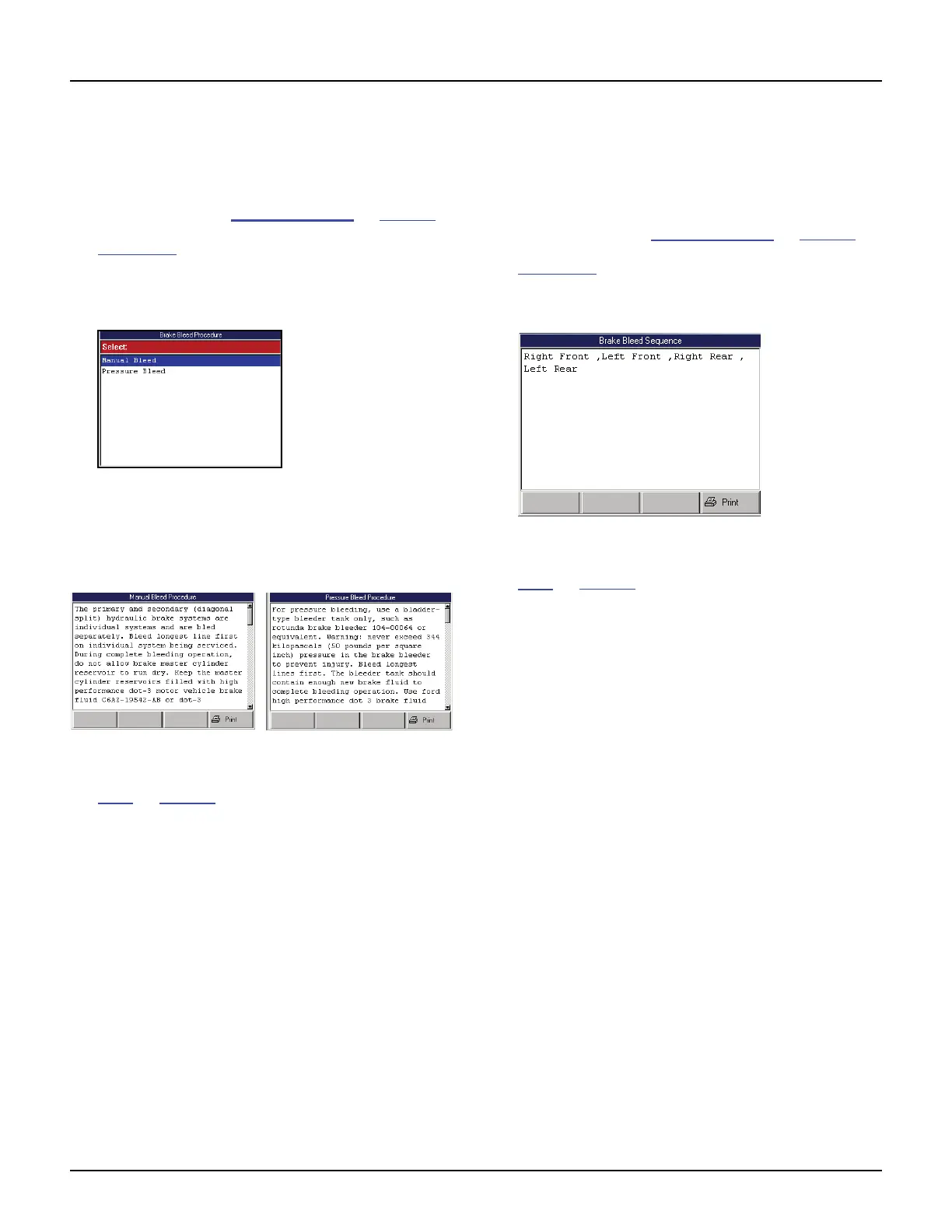
Figure 10.20: Brake Bleed Procedure Screen
3 Select either Manual Bleed or Pressure Bleed and
press the ENTER key. This displays either the Manual
Bleed Procedure screen or the Pressure Bleed
Procedure screen.
Figure 10.21: Brake Bleed Procedure Example Screens
4 View the procedure and optionally print it. Refer to
Print
on page 46.
5 Use the EXIT key to return to previous screens.
Brake Bleed Sequence (ABS)
The Brake Bleed Sequence option lets you view a
description of the correct sequence for bleeding a
vehicle’s brakes.
1 Follow the steps in Basic Procedure on page 55 to
display the Pathfinder Troubleshooting screen (see
Figure 10.1
).
2 Select Brake Bleed Sequence and press the ENTER
key to display the Brake Bleed Sequence screen.
Figure 10.22: Brake Bleed Sequence Screen
3 View the description and print it, if necessary. Refer to
Print
on page 46.
4 Use the EXIT key to return to previous screens.



 To Next Page