6 Scan Tool User Guide
Component Descriptions
1: General Information
DLC Cables
The DLC cable connects the scan tool to the vehi-
cle’s data link connector (DLC). The cable used
depends on the type of vehicle being tested. An
optional extension cable may also be used.
NOTE: The scan tool software tells you which cable must
be used for the vehicle you are testing. For details, refer
to Step 1: Enter the Vehicle Information
on page 16.
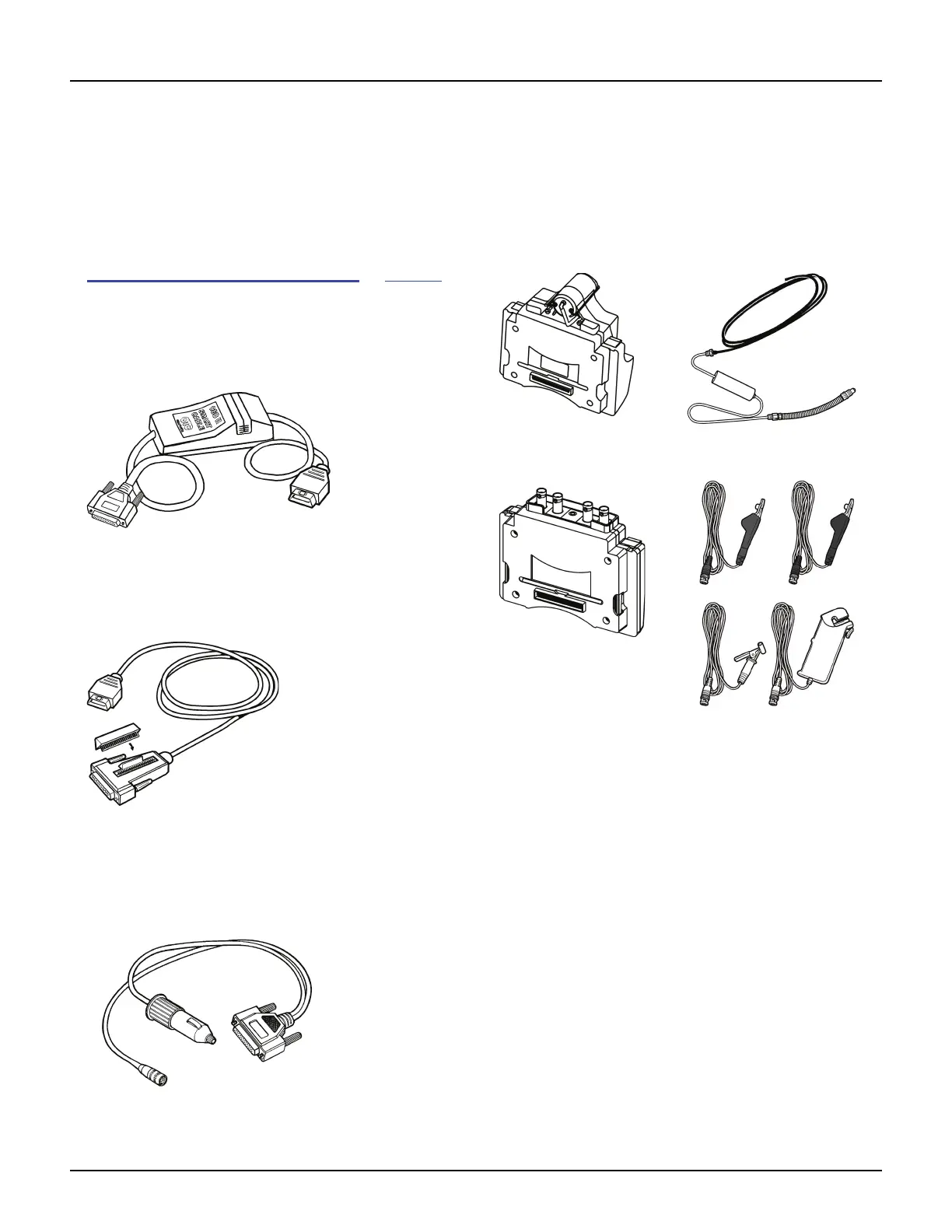
OBD II Smart Cable (3421-88)
OBD II Smart Cable for On Board Diagnostic II
(OBD II) vehicles.
Figure 1.15: OBD II Smart Cable
System Smart 25-Pin Cable (3305-73)
System Smart 25-pin cable for OBD II vehicles.
Figure 1.16: System Smart 25-Pin Cable
DB25 Power Cable (3305-72)
DB25 power cable for non-OBD ll vehicles
and some OBD II vehicles.
Figure 1.17: DB25 Power Cable
Add-On Hardware Modules (optional)
When you purchase the InfoTech / Scope or Gas M-P soft-
ware applications, you receive an add-on hardware
module that connects to the back of the scan tool.
NOTE: For purchasing details, contact your local tool
distributor.
Figure 1.18: Gas M-P Module and Exhaust Test Probe
Figure 1.19: Scope Module and Test Probes



 To Next Page