72 Scan Tool User Guide
Special Test Screen Examples
15: Special Tests (Actuator Tests)
Special Test Screen Examples
There are two basic types of special test screens:
instructional and bi-directional control.
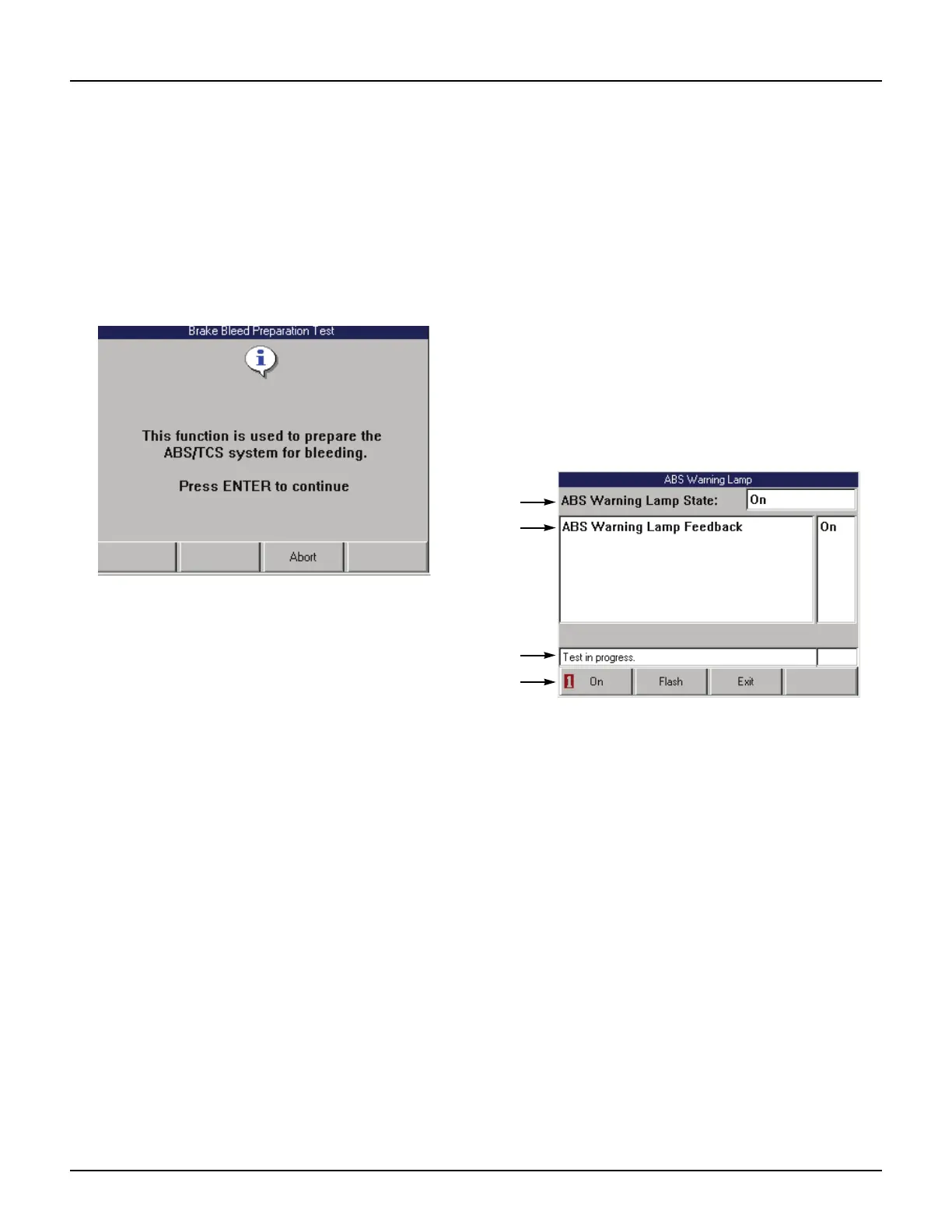
Instructional Screen Example
Instructional screens contain step-by-step instruc-
tions for performing a special test. You simply follow
the instructions provided on each screen.
Figure 15.2: Instructional Screen Example
Bi-Directional Control Screen
Examples
The bi-directional control screens vary in appear-
ance, but they all allow you to manually control the
vehicle’s relays, solenoids, lamps, and other compo-
nents.
Basic Single Component Control Screen
The following screen is the basic manual control
screen for a single component. You press the Start
function key to begin and then use the On and Off
function keys to control the component.
Figure 15.3: Single Component Control Screen Example
Item 1 This area displays the command you have issued
through the scan tool (On, Off).
Item 2 This area displays the state of the component being read
by the ECU. The bottom of this area may also contain
special test instructions.
Item 3 The status line displays the current status of the test.
Item 4 The function keys let you manually control the compo-
nent as necessary. Compare what is commanded by the
scan tool to the state of the component being read by the
ECU to the actual physical state of the component.



 To Next Page