Scan Tool User Guide 35
Read Codes
6: Diagnostic Trouble Codes
DTC Status (GM / Saturn / Isuzu)
The DTC Status function lets you view information about
DTCs that have occurred a predetermined number of
times, such as pass or fail this ignition cycle, times failed,
etc.
1 Follow the steps in Read and Display Codes
on page
27 to display the DTC Status Selection screen.
.
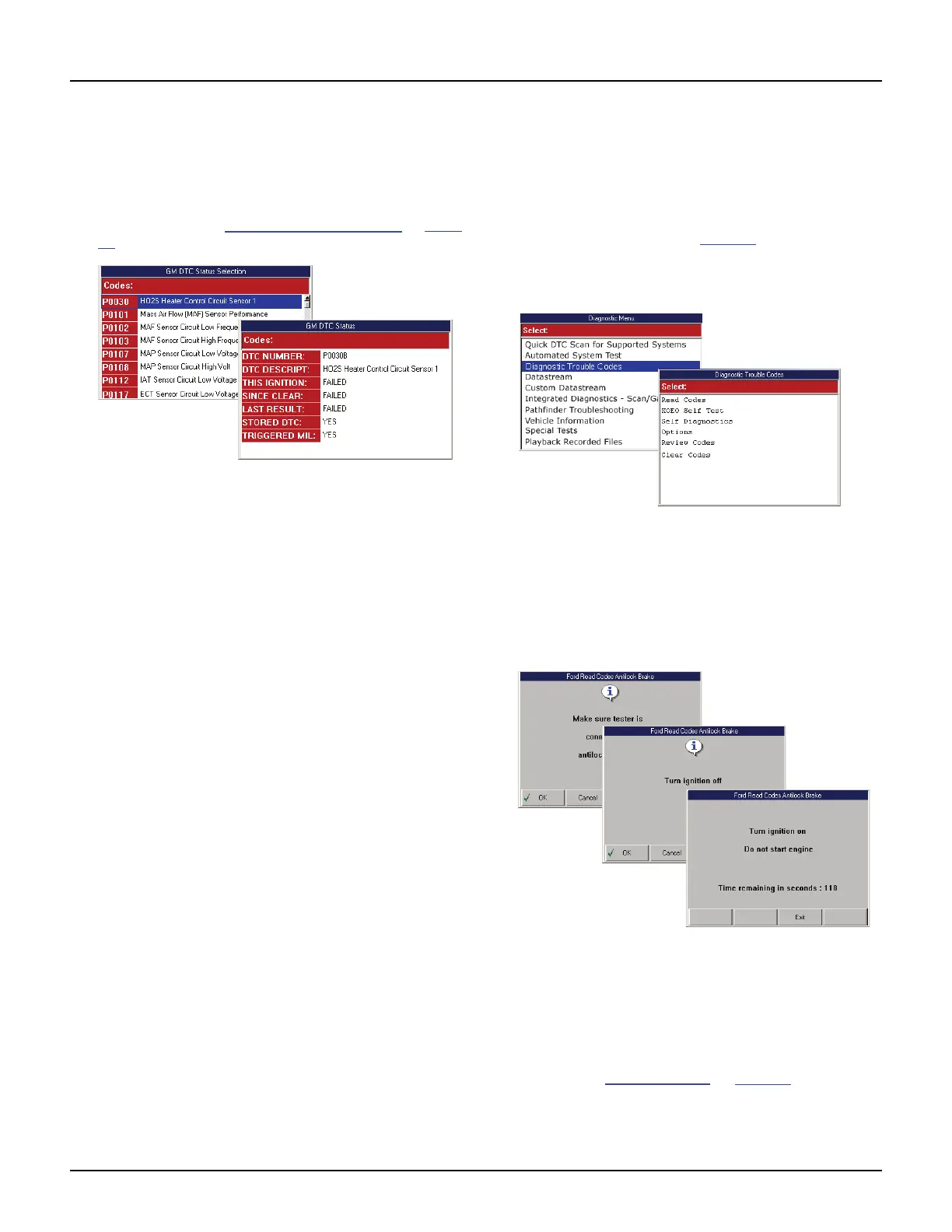
Figure 6.21: DTC Status Selection Screen and DTC Status Screen
2 Select a DTC for viewing details and press the
ENTER key to display the details.
3 When finished viewing the data, use the EXIT key to
return to previous screens.
Read Codes Only
Use these steps to read DTCs for vehicles that allow
reading of codes as one procedure and viewing of
codes as a separate procedure (review).
NOTE: These steps only read the DTCs. You have to use
the Review Codes procedure (page 37
) to view codes
after reading them with this procedure.
To read DTCs, follow these steps:
Figure 6.22: Diagnostic Menu Screen and Diagnostic Trouble
Codes Screen
1 With the Diagnostic Menu screen displayed, select
Diagnostic Codes and press the ENTER key. This
displays the Diagnostic Trouble Codes menu screen
(shown above).
2 Select Read Codes and press the ENTER key.
Figure 6.23: Information or Instruction Screens
3 Several instruction screens appear. Read the screens
and follow all instructions. If necessary, use the
function keys to answer any questions.
4 When finished, use the EXIT key to return to previous
screens.
NOTE: Refer to Review Codes
on page 37 to view a list
of codes that were read.



 To Next Page