Scan Tool User Guide 5
Component Descriptions
1: General Information
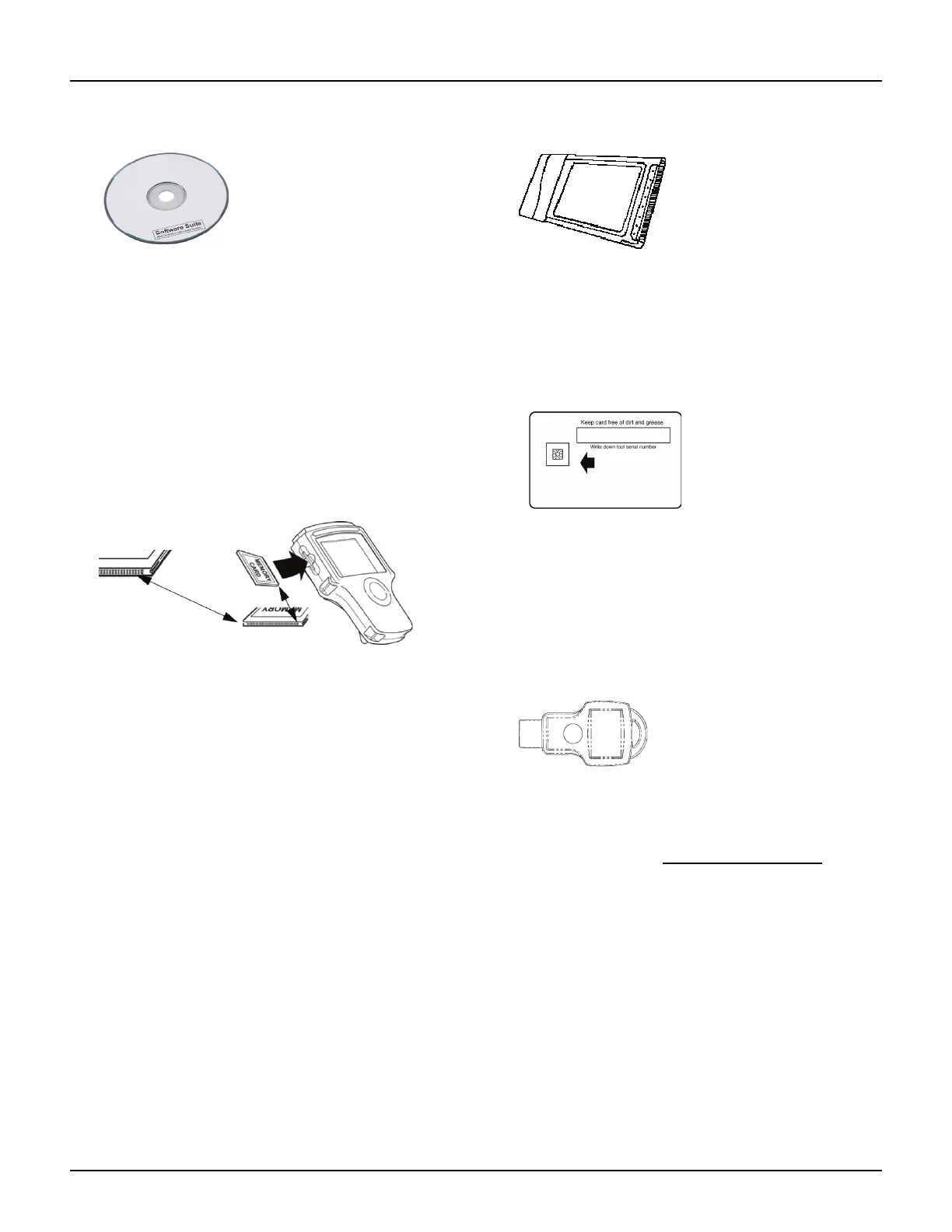
Compact Disc (CD)
Figure 1.10: NGIS Software Suite CD
The NGIS Software Suite contains a PC software
application that you use to download software from
the Internet to a PC and then to copy the software
from the PC to a tool. The CD also contains the
following applications:
• NGIS Tool Update software
• NGIS User Guides
• ConnecTech PC software
• NGIS Remote Display PC software
Memory Card
Figure 1.11: Memory Card into Scan Tool Slot
The memory card contains the scan tool’s operating
software and applications.
IMPORTANT: DO NOT REMOVE THE MEMORY CARD
UNLESS PERFORMING UPDATES TO THE CARD.
PC Card (optional)
Figure 1.12: Wireless PC Card
The PC card is an optional interface card for the
Classic Scan Tool. It connects devices such as
ConnecTech wireless communications.
Smart Cards
Figure 1.13: Smart Card
Smart Cards are used to authorize (unlock) software
applications in the scan tool.
IMPORTANT: You receive a Smart Card for each
purchased application; keep them in a safe location.
USB Drive (optional)
Figure 1.14: Portable USB Drive
A portable USB drive is used for updating the scan
tool software. (Free updates are available periodi-
cally on the Internet at www.genisysotc.com
.)



 To Next Page