48 Scan Tool User Guide
Datastream Functions
7: Datastream
English / Metric Units
The English / Metric Units function on the
Datastream screen’s More menu lets you change the
units of measure for the data from English to Metric,
or vice versa.
To change the units of measure, follow these
steps:
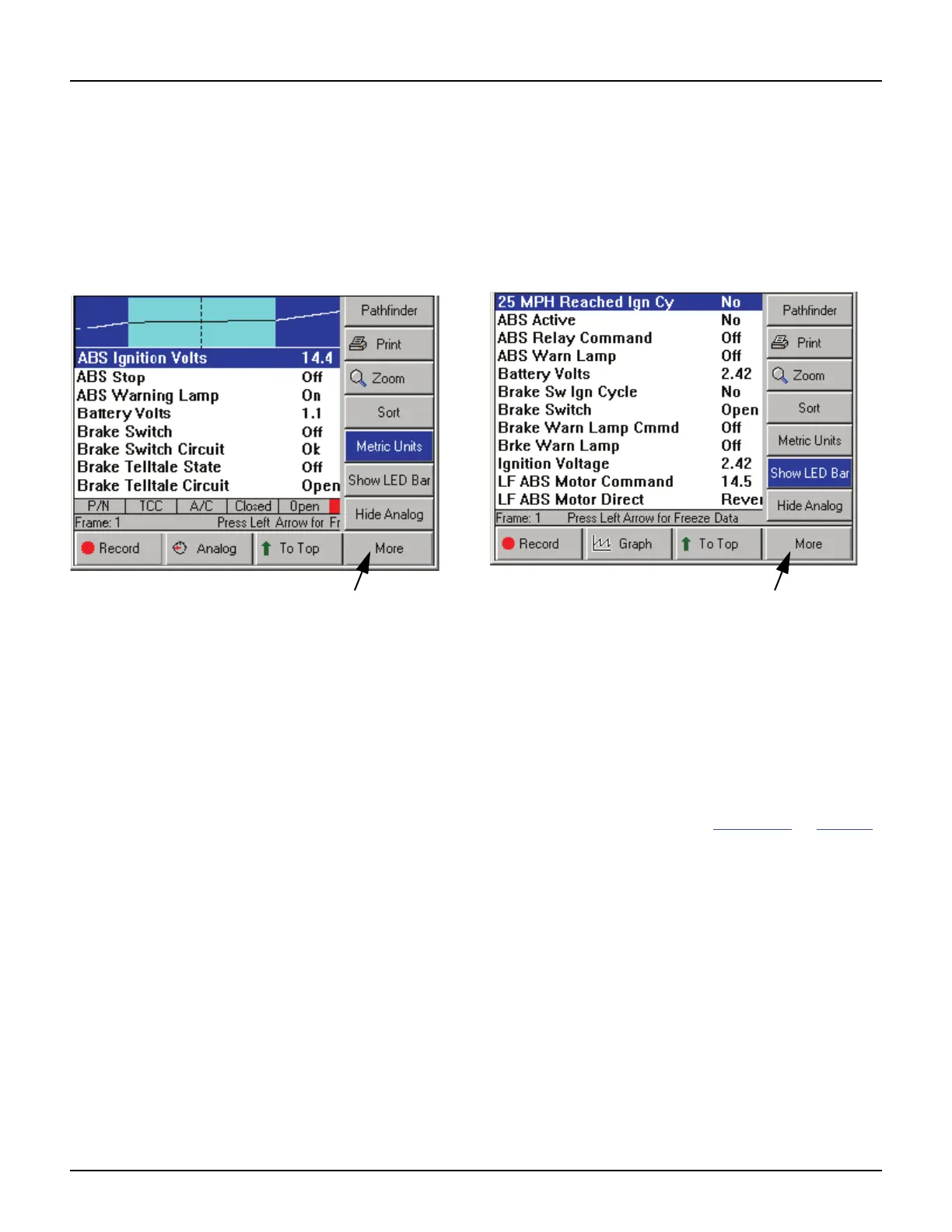
Figure 7.20: Datastream Screen - English / Metric Units Function
1 With the Datastream screen displayed, press the
MORE function key.
2 Use the Down Direction key to select the English
Units or Metric Units function.
NOTE: This name of this menu option changes
each time you select it. It changes back and forth
between English Units and Metric Units. The name
of the option represents the units of measure that
will appear after you select the option.
3 Press the ENTER key. This displays the data in the
selected units of measure.
Show / Hide LED Bar
The Show / Hide LED Bar function on the
Datastream screen’s More menu lets you displays
(or remove) a row of LED readings directly above the
status line and function keys. The LED readings are
for a predefined set of frequently monitored switches.
To show or hide the LED bar, follow these steps:
Figure 7.21: Datastream Screen - Show / Hide LED Bar Function
1 With the Datastream screen displayed, press the
MORE function key.
2 Use the Down Direction key to select the Show LED
Bar or HIde LED Bar function.
NOTE: This name of this menu option changes
each time you select it. It changes back and forth
between Show LED Bar and Hide LED Bar. Show
LED Bar displays the LED bar and Hide LED Bar
removes it.
3 Press the ENTER key. (See Figure 7.22
on page 49.)



 To Next Page