34 Scan Tool User Guide
Read Codes
6: Diagnostic Trouble Codes
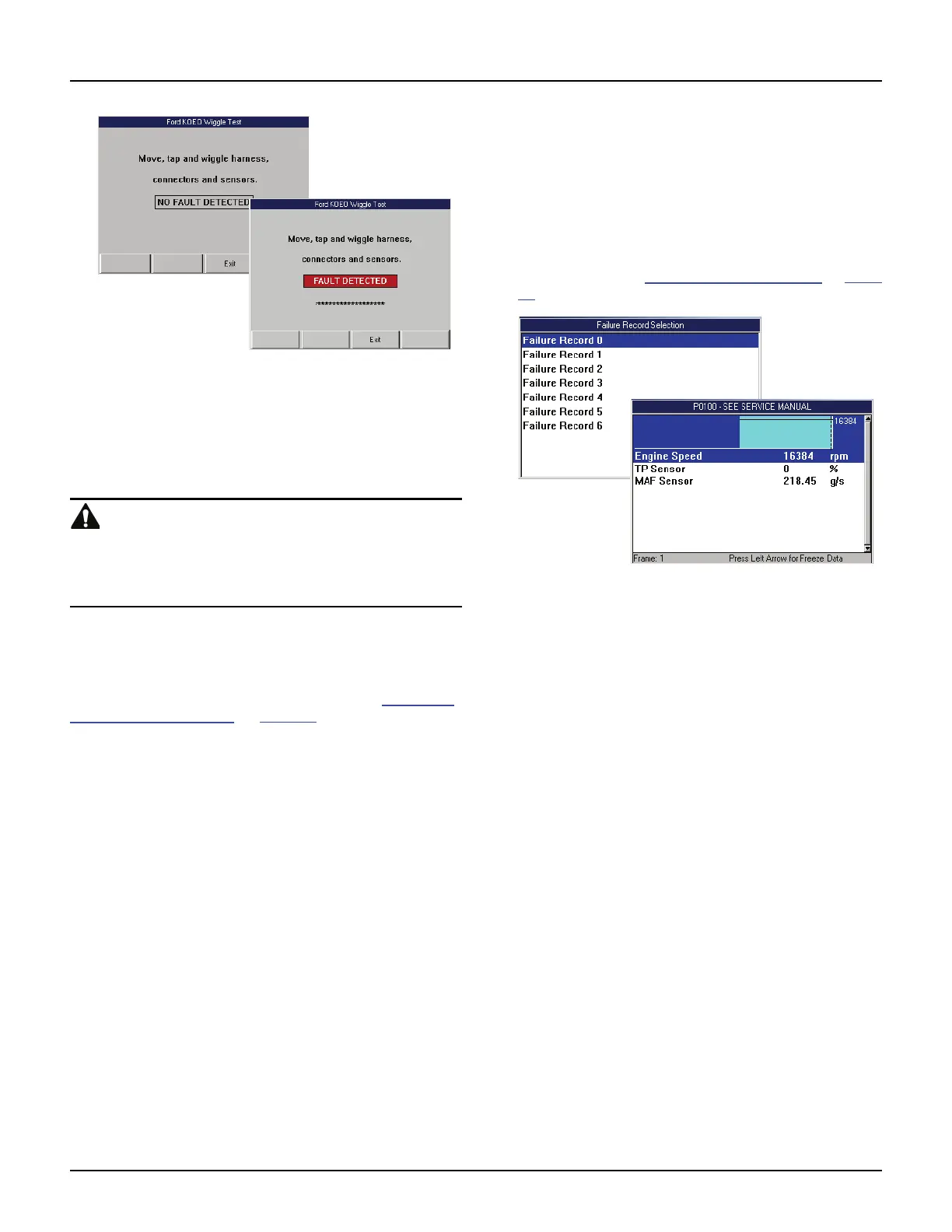
Figure 6.19: Wiggle Test Screens — No Fault and Fault Detected
8 With the test screen displayed, manually wiggle the
vehicle wires and connections or drive the vehicle to
recreate a suspected intermittent failure condition. If a
fault is detected, the message “FAULT DETECTED”
appears on the screen, as shown above.
WARNING: Maintain adequate clearance around
moving components or belts during testing. Moving
components and belts can catch loose clothing, body
parts, or test equipment and cause serious damage or
personal injury.
9 When finished, press the Exit function key to
complete the test.
10 Use the EXIT key to return to previous screens.
NOTE: When finished, do a KOEO test (see Self-Diag-
nostics (Ford / Mazda) on page 31).
Failure Records (GM / Saturn / Isuzu)
The Failure Records function lets you view
datastream “snapshots” that were automatically
recorded by the ECU when DTC(s) occurred. By
viewing the actual data values from the time of a
fault, you may be able to determine what caused the
fault.
1 Follow the steps in Read and Display Codes on page
27 to display the Failure Record Selection screen.
.
Figure 6.20: Failure Records Selection Screen and DTC Failure
Record Screen
2 Select a Failure Record to view and press the
ENTER key to display snapshot data (shown above).
NOTE: Each frame contains a snapshot from when
a DTC occurred.
3 Use the EXIT key to return to previous screens.



 To Next Page