54 Scan Tool User Guide
9: Integrated Diagnostics - Scan / Gas
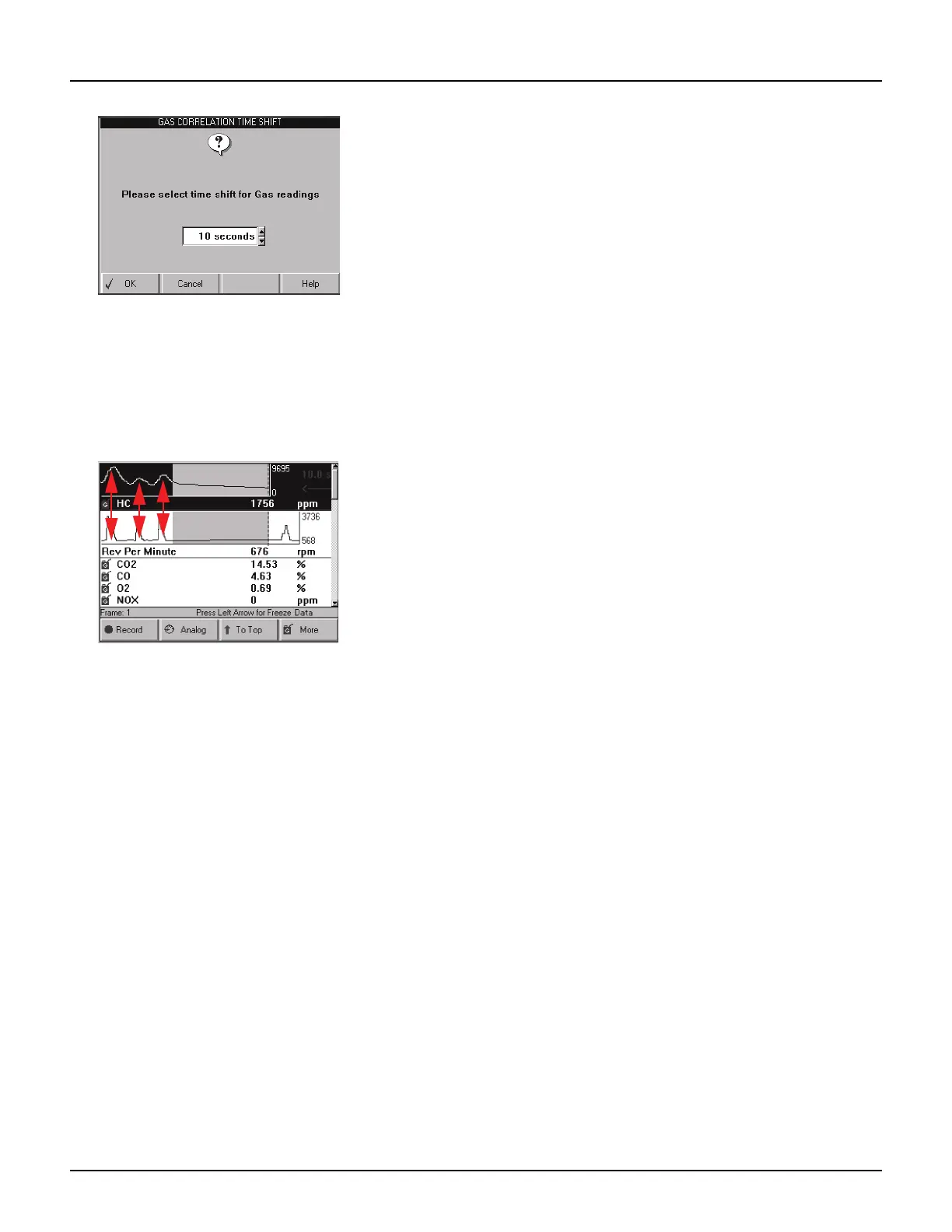
Figure 9.5: Gas Correlation Time Shift Screen
c Use the Up or Down Direction key to enter the
number of seconds to shift the data (this is the
number of seconds you counted in step a; 10 to
12 seconds is average).
d Press the OK function key to display the shifted
data readings.
Figure 9.6: Datastream with Data Shifted and Lined Up
6 Notice the three “snaps” of the throttle align with the
same three peaks in the gas data. This indicates that
a time shift offset of 10 seconds is correct for this
vehicle.
7 When finished viewing the data, use the EXIT key to
return to previous screens.



 To Next Page