– 138 –
Chapter 8 System Menu — Setting the external connection
f Select [Test Fire] to test the signal output operation of the set GPI port. The pulse of [LowEdge] is output for approximately 0.05 seconds.
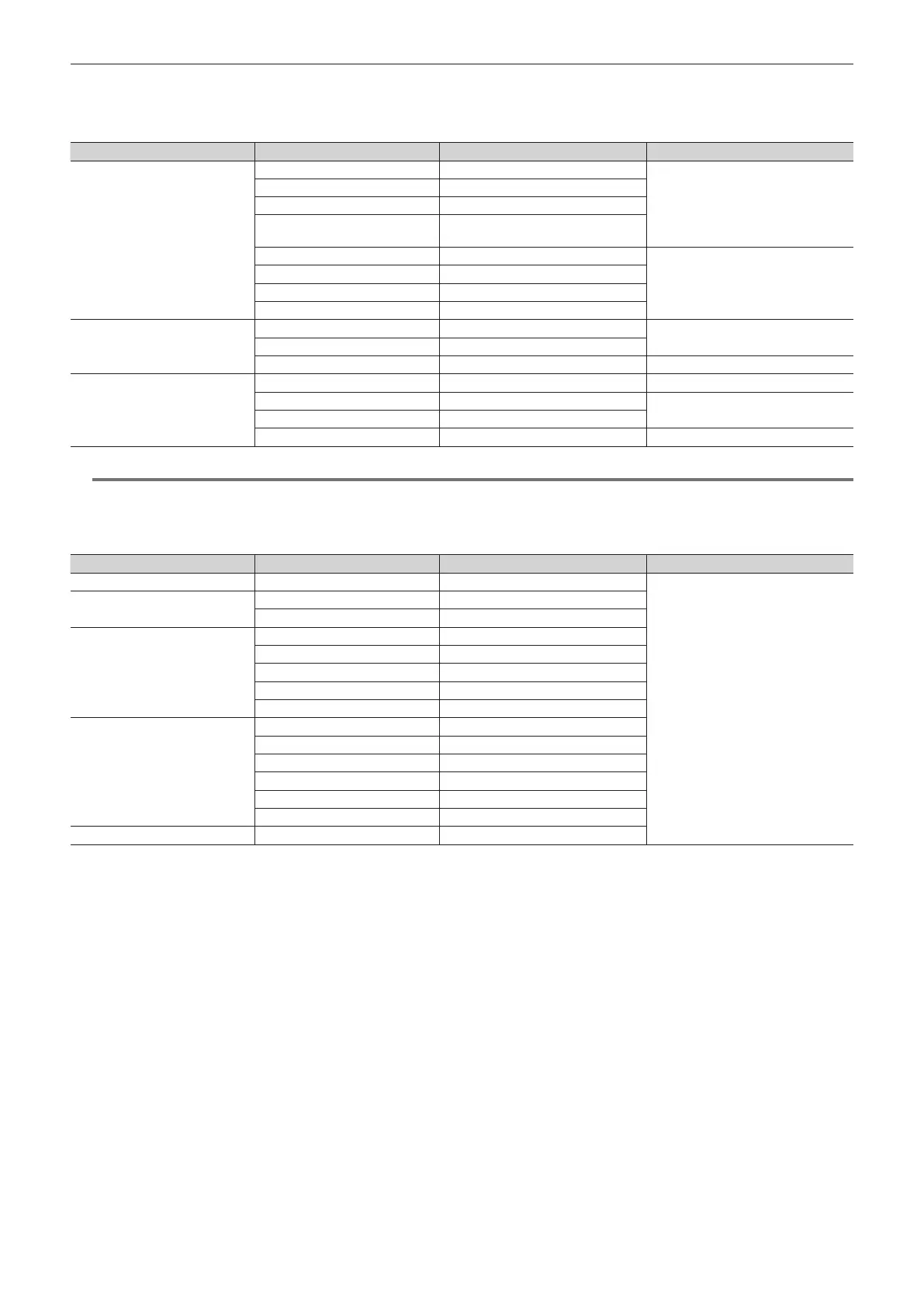
r GPI output function list
This table describes cases when [ME1], [ME2], [DSK], or [OTHER] is selected in [Group Select].
[Group Select] Signal name Description [Type]
[ME1], [ME2]
KEY1 ON to KEY4 ON Key transition starts
[LowEdge] or [HighEdge]
KEY1 CUT to KEY4 CUT Cut transition of a key was executed
CUT Cut transition was executed
BKGD CUT
Cut transition of the background was
executed
KEY1 AUTO to KEY4 AUTO Key auto transition in progress
[LowLevel] or [HighLevel]
KEY1 Trans to KEY4 Trans Key transition in progress
AUTO Auto transition in progress
BKGD AUTO Background auto transition in progress
[DSK]
KEY1 ON to KEY4 ON DSK transition starts
[LowEdge] or [HighEdge]
KEY1 CUT to KEY4 CUT Cut transition of the DSK was executed
KEY1 Trans to KEY4 Trans DSK transition in progress [LowLevel] or [HighLevel]
[OTHER]
No Assign No function assigned ―
Event MEM Event set by event memory executed
[LowEdge] or [HighEdge]
FTB ON FTB transition starts
FTB Trans FTB transition in progress [LowLevel] or [HighLevel]
@@
NOTE
t When a plug-in software application is introduced, some functions inherent to that application may be added as functions to be assigned.
r Tally output function list
f This table describes cases when [Tally Group1], [Tally Group2], [Tally Group3], or [Tally Group4] is selected in [Group Select].
[Tally Select] Signal name Description [Type]
[Input1-20] SDI IN1 to SDI IN20 SDI input signals 1 to 20
[LowLevel] or [HighLevel]
[Input21-40]
SDI IN21 to SDI IN32 SDI input signals 21 to 32
DVI IN1 to DVI IN2 DVI-D input signal
[Internal]
Still 1V to Still 4V Video memory (photo) 1 to 4 videos
Still 1K to Still 4K Video memory (photo) 1 to 4 keys
Clip 1V to Clip 4V Video memory (video) 1 to 4 videos
Clip 1K to Clip 4K Video memory (video) 1 to 4 keys
CBGD1, CBGD2 Color background 1, 2
[MEOut]
ME1PGM, ME2PGM Program video signal
ME1PVW, ME2 PVW Preview video signal
ME1CLN, ME2CLN Clean signal
DSKPGM1, DSKPGM2 Program video signal
DSKPVW1, DSKPVW2 DSK preview video signal
DSK1CLN to DSK4CLN Clean signal
[AUX] AUX1 to AUX16 AUX video signal













 To Next Page