Page 3-24
1E4C-E-OMA03-A02-02
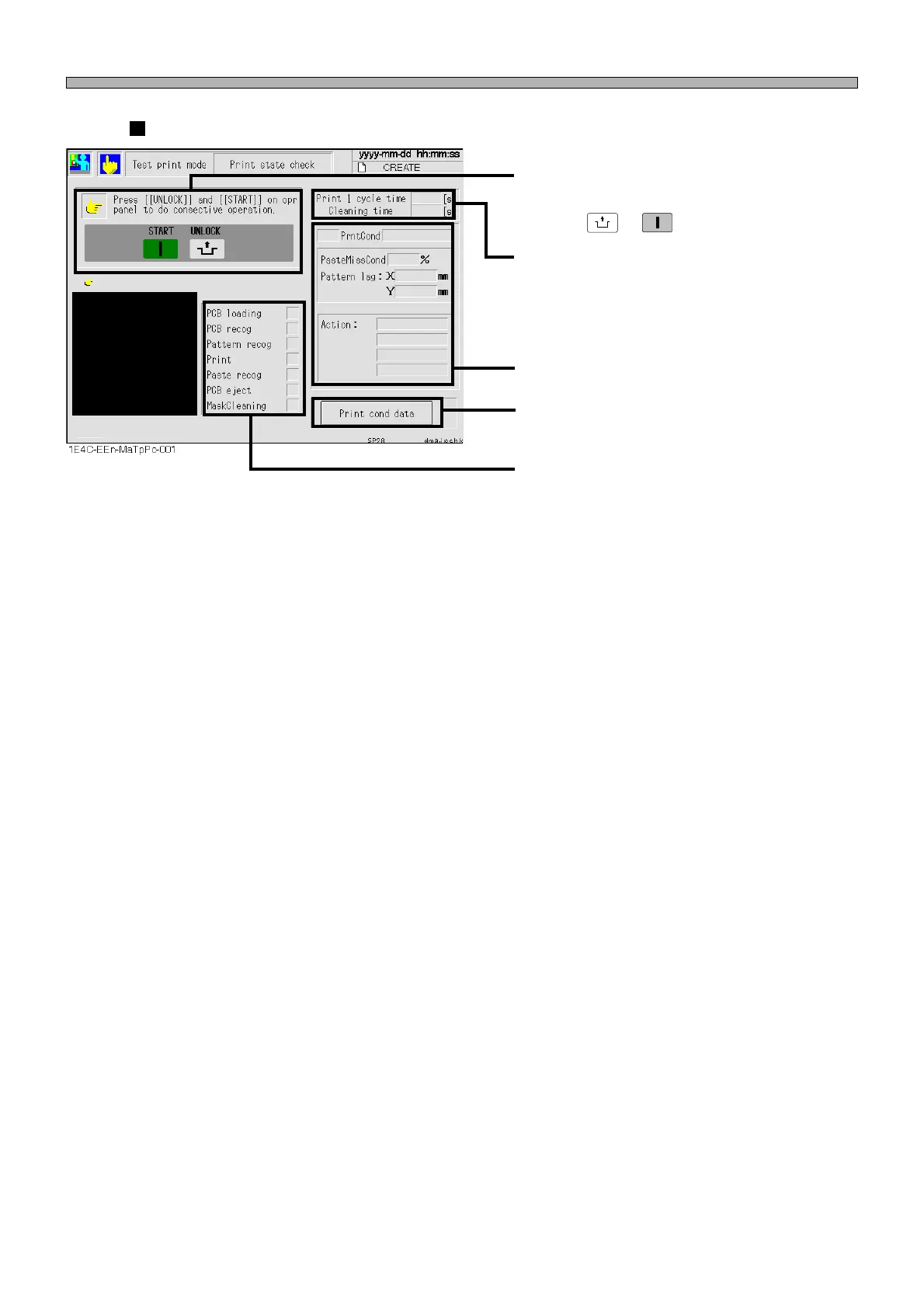
Performs the successive motions from trans-
porting the board in until mask cleaning by
pressing
UNLOCK
→
START
.
The item during operation blinks. After
operation, the operation result is displayed.
Displays “OK” when the motion is completed
correctly.
When it displays “NG”, check this item.
Displays the state of printing.
The time to be taken for the printing of 1 cycle is
displayed. (0.1 second unit)
The time to be taken for 1 cycle cleaning is
displayed. (0.1 second unit)
Pressing this displays the print conditions setup
screen.
Printing state check
Machine Adjustment












 To Next Page