Page 2-7
BASIC OPERATION
2
2-2-3 Switch Types and How to Operate
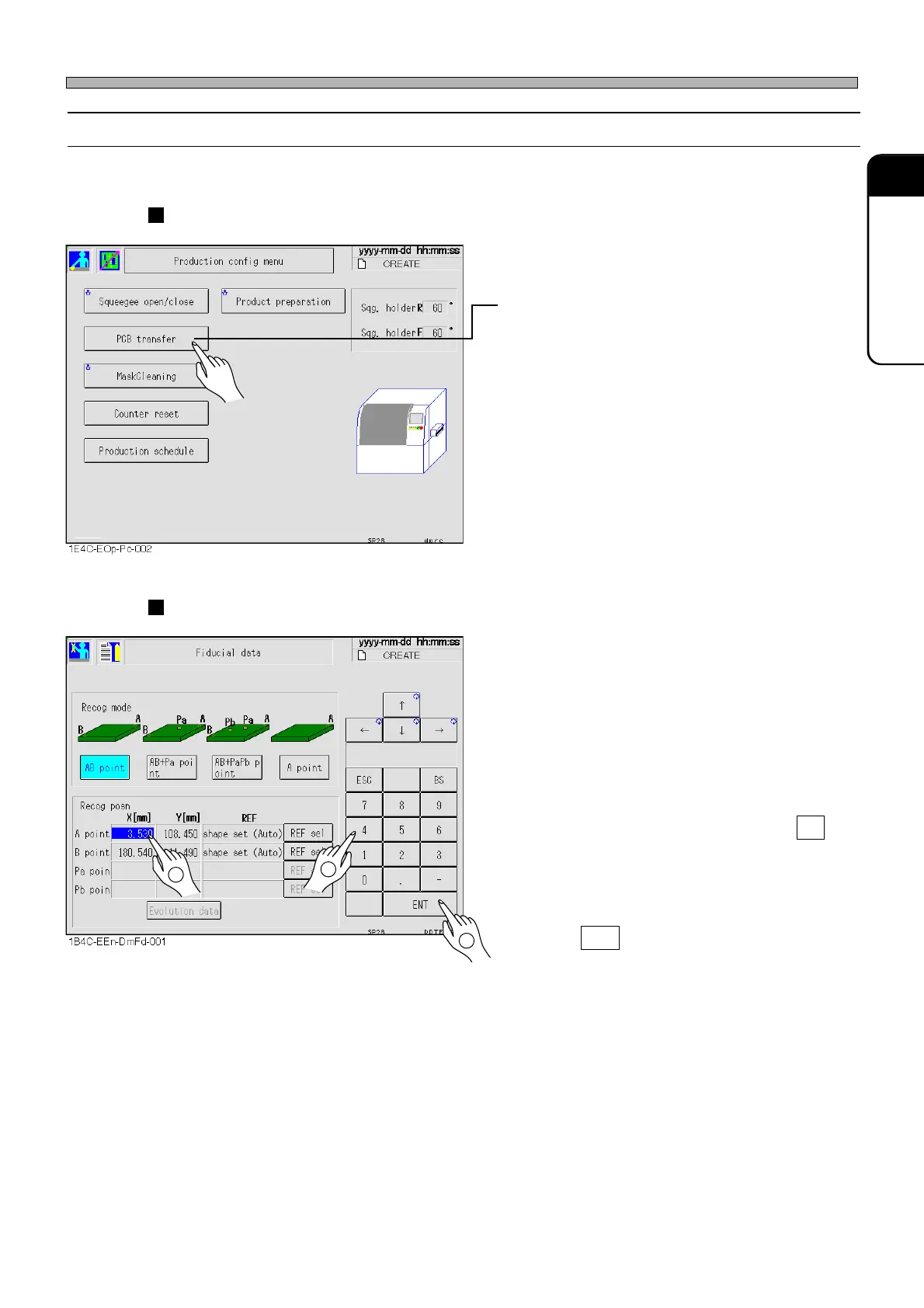
You can operate this machine mostly by pressing a switch on the screen softly.
Selection switches
• Choosing an item
1) Press the item you want to choose.
The screen of the chosen item is displayed.
Main menu icons belong to selection switches.
Input switches
• Typing numeric value
1) Select the item to be input (if there is more
than one item to be input).
Selected item will blink or will be highlighted.
2) Enter values with numeric keys.
If you pressed an incorrect key, press BS and
re-enter a correct value.
The entered value is displayed in the numeric
value window.
3) Press ENT .
The value of selected item changes to the
newly-entered value.
Touch Panel
1E4C-E-OMA02-A01-01
1
2
3












 To Next Page