Page 2-8
Paper feed
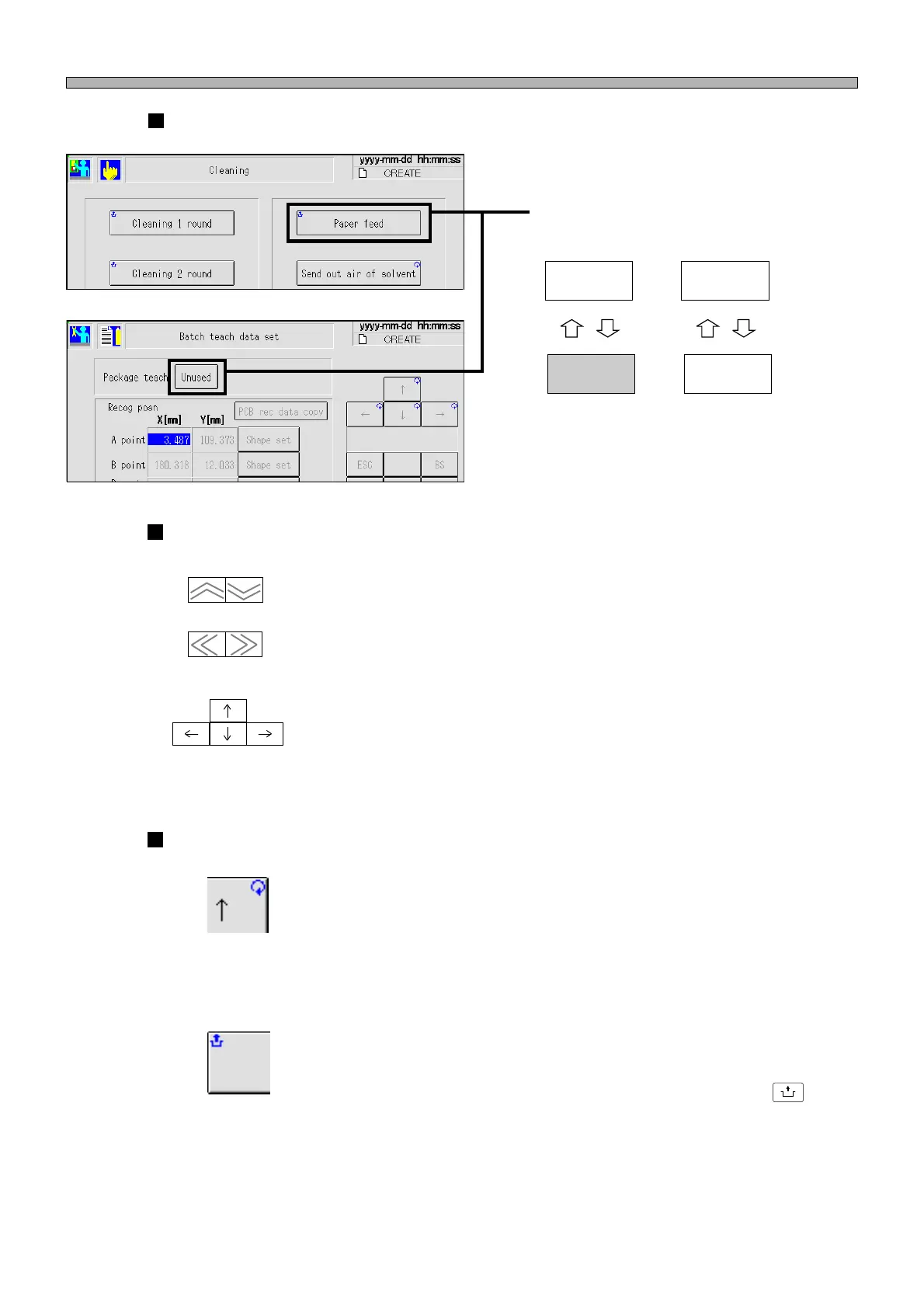
Touch Panel
Display-changing switches
Changing display
When you press this switch, display is
changed.
Arrow switches
------- Page turning switches
Page of displayed screen is turned.
------- Move switches
Cursor moves in the direction of the arrow.
(Not all the cursors are arranged as shown left.)
Mark on switch
------- Repeat mark (at the upper right)
If a switch with this mark is kept pressed, its function is executed continu-
ously.
------- Unlock mark (at the upper left)
A switch with this mark must be pressed in combination with the
UNLOCK
button.
(Vertical direction)
(Horizontal direction)
1B4C-EEn-MaMc-003
1B4C-EEn-DmBt-001
Paper feed
Unused
Use
1E4C-E-OMA02-A01-00












 To Next Page