Page 3-27
FUNCTIONS
3
3-5 Machine Settings
This is used to set the state of this machine that is independent of the production data.
1. Press
Machine
config
on the main menu.
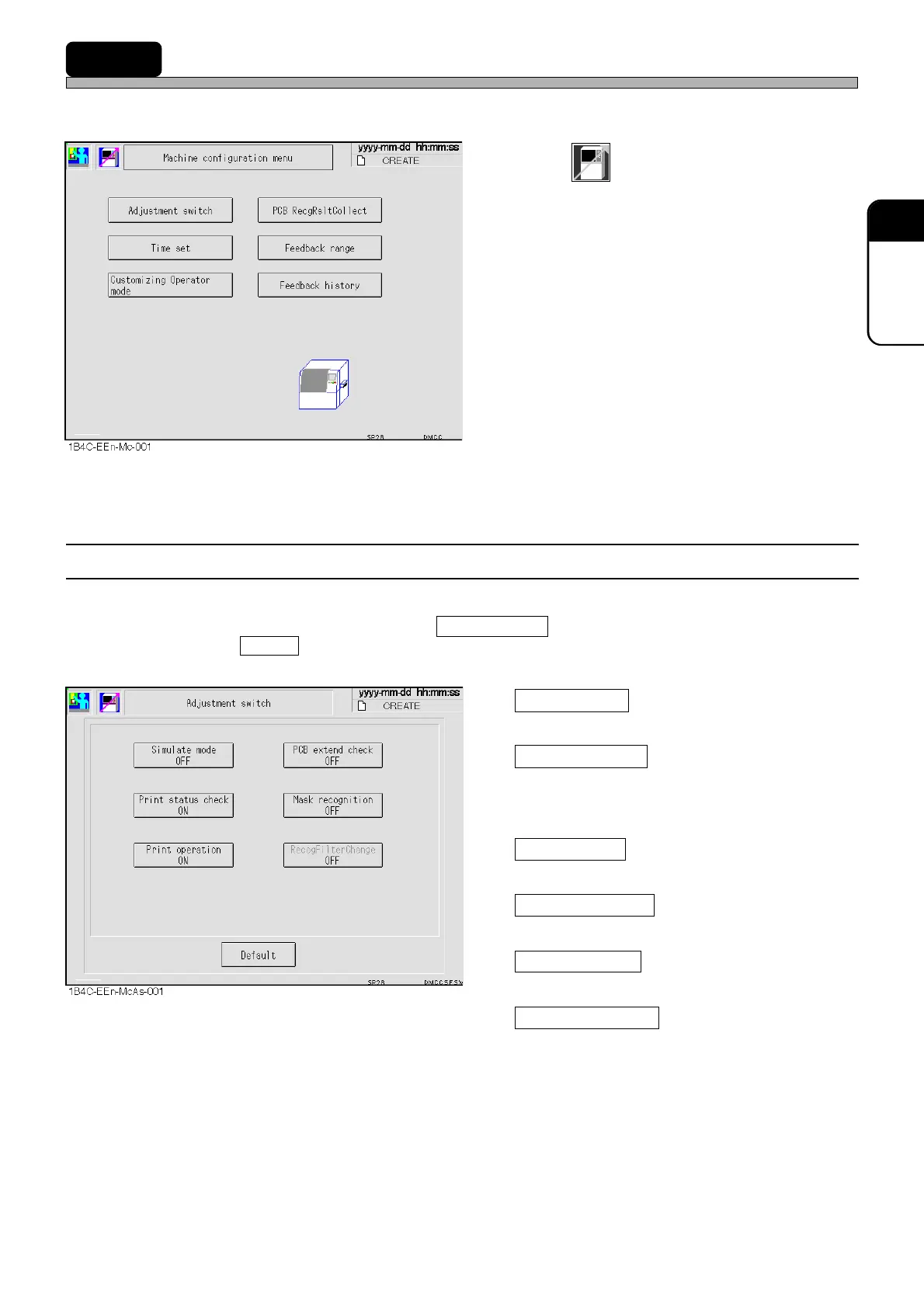
•“Machine configuration menu” is displayed.
3-5-1 Switches for Adjustment
You can change the conditions of production motion for adjustment temporarily.
Normally, all the items are ON except Simulate mode .
Pressing Default or restarting the machine returns the settings to the normal ones.
Simulate mode
ON : Printing motion repeats continuously.
Print status check
ON : Printed board is stopped without transport-
ing to the next process, so you can pick it
out to check.
Print operation
ON : Printing is performed.
PCB extend check
ON : Board extension check is performed.
Mask recognition
ON : Mask recognition is performed.
RecogFilterChange
ON : When the board is recognized, the filter to
recognize the special board, such as a
ceramic board, is used.
1E4C-E-OMA03-A02-01












 To Next Page