Page 4-12
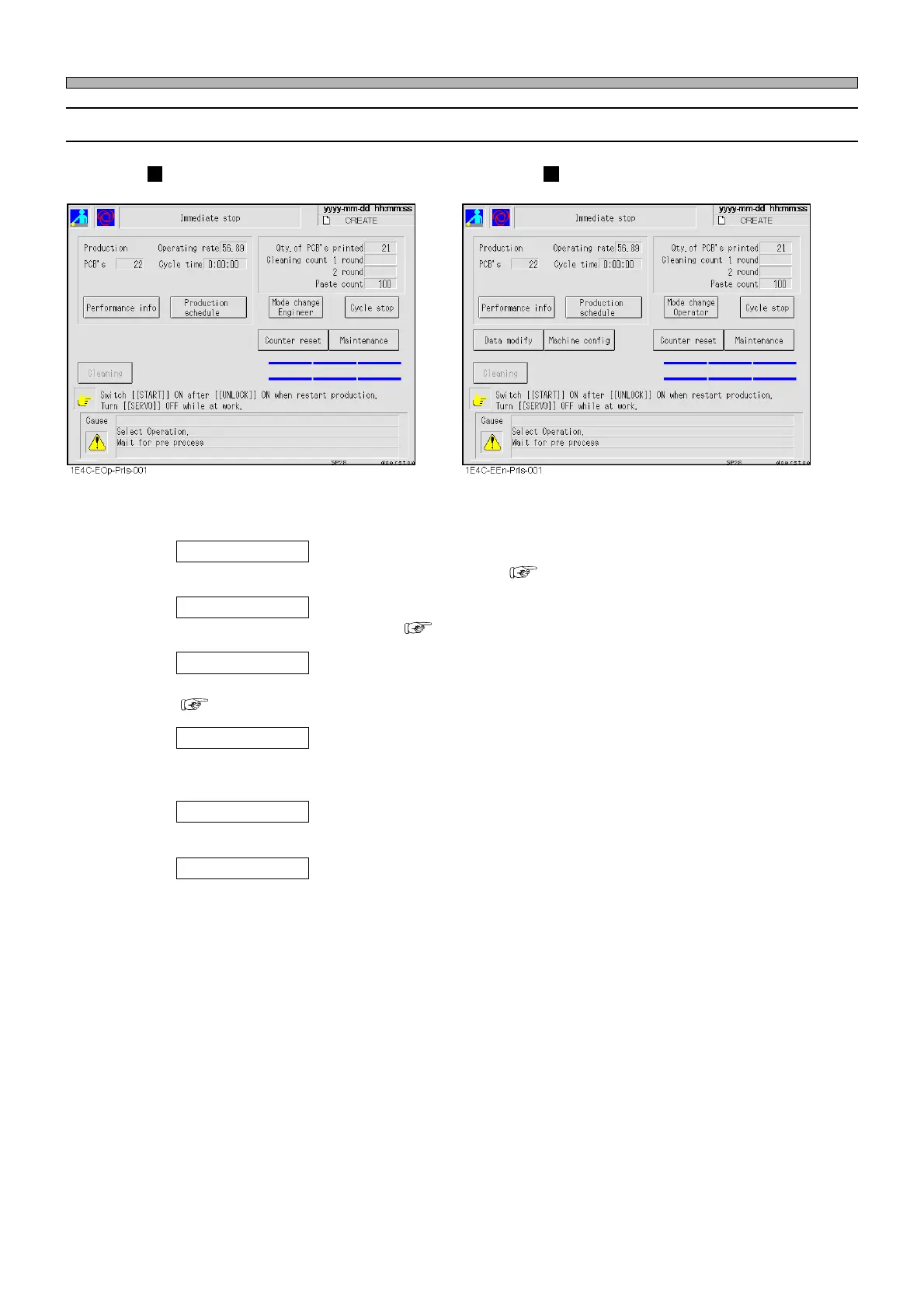
4-5-2 Functions during Production Stop
Operator mode Engineer mode
Performance info
Displays in-depth information about production. ( 3-3 Production Information)
Data modify
(When this is set “Use” in the operator customizing, it is displayed also in operator mode.)
Used to modify production data. ( Chapter 7 DATA EDITING)
Machine config
(When this is set “Use” in the operator customizing, it is displayed also in operator mode.)
Used to set the state of this machine that is independent of production data.
( 3-5 Machine Settings)
Mode change
Switches between operator/engineer mode.
∗ Switching over from operator mode to engineer mode requires the password.
Counter reset
Used to display and reset the cleaning cassette and printing count.
Maintenance
Displays the maintenance menu after an immediate stop and a cycle stop during automatic opera-
tion.
This is used to solve the problem, stop production and so on.
Production Stop
1E4C-E-OMA04-A01-01












 To Next Page