Page 4-11
DAILY PRODUCTION
4
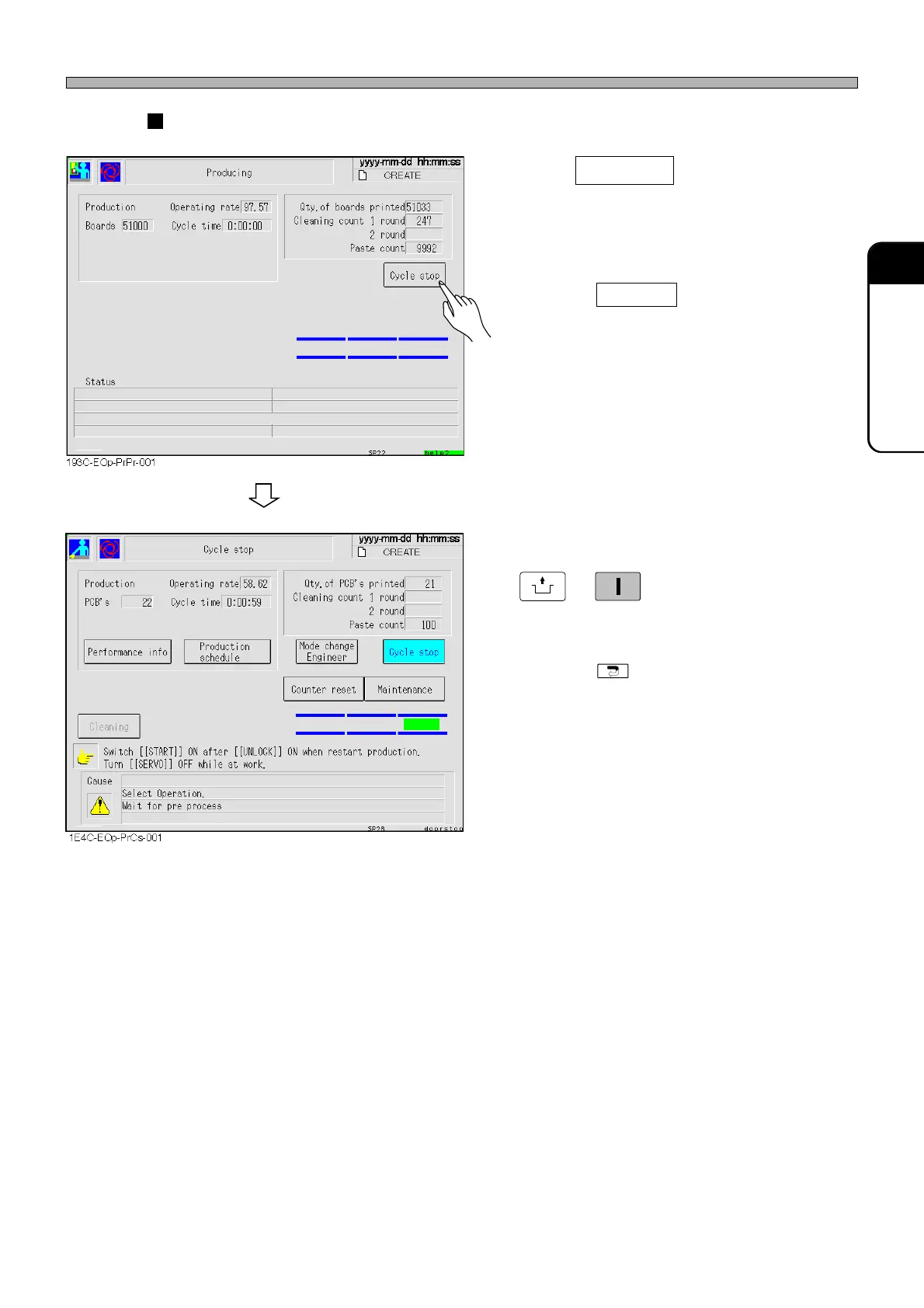
Cycle stop (For stopping production after printing the current board)
1. Press Cycle stop .
• After the current board has been printed,
production stops. And “Cycle stop” screen is
displayed.
∗ Pressing Cycle stop again before stop
cancels it.
2. When resuming production, press
UNLOCK
→
START
on the operating panel.
• Production is resumed.
∗ Pressing stops production and displays
the main menu.
Production Stop
1E4C-E-OMA04-A01-01












 To Next Page