Page 3-5
FUNCTIONS
3
3-2 Production Settings
This is used for setting requirement for production and to check the motion.
1. Press
Product
config
on the main menu.
•“Production config menu” is displayed.
∗ Pressing a function switch displays its setting
screen.
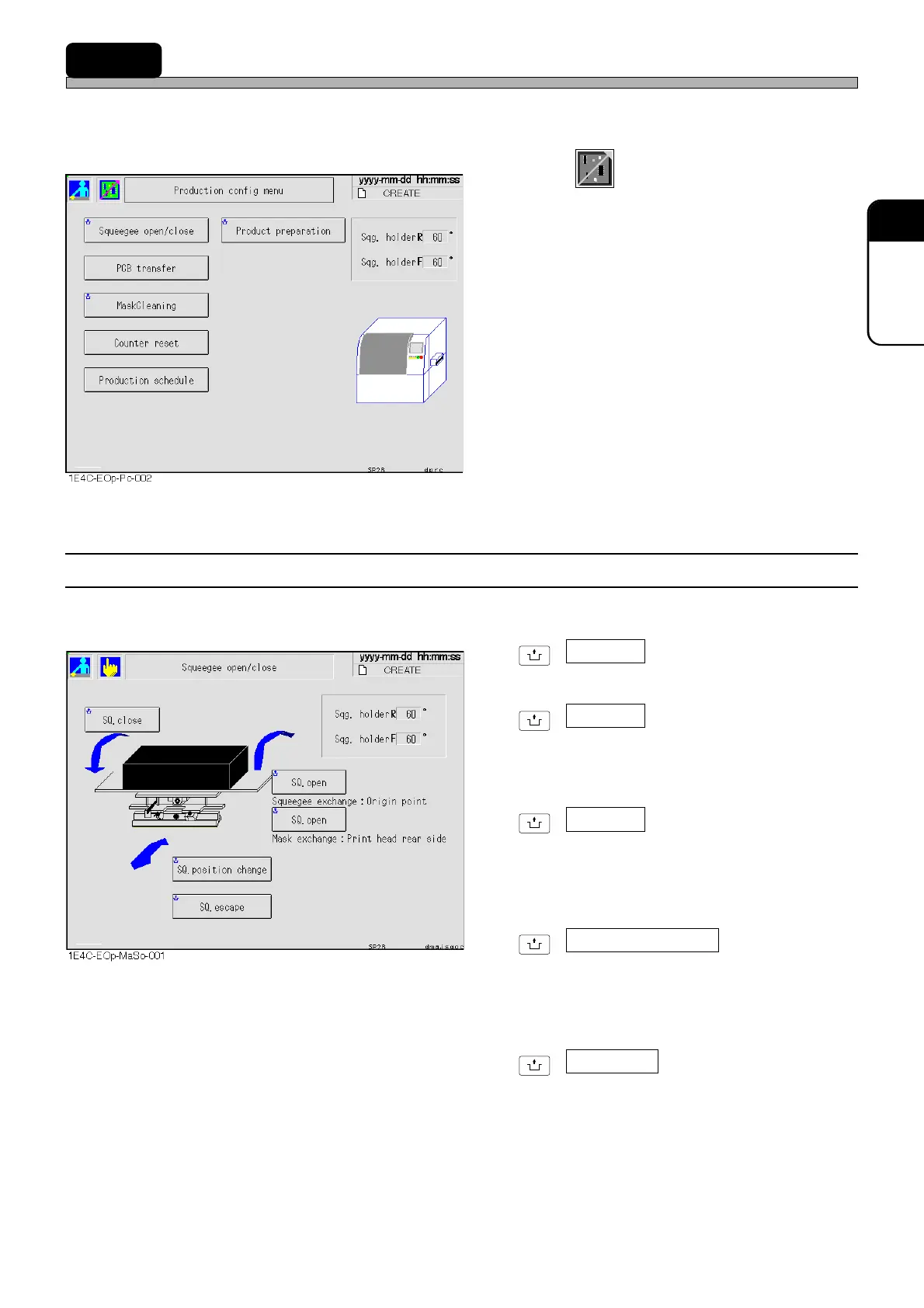
3-2-1 Squeegee Open/Close
This is used to open and close the squeegee.
UNLOCK
+ SQ. close
Closes an opened squeegee.
UNLOCK
+ SQ. open
Squeegee exchange : Origin point
Returns the squeegee to its origin and opens it.
This is used to change squeegees.
UNLOCK
+ SQ. open
Mask exchange : Print head rear side
Moves the squeegee to the inner side and
opens it.
This is used to change masks.
UNLOCK
+ SQ. position change
Moves the squeegee to the position opposite to
the current position.
The information of the current position of
squeegee will be lost.
UNLOCK
+ SQ. escape
Moves the squeegee to the position opposite to
the current position.
The information of the current position of
squeegee will be saved.
1E4C-E-OMA03-A01-01












 To Next Page