Page 4-7
DAILY PRODUCTION
4
Starting Production
4-3-3 Self-diagnosis
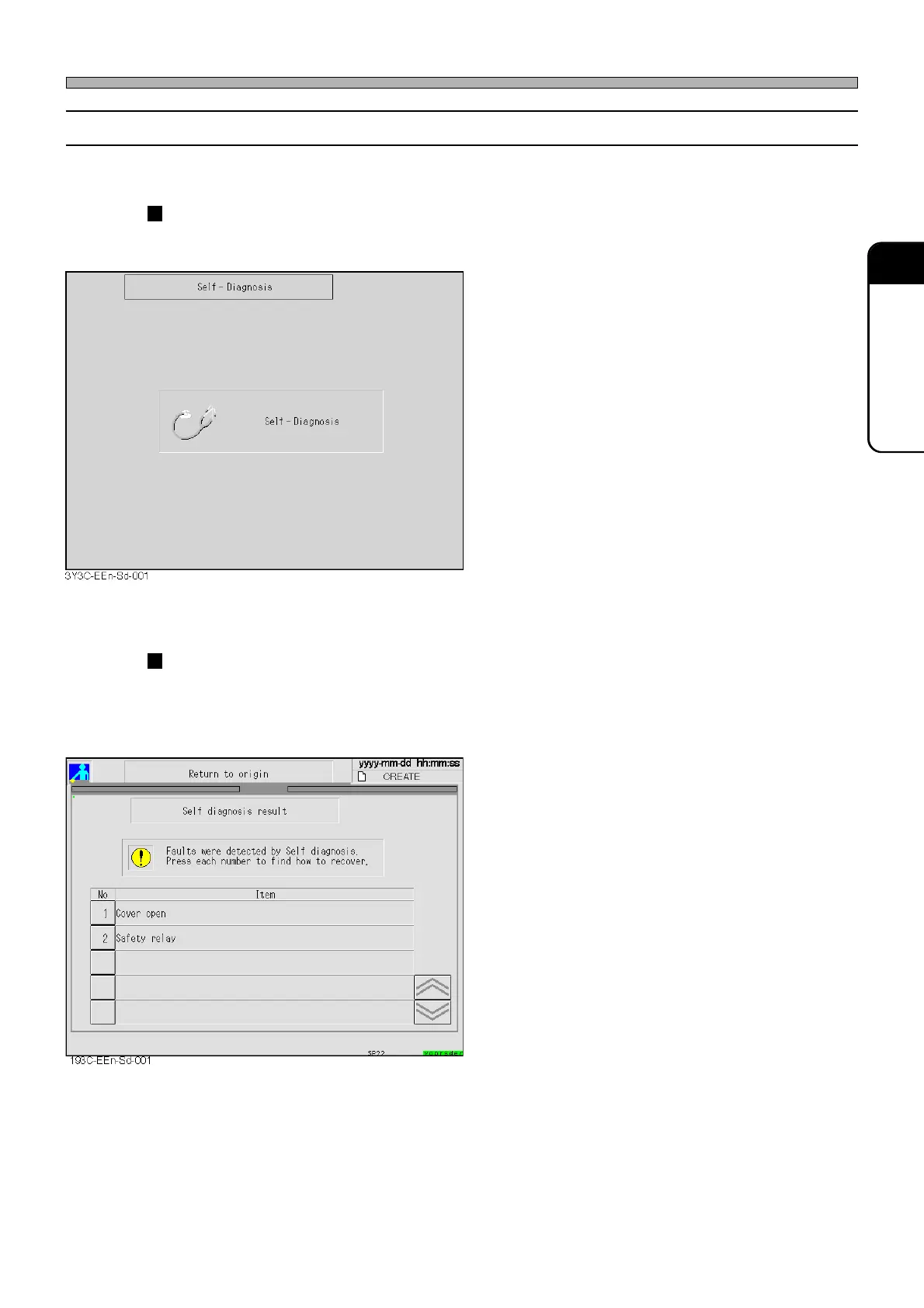
Self-diagnosis screen is displayed for a moment.
While the following screen is displayed, the state of machine is
checked automatically.
• When the state is normal, “Return to origin”
screen is displayed.
If any trouble is detected during a self-diagnosis, the following
screen is displayed.
<E.g.>
• If any trouble is detected, the trouble item is
displayed.
∗ Press the No. to display how to solve the
problem, and solve it following the instructions.
If you cannot solve the problem, refer to
“Chapter 4 ERROR MESSAGES” to solve the
trouble.
1E4C-E-OMA04-A01-01












 To Next Page