Page 3-25
FUNCTIONS
3
Machine Adjustment
3-4-10 Squeegee Open/Close
3-2-1 Squeegee Open/Close
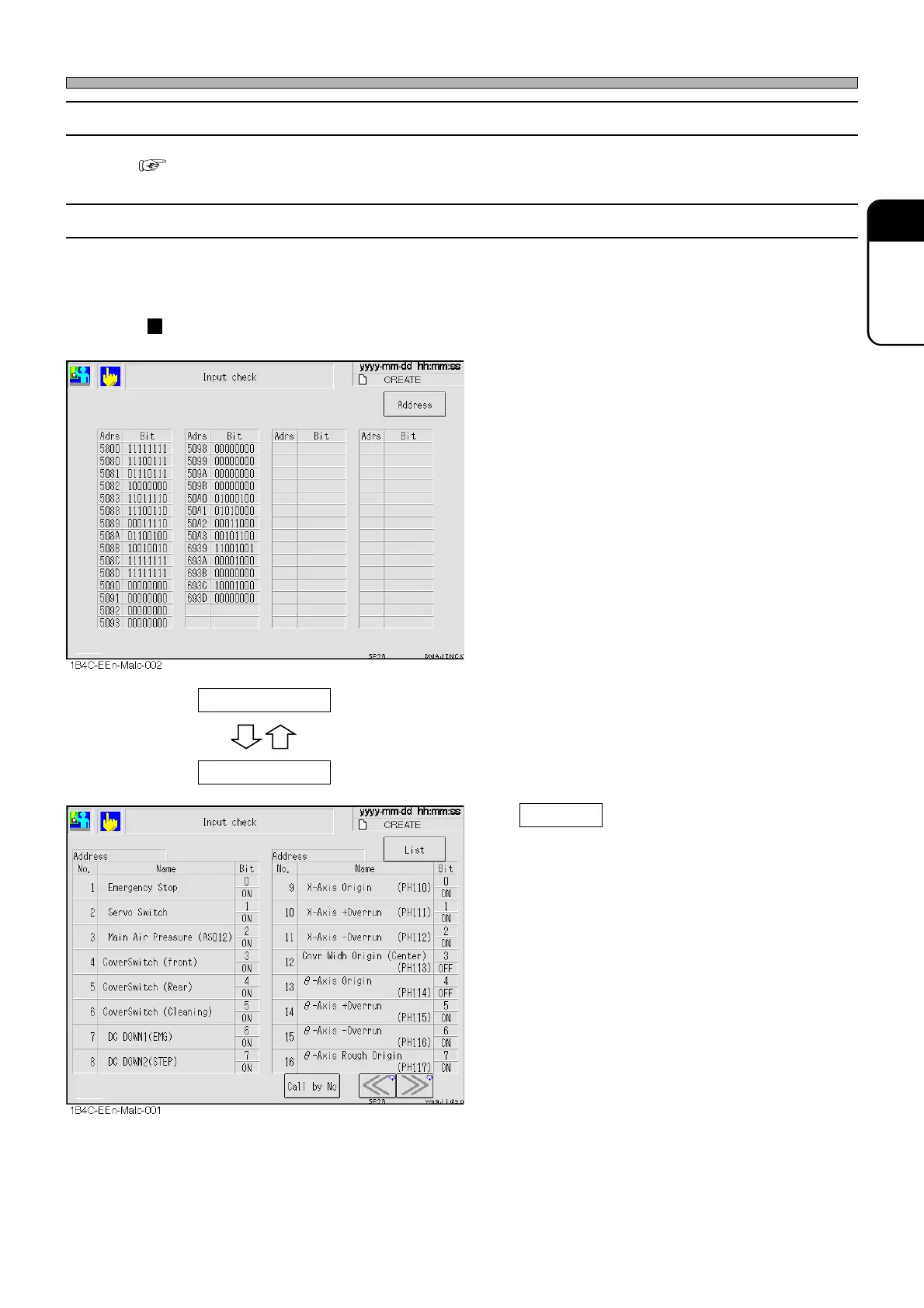
3-4-11 Input Check
All the input addresses the machine uses are sampled every other second, and their states are
displayed in bits.
List display
∗ The states of the input addresses the machine
uses are displayed with names for each bit.
Highlighted name shows its bit is ON (1).
Call by No.
Displays the address including the specified
No. at the left side of the screen.
Address
List
1E4C-E-OMA03-A02-01












 To Next Page