Page 3-28
Machine Settings
3-5-2 Setting Time
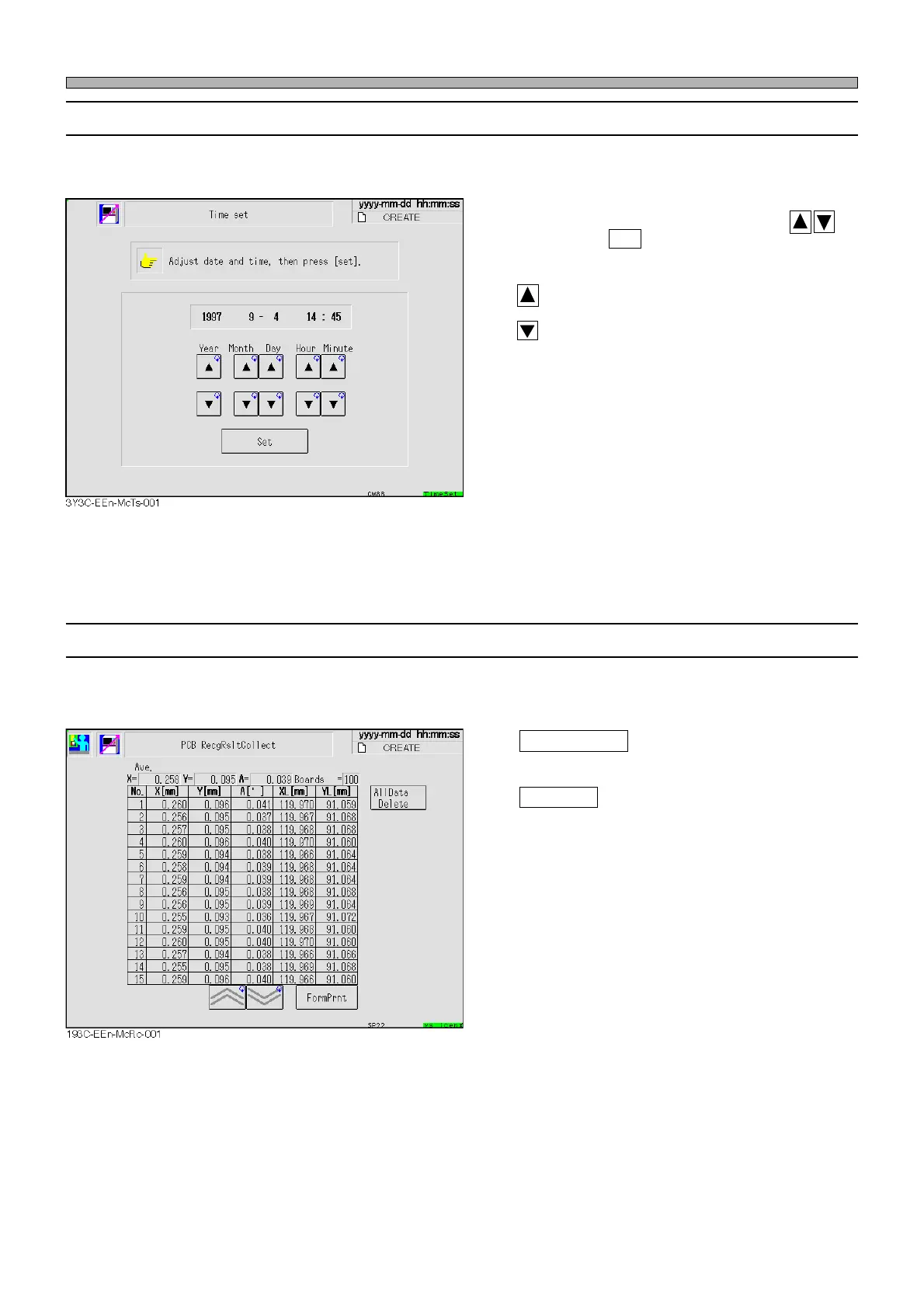
This is used to set the time of the machine.
Change the numeric value of the year, month,
day, hour and minute as needed with
, and press Set . The current time is changed.
: Forwards the time.
: Reverses the time.
3-5-3 Collecting Recognition Result
The last 100 mask/solder recognition result data are recorded.
All Data Delete
Deletes all of the 100 data.
FormPrnt
Prints out all of the 100 data.
1E4C-E-OMA03-A02-01












 To Next Page