Page 2-6
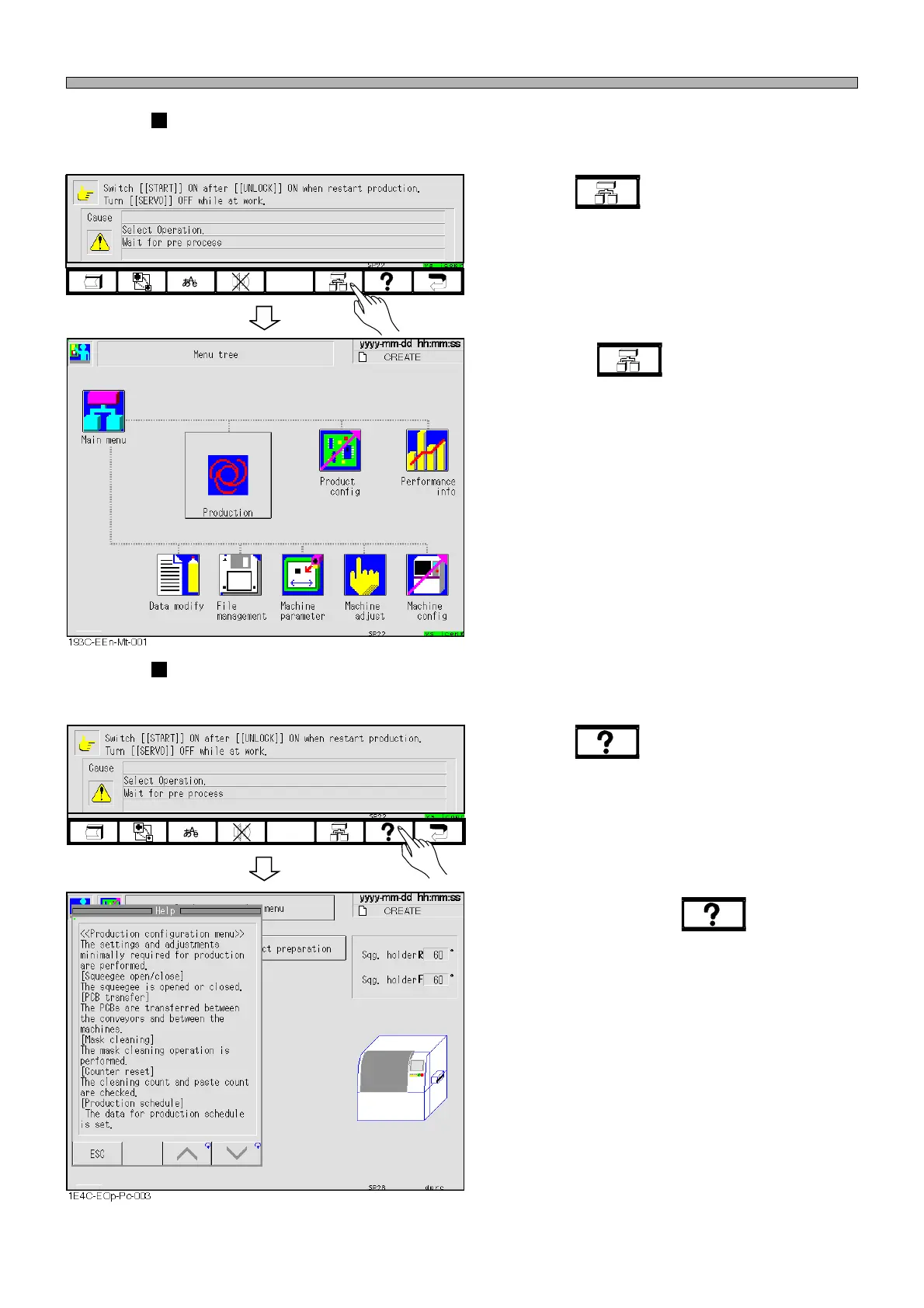
Tree jump
This key is used to jump from the current screen to another screen immediately.
1. Press .
• The menu tree screen is displayed.
∗ Pressing at any screen displays the
menu tree screen.
Help
This key is used to display an explanation or operation instruction of a function.
1. Press .
• The help screen is displayed.
∗ Every time you press , the position of
the message changes alternately (Left →
Right).
Touch Panel
193C-EOp-PrIs-001
193C-EOp-PrIs-001
1E4C-E-OMA02-A01-01












 To Next Page