Page 5-21
SETTING PRODUCTION
MATERIALS
5
How to Supply Solder
To the next page
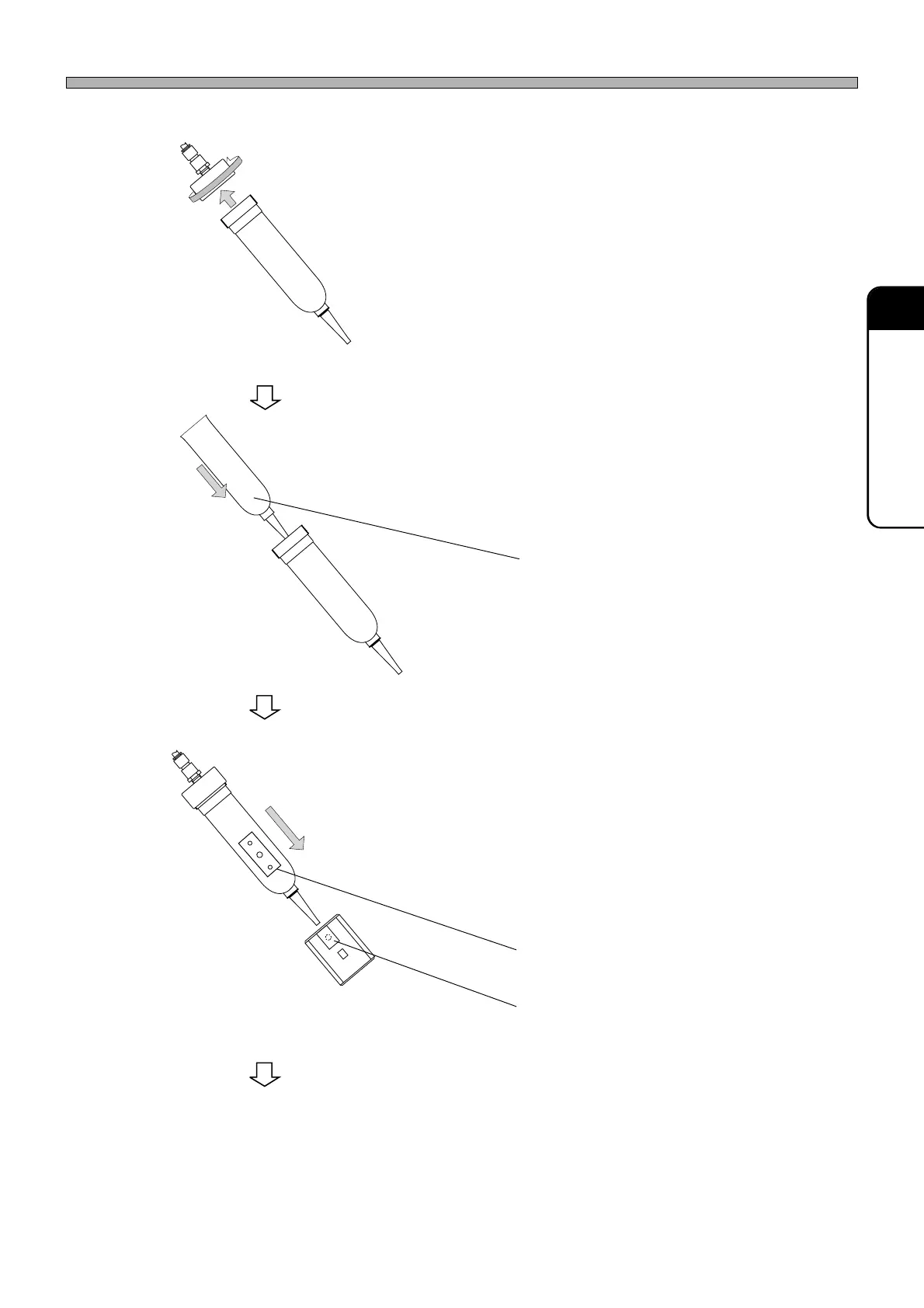
5. Remove the cap of the syringe.
6. Replace the cartridge.
∗ Remove the used cartridge from the syringe
and insert a new one.
7. Fit the cap of the syringe.
8. Insert the syringe into the holder.
∗ Insert it so that the hole will be aligned with the
position of the sensor.
1B4C-054E
1B4C-053E
1B4C-052E
Cartridge
Hole
Sensor
1E4C-E-OMA05-A02-02












 To Next Page