4
Page 37
HOW TO SEE DESCRIPTION FOR OPERATION
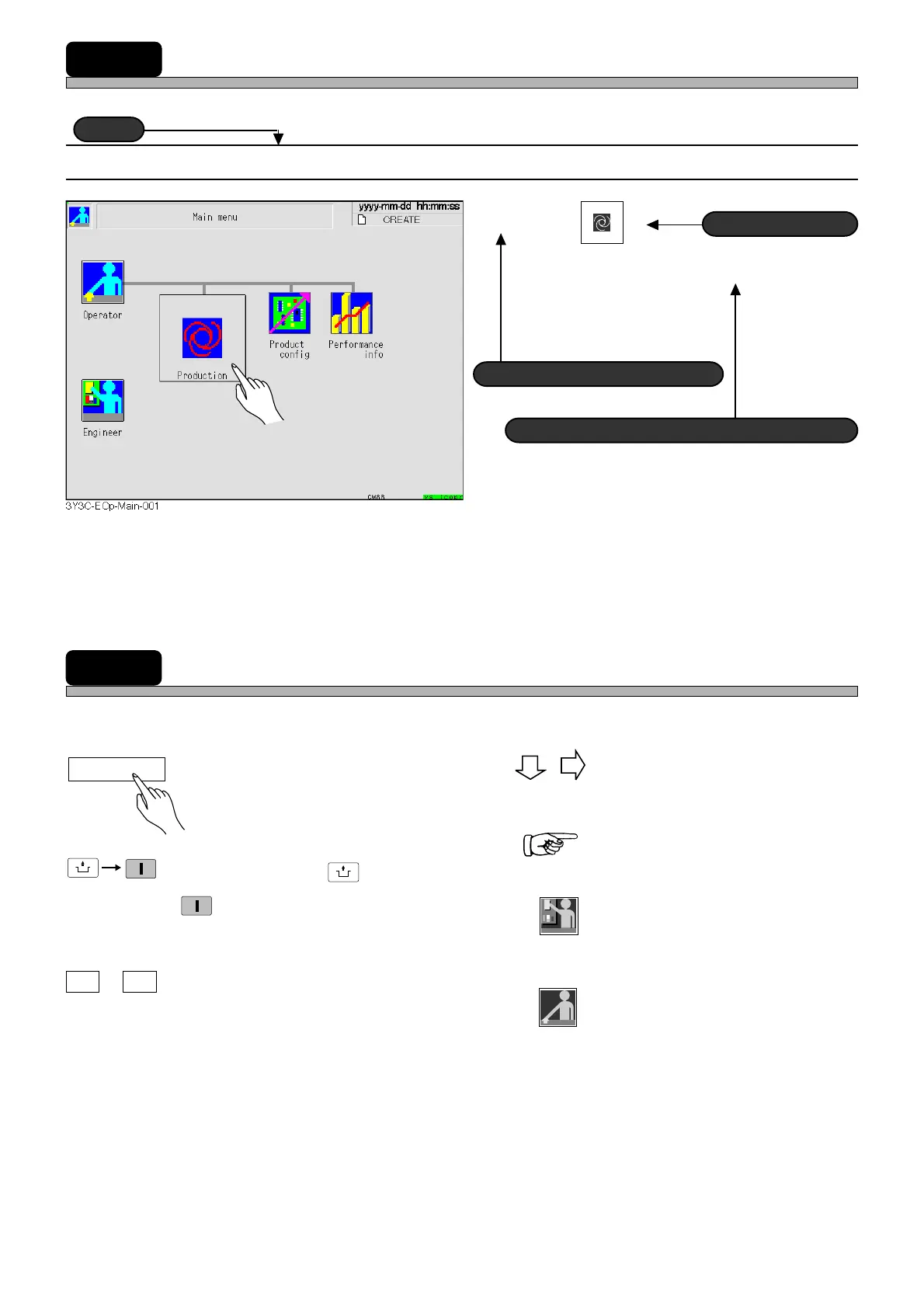
The description depends on each page, but the basic structure is as follows.
1-1-1 Starting Production
1. Press
Production
.
•“Return to origin” for all axes are carried out.
MARKS USED IN THIS MANUAL
In this manual, following marks are used for description.
Title
Actual operation
Supplementary description
Operating step number
: These show operation flow.
: This shows the reference item.
: This shows the operation by
engineers.
: This shows the operation by
operators.
: This shows pressing a key on the
touch panel.
: This means pressing
UNLOCK
and then
START
on the operating panel within
2 seconds.
: This means pressing the key B
while holding the key A.
A B
+
Return to origin
UNLOCK
START
Engineer
Operator
1E4C-E-XXA00-A04-00












 To Next Page