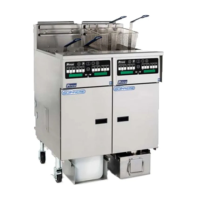
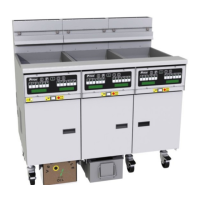
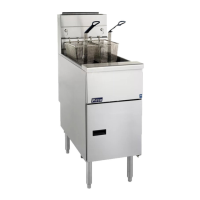
Pitco SSHLV (ROV) Gas Fryers
29 Replacing the DVI Switch (Manual Filter Only)
Photos are for illustrative purposes only and
may not be an exact match to your appliance..
1. Remove the two (2) screws, which hold the
proximity sensor on the drain handle, using a
flathead screwdriver.
2. Remove the two (2) screws, which hold the
actuator, using a flathead screwdriver.
3. Replace the DVI switch ensuring a 1/4 inch
gap between the actuator and the magnet.
4. Follow steps 1 through 3 in reverse to
reinstall a new DVI.
L22-392 Rev 1 60


 To Next Page