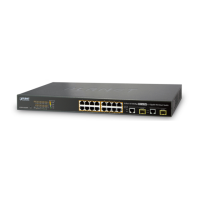
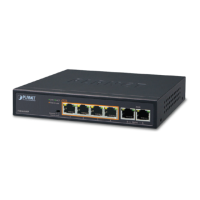
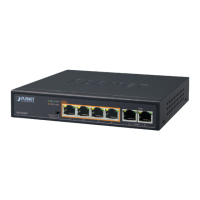
User’s Manual of FGSD-1022 Series
poe power-mode
Description:
Set poe power mode for the power supply management
Command Level
Global Configuration
Syntax:
poe power-mode{ 802.3af / 802.3at } [<port-list>]
Parameters:
<802.3af> <802.3af > Set maximum PoE output capability to 15.4Watts
<802.3at> <802.3at > Set maximum PoE output capability to 30.8Watts
<LIST> Port list, e.g. 3,6-8
PoE power-mode command has included in FGSD-1022HP only.
Example:
Switch(config)# poe power-mode 802.3at 1-8
Switch (config)# show poe
Port Admin Oper Power mode Priority Power Limit[W] Consumption[W] Current[mA] De
vice Class
----------------------------------------------------------------------------------------------------------
Port1 Enable Off 802.3at Critical 30.8 0.0 0.0 0
Port2 Enable Off 802.3at Critical 30.8 0.0 0.0 0
Port3 Enable Off 802.3at Critical 30.8 0.0 0.0 0
Port4 Enable Off 802.3at Critical 30.8 0.0 0.0 0
Port5 Enable Off 802.3at Critical 30.8 0.0 0.0 0
Port6 Enable Off 802.3at Critical 30.8 0.0 0.0 0
Port7 Enable Off 802.3at Critical 30.8 0.0 0.0 0
Port8 Enable Off 802.3at Critical 30.8 0.0 0.0 0
211



 To Next Page
 Loading...