User’s Manual of IGSW-24040T
4.13.2 Static MAC Table Configuration
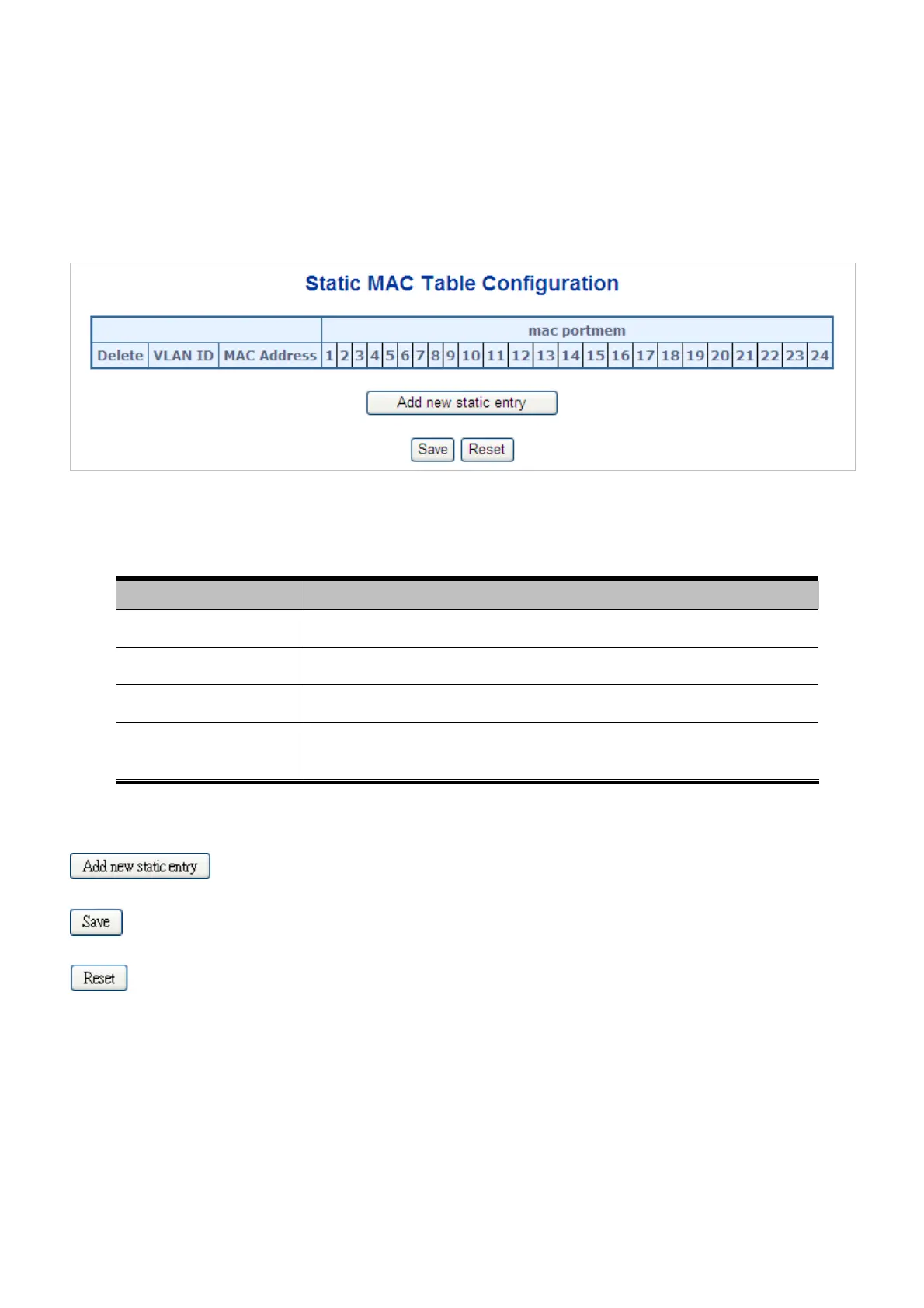
The static entries in the MAC table are shown in this table. The static MAC table can contain 64 entries.
The MAC table is sorted first by VLAN ID and then by MAC address. The Static MAC Table Configuration screen in Figure
4-13-2 appears.
Figure 4-13-2 Static MAC Table Configuration Page Screenshot
The page includes the following fields:
Object Description
Delete
Check to delete the entry. It will be deleted during the next save.
VLAN ID
The VLAN ID for the entry.
MAC Address
The MAC address for the entry.
Port Members
Checkmarks indicate which ports are members of the entry. Check or uncheck as
needed to modify the entry.
Buttons
: Click to add new entry.
: Click to save changes.
: Click to undo any changes made locally and revert to previously saved values.
4.13.3 MAC Address Table Status
Dynamic MAC Table
Entries in the MAC Table are shown on this page. The MAC Table contains up to 8192 entries, and is sorted first by VLAN ID,
then by MAC address. The MAC Address Table screen in Figure 4-13-3 appears.
268



 To Next Page
 Loading...










