Point Grey Flea3 USB 3.0 Technical Reference 7 Imaging Parameters and Control
7 Imaging Parameters and Control
7.1 Overview of Imaging Parameters
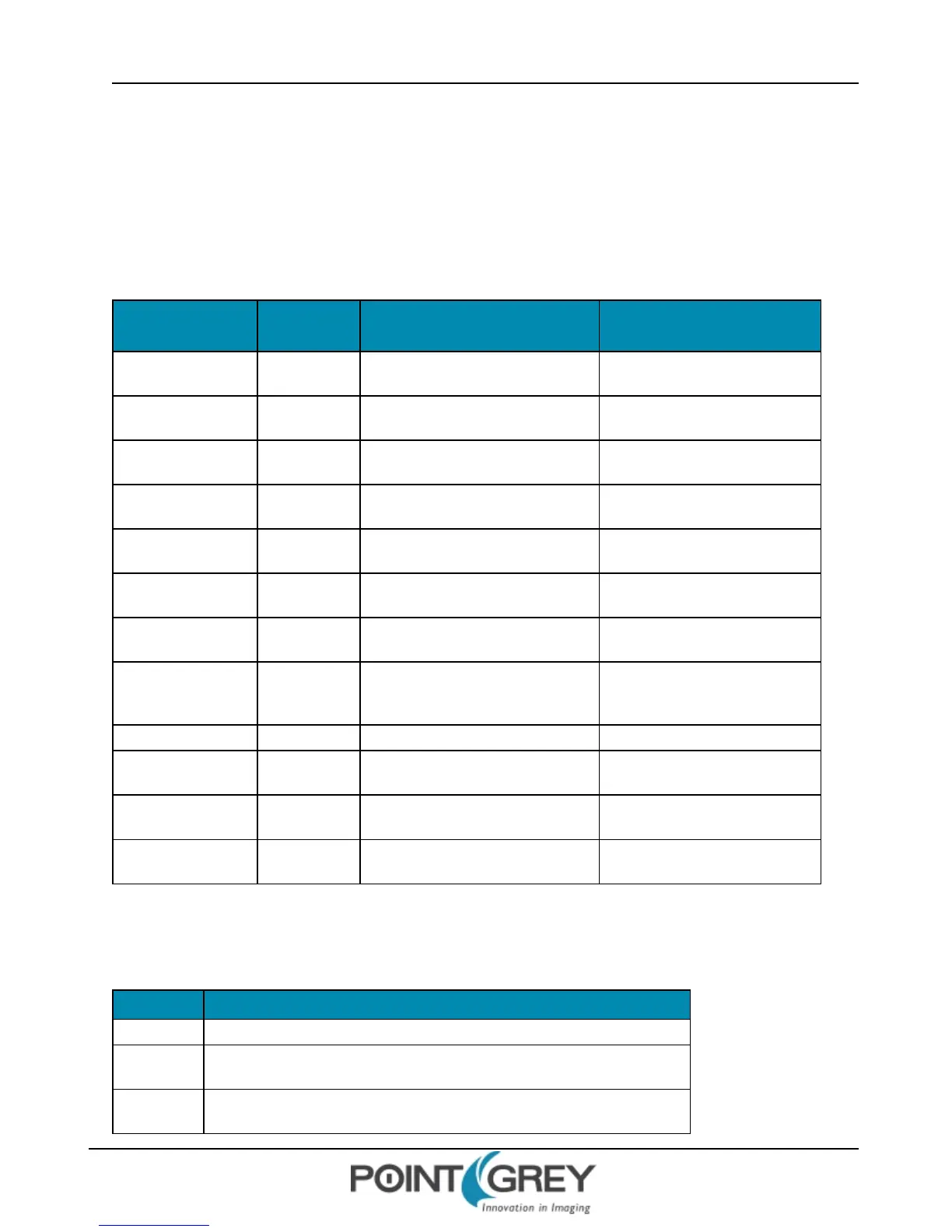
The camera supports control over the following imaging parameters:
Imaging
Parameter
More
Information
Register Control FlyCapture API Examples
Brightness page 95 BRIGHTNESS: 800h on next page
Example: Setting Brightness Using
the FlyCapture API on page 96
Gain page 96 GAIN: 820h on page 97
Example: Setting Gain Using the
FlyCapture API on page 98
Saturation (color
models only)
page 98 SATURATION: 814h on page 98
Example: Setting Saturation Using
the FlyCapture API on page 99
Hue (color models
only)
page 100 HUE: 810h on page 100
Sharpness page 101 SHARPNESS: 808h on page 102
Example: Setting Sharpness Using
the FlyCapture API on page 103
Gamma page 103 GAMMA: 818h on page 105
Example: Setting Gamma Using the
FlyCapture API on page 106
Lookup Table page 103
LUT: 80000h – 80048h (IIDC1.32) on
page 106
White Balance (color
models only)
page 109 WHITE_BALANCE: 80Ch on page 110
Example: Setting White Balance
Using the FlyCapture API on page
110
Shutter page 111 SHUTTER: 81Ch on page 112
Bayer Color Processing
(color models only)
page 117
BAYER_TILE_MAPPING: 1040h on page
118
Example: Accessing Raw Bayer
Data using FlyCapture2 on page 118
Image Mirror/Flip page 119
MIRROR_IMAGE_CTRL: 1054h on page
119
Embedded Image
Information
page 119 FRAME_INFO: 12F8h on page 120
Most of these imaging parameters are defined by modes and values.
There are three modes:
Mode Description
On/Off Determines if the feature is on. If off, values are fixed and not controllable.
Auto/Manual
If the feature is on, determines if the feature is in automatic or manual mode. If
manual, values can be set.
One Push
If the feature is in manual mode, the camera executes once automatically and
then returns to manual mode.
Revised 9/27/2012
Copyright ©2011-2012 Point Grey Research Inc.
94



 To Next Page