Point Grey Flea3 USB 3.0 Technical Reference 4 Input/Output Control
Title Article
Configuring and testing the RS-232 serial port
Knowledge Base Article 151
Related Knowledge Base Articles
SIO Buffers
Both the transmit and receive buffers are implemented as circular buffers that may exceed the 255 byte maximum.
n The transmit buffer size is 512 B.
n The receive buffer size is 8 KB.
Block reads and writes are both supported. Neither their length nor their address have to be 32-bit aligned or divisible
by 4.
4.5.1 Serial Output Transaction (Transmitting Data)
A general overview of the steps for a serial output transaction, where the camera is transmitting data to a receiving
serial port, is as follows:
1. In TRANSMIT_BUFFER_STATUS_CONTROL register 7000Ch, read the available data space of the current
transmit buffer TBUF_ST field.
2. Write characters to the SIO_DATA_REGISTER 70100h.
3. In TRANSMIT_BUFFER_STATUS_CONTROL register 7000Ch, write the valid output data length to the TBUF_CNT
field to start transmit.
4. To output more characters, repeat step 1.
4.5.1.1 Example: Transmitting Characters to a PC
This example describes how to send four (4) characters from the camera to the serial port on a PC. Microsoft’s
HyperTerminal program (Start Menu > All Programs > Accessories > Communications) is used to display the
characters received from the camera.The process detailed by the table below involves the user enabling transmit,
verifying that the transmit buffer is ready, writing four characters to the transmit buffer via the data access registers
and then verifying that the characters are ready before finally transmitting them.
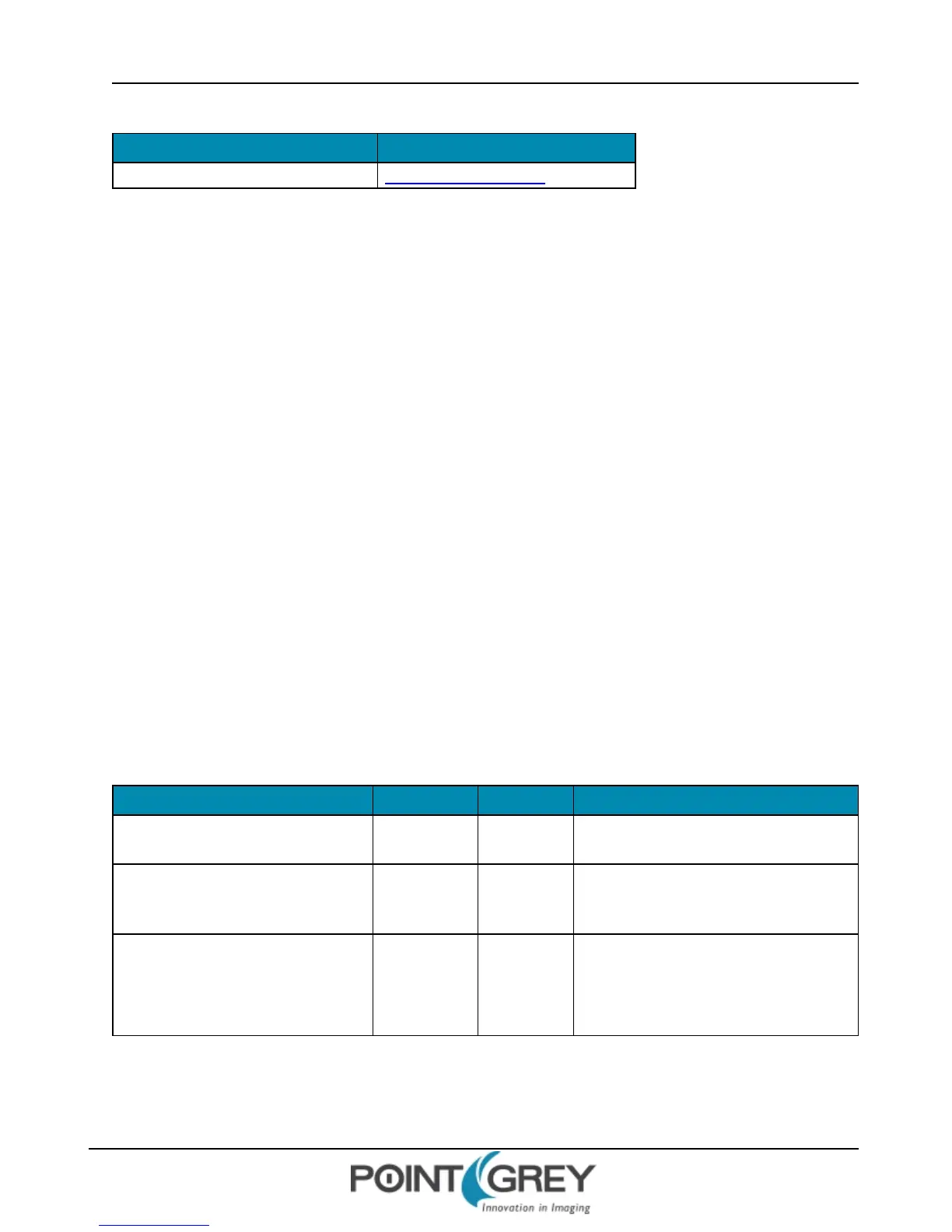
Step Action Register Input/Expected Output
1. Plug the camera in and start
FlyCap.
2. Open the Camera Control
Dialog and select the Register
tab.
3. Get the current baud rate,
character length setting, parity
setting and stop bit setting.
Get Register 0x70000
0x060800FF
n 0x06 = 19200bps
n 0x08 = 8bit, no parity, 1 stop
n 0xFF = 255 byte buffer
Revised 9/27/2012
Copyright ©2011-2012 Point Grey Research Inc.
52



 To Next Page